Local Deployment of MiniMax Open-Source Video Model: Hands-On with the Lazy Cat AI Station One-Click Solution

One-click local deployment of MiniMax video model via Lazy Cat Model Store — pay only for electricity.
This article breaks down a turnkey local video model deployment solution for everyday content creators: one-click installation of MiniMax's video model via the Lazy Cat Model Store, GPU compute from a Thunderobot T5000 AI station, and a free graphical WebUI for interaction. Tests show 640P/5s videos render in ~38 seconds, while 1344P/15s HD output delivers strong visual quality. The solution's core appeal is bundling model, compute, and UI into a ready-to-use package with no per-use fees — just electricity costs — making it well-suited for high-volume AI short video and comic series production.
A New Approach to Local Video Model Deployment
Open-source video generation models have been generating serious buzz lately, and MiniMax's video model has sparked plenty of curiosity. But once people actually sit down to try it, many find that building the environment from scratch, configuring compute resources, and debugging the inference pipeline is far from straightforward — the technical barrier is real. This article breaks down a relatively complete local deployment solution demonstrated by a Bilibili content creator, showing how the "Lazy Cat Model Store" paired with an AI compute station enables one-click installation and GUI-based inference.
The core value here isn't the model itself — it's that the solution bundles "model + compute + UI" into a ready-to-use package, eliminating the setup headaches that stop most users before they even get started.
One-Click Installation: Lowering the Deployment Barrier
According to the demo, users don't need to manually pull model weights or configure dependency environments. Instead, they simply select the desired model in the "Lazy Cat Model Store" and click install. The entire process is wrapped in an app-store-like experience — highly approachable for users unfamiliar with command-line tools or deep learning frameworks.
On the hardware side, the solution runs on a Thunderobot T5000 AI compute station. The creator highlighted its "impressively fast spin-up speed," referring to model loading and inference response efficiency. The station also supports deploying two models simultaneously on a single machine (e.g., running the video model alongside Qwen 3.8B in parallel), providing meaningful concurrency for multi-task workflows.
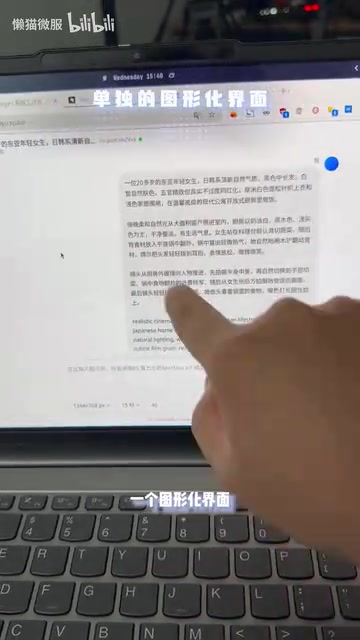
AI compute stations are edge computing devices purpose-built for AI inference. They typically integrate high-performance GPUs (such as NVIDIA RTX series), large memory capacity, and local storage, and can operate independently in an office or home environment without relying on public cloud. Compared to cloud GPU instances, compute stations keep data local, eliminate network latency, and remove the pressure of per-hour billing — at the cost of a higher upfront hardware investment (typically ranging from a few thousand to tens of thousands of dollars). The Thunderobot T5000 sits in the consumer/prosumer product tier, targeting content creators and small teams who have sustained compute needs but don't want to deal with the operational complexity of enterprise-grade servers.
Generation Quality: Real-World Results from Low-Res to High-Res
The demo showcased two sets of actual generation results as performance benchmarks.
Fast Output Mode
The first clip was a 640P resolution, 5-second video generated in approximately 38 seconds, complete with audio and motion. The resolution is on the lower end, but the speed is the point — ideal for rapid concept validation or high-volume iteration.
High-Definition Mode
The second clip was a 1344P resolution, 15-second video, also with audio. The creator repeatedly emphasized the "exceptionally refined visual quality" of this output, indicating that the model delivers strong results for longer, high-resolution videos — suitable for final deliverables where production quality matters.

The contrast between these two modes illustrates a practical principle: users can flexibly trade off speed for quality based on their needs — low-res mode for rapid prototyping, high-res mode for final production.
MiniMax's video model (also known externally as Hailuo AI) is a text-to-video and image-to-video model from MiniMax that gained attention in late 2024 and early 2025 for its strong motion fluidity and audio-visual synchronization. The model can generate video clips from text prompts or reference images while simultaneously producing ambient sound effects — a relatively rare capability among comparable open-source/open-weight models. Local deployment typically requires substantial VRAM (high-resolution mode may need 24GB or more), which is exactly why pairing it with dedicated compute hardware rather than a standard consumer GPU is the technical rationale behind these integrated solutions.
Architecture Breakdown: How Software and Compute Work Together
Understanding this solution comes down to its layered design. The graphical WebUI runs on a cloud/server environment like LC03, where users enter prompts to trigger generation; the actual model inference is handled by the backend compute station.
In other words, the WebUI handles interaction while the compute station handles computation — the two are decoupled. The benefit of this architecture is that users always interact with a clean graphical interface without needing to care about how the underlying model is scheduled or executed. The creator specifically noted that the WebUI software itself is free, with hardware purchase being the primary cost.
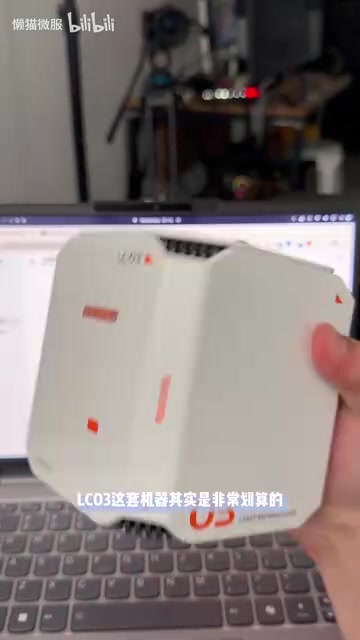
In the AI model deployment space, a WebUI (Web User Interface) typically refers to a browser-accessible graphical frontend — well-known examples include AUTOMATIC1111 or ComfyUI for Stable Diffusion. Users fill in prompts and adjust parameters in a browser; requests are sent via HTTP to a backend inference service, which uses the GPU to complete computation and returns results to the frontend. The key advantage of this architecture is physical decoupling between the frontend and compute — the WebUI server can be lightweight, even running on a low-power machine, while resource-intensive inference tasks are handled by dedicated compute nodes. For the end user, the experience is nearly identical to using an online SaaS product, except that both the compute and the data remain on hardware they control.
User Experience and Cost Model
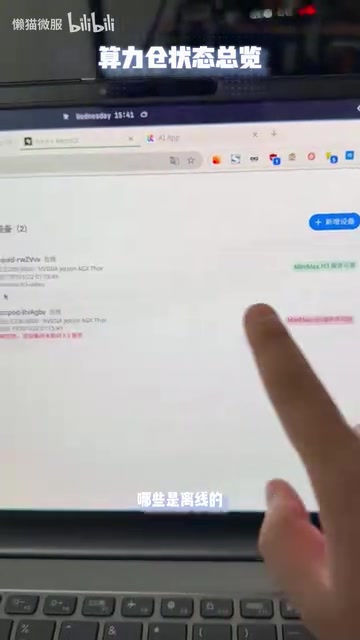
Beyond generation, the solution includes a video management interface where all generated videos are centrally archived. Users can view associated prompts, generation timestamps, and preview or download videos directly. Active and offline status for deployed compute station devices is also displayed in real time, making multi-device management straightforward.
On the cost side, the solution's biggest selling point is "you only pay for electricity." Local deployment means no credit systems, no per-generation fees, and no subscription thresholds common with cloud services — devices can run 24/7 continuously. For AI comic series creators and short-video producers who need high-volume output, the model of a one-time hardware investment with no ongoing usage costs becomes significantly more economical at scale.
Who Is This Solution For?
Objectively speaking, this is a "turnkey" solution aimed at content producers. The typical user profile includes:
- Creative teams producing AI short videos or AI comic series at volume
- Users sensitive to data privacy or long-term costs who prefer local deployment
- Individuals without deep learning engineering skills who want to use open-source video models
Worth noting: the demo carries a noticeable product promotion angle. For generation quality, model stability, and real-world concurrency performance, we'd recommend thorough hands-on testing before making a purchasing decision. That said, for the core goal of lowering the deployment barrier, the combination of "model store + compute station + graphical interface" does offer a noteworthy path to local deployment worth keeping an eye on.
Related articles
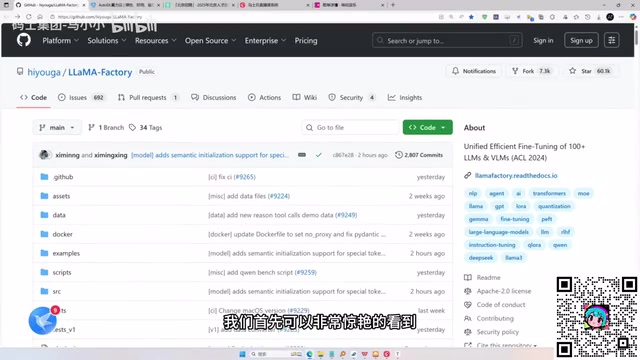
LLaMA-Factory in Practice: A Complete No-Code Guide to Fine-Tuning Large Models
An introduction to LLaMA-Factory, the open-source fine-tuning tool: its 60.1K-star background, supported models and algorithms, local vs. cloud deployment, and CUDA setup steps.
Zeng Ming's Deep Retrospective: Why OpenAI May Not Be the Ultimate Winner — and Why the Corporate System Will Disappear
Zeng Ming's deep retrospective on the AI endgame: model companies are just infrastructure, OpenAI and Anthropic won't be the final winners; the next battle is the Agent entry point standard; the corporate system will disappear as AI restructures collaboration, and only mission-driven companies can survive the cycle.
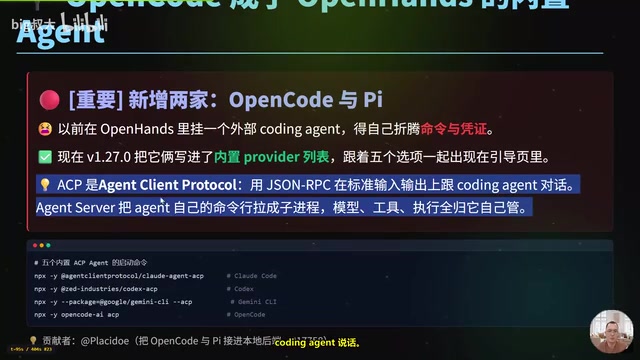
OpenHands v1.28.0: OpenCode and PI Added as Built-in Agents, API Keys Requestable In-Conversation
OpenHands ships 5 releases in 21 days: v1.27.0 adds OpenCode and PI as built-in agents, v1.28.0 enables in-chat key requests. ACP integration, credential reuse, model list changes, and upgrade advice.