Local Gemma Vision Model Fills Map Gaps: Planning 'Always a Seat Nearby' Walking Routes for People with Knee Pain
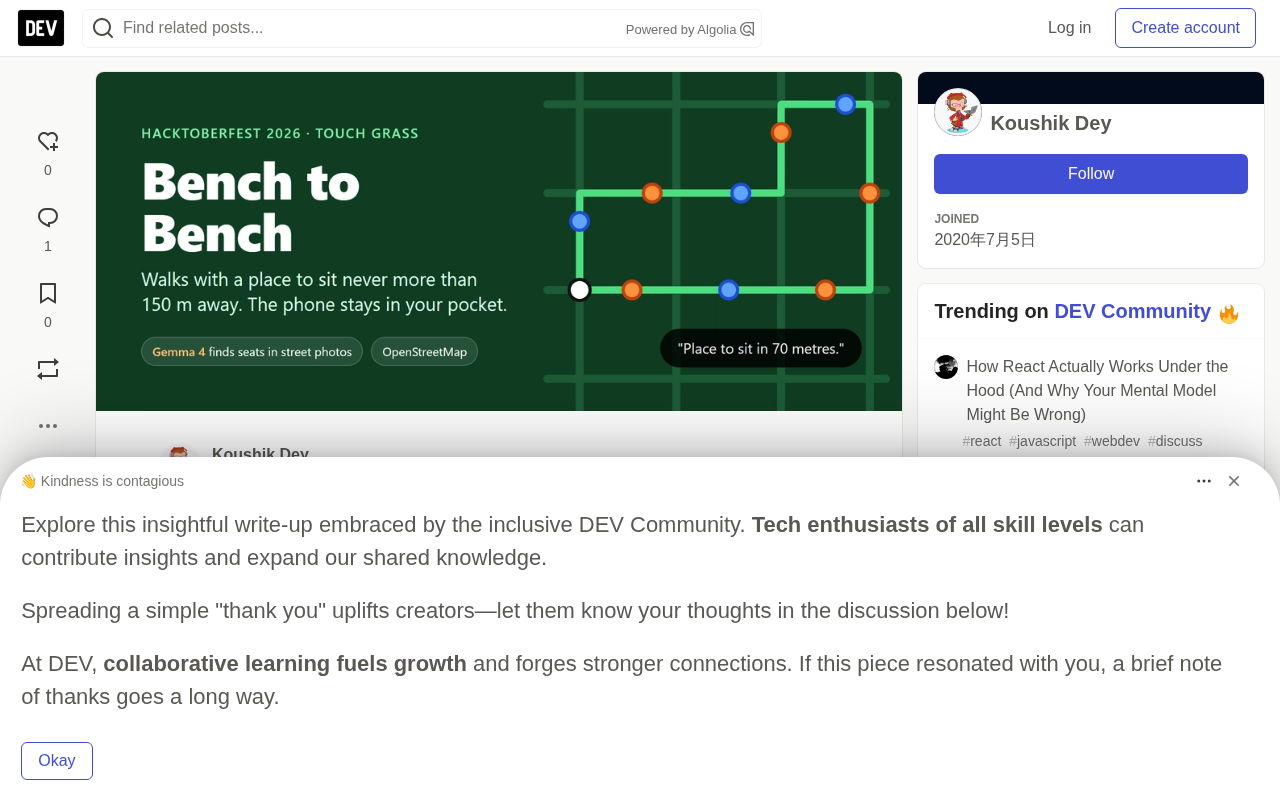
Local Gemma vision model analyzes street photos to plan accessible walks with seating every 150m for people with knee pain.
Bench to Bench is an open-source walking navigation app built by developer Koushik for his father, who has knee pain. Rather than optimizing for shortest path, it ensures a place to sit every 150 meters while avoiding stairs and rough surfaces. The core engineering challenge was a data gap: Mainz, Germany had 431 benches in OpenStreetMap, while Kolkata's Kalighat-Hazra neighborhood had zero — despite having seats everywhere in practice. The solution: a locally-run Gemma vision model analyzes Mapillary street photos via Ollama, identifying 7 real seating spots from 165 images and enabling a 254-meter walkable loop. Gemma handles perception only; all routing decisions go to deterministic code — a design choice validated by manual testing showing Gemma outperforms maps at finding seats but underperforms a "always say no" baseline for detecting steps and shade.
A Real Need: "Where Can I Sit?"
Most walking navigation apps care about distance and time — but for an elderly person with knee pain, the real question has never been "how far," it's "where can I sit down when I get tired?" The open-source project Bench to Bench, built by developer Koushik for his father, starts from exactly this angle — one that mainstream maps have long overlooked.
The app plots a short loop around your current location, guaranteeing a place to sit every 150 meters or less, while avoiding stairs, gravel, and cobblestone surfaces throughout. The interface is minimal: grant location access, choose a route length, tap start, then let the screen go dark and slip your phone into your pocket — voice prompts handle the rest. "Seating in 70 meters." "Turn left in 30 meters." "Halfway there, the return is equally flat." The screen lights up for only about ten seconds total; the rest of the time belongs to the outdoors.
The Same App, Two Cities, a Stark Divide
One of the most interesting aspects of the project is the sharp contrast the author discovered after testing in two locations.
In Mainz Neustadt, Germany, OpenStreetMap already had 431 benches mapped. The app could directly plan multiple loops — 590 m, 987 m, and 1,294 m — with the longest unseated stretch being just 149 meters. Sufficient map data meant everything worked seamlessly.
But in Kalighat-Hazra, Kolkata, India, the number of sitting spots recorded in OpenStreetMap was — zero. Based on map data alone, the app could only conclude: "No safe route can be planned here." Yet anyone who has walked through Kolkata knows this is wrong: tea stall benches, shop steps, raised platforms, low walls — there are places to sit everywhere. They've simply never been added to any map.
This data gap is exactly where the local vision model Gemma steps in.
Core Architecture: Gemma "Sees," Deterministic Code "Decides"
One principle runs through the entire project: Gemma only describes what's in a photo; all routing decisions are handled by deterministic code. This rule shapes every implementation choice.
The workflow has five steps:
- Street processing: Walking graph built from OpenStreetMap data via the Overpass API. Code filters out stairs, gravel, cobblestones, private paths, and segments with gradients above 6%. In Mainz alone, this removed 1.4 km of steps and 3.4 km of rough surfaces.
- Photo retrieval: 165 street-level photos pulled from Mapillary for the Kalighat-Hazra area.
- Gemma visual analysis: Gemma 4 E4B runs locally via Ollama on the author's RTX 5060 laptop, analyzing each photo and responding in a fixed JSON format — is there seating, what type, are there steps, is the surface damaged, is there shade, plus a one-sentence reason. Code validates every response; photos with malformed output are logged as failures, never guessed at.
- Route planning: A seeded search algorithm hops between seating spots, accepting only loops where every segment is under 150 meters. Gemma plays no role in this step.
- Walking experience: A static webpage downloads street and seating data within 900 meters of your location, plans routes in-browser using the same rules, GPS snaps you to the path, and Chrome's built-in speech synthesis delivers voice prompts.
Kolkata results: Gemma identified 7 sitting spots from 165 photos (mostly low platforms and ledges in front of shops, plus a chair outside one storefront). From these, the app planned a 254-meter loop with no point more than 69 meters from a seat. With map data alone, nothing could be planned at all.
Overpass API is a read-only query interface within the OpenStreetMap ecosystem. It lets developers extract geographic features from a specific area using SQL-like syntax — for example, "all nodes tagged
amenity=benchorleisure=pitchwithin this bounding box." Unlike downloading a full regional map dump, Overpass API supports fine-grained conditional filtering, making it ideal for extracting walkability-related attributes (surface type, gradient tags, accessibility properties, etc.). Mapillary is a crowdsourced street-level imagery platform where everyday users upload photos taken with smartphones or dashcams. Anyone can retrieve images and their GPS coordinates for free via its API. Unlike Google Street View, Mapillary data is fully open, allowing developers to download images locally and feed them to a locally running vision model — no data ever needs to leave for a third-party service. All 165 photos of Kalighat-Hazra came from Mapillary, which also directly determines the geographic ceiling of what the analysis can cover.
An Honest Limitation: Data Coverage Is the Real Ceiling
The author doesn't sidestep why the route is so short. All 157 recent photos of the area were taken by the same single person, covering only about 40 points across a few streets. Eight surrounding neighborhoods have no recent photos at all. In other words, Gemma can only find seating where someone has already taken a photo. Routes of 600 m or 1 km simply aren't achievable. No matter how capable the model, it can't fill real-world data voids.
Manual Validation: How Reliable Is Gemma?
To assess Gemma's recognition quality, the author hand-labeled 40 Mainz street photos before looking at the model's answers, then compared results. The findings are illuminating:
| Question | Always Answer "No" | Gemma 4 E4B | Gemma 4 E2B |
|---|---|---|---|
| Is there seating? | 92% | 95% | 95% |
| Are there steps/high curbs? | 100% | 60% | 98% |
| Is the surface damaged? | 100% | 100% | 100% |
| Is there shade? | 95% | 35% | 45% |
On the task of "find the 3 real seats": Gemma 4 E4B found 2 and had 1 false positive; E2B found 1 with zero false positives; the map (using benches within 15 m of the camera as ground truth) found 1 but had 4 false positives.
Several key takeaways:
- For detecting seating, Gemma outperformed the map on the same photos. Benches marked within 15 m in the map were often behind the camera; Gemma only reports what it can actually see.
- For detecting steps and shade, Gemma actually lost to the "always answer no" baseline. E4B falsely reported steps in 16 photos with no steps, and shade in 26 photos with no shade. As a result, the route planner only uses Gemma's seating answer — this is the precise justification for the "model sees, code decides" principle.
- Only 3 of the 40 photos actually contained seating, making the sample very small. The author also labeled Mainz rather than Kolkata, so Kolkata seating has not yet been manually verified.
- On speed: E4B averaged ~0.9 seconds per image, E2B ~0.6 seconds — 165 photos completed in under three minutes.
Engineering Pitfalls Along the Way
Real engineering logs are often more valuable than polished demos. The author honestly documents the problems encountered: E4B crashed the model server twice on first load (error 0xc0000409) because the model only partially fit in available VRAM — the first image took 77 seconds before stabilizing at ~1 second per image, so the script was updated with failure-and-retry logic. The app was once far too chatty — with Kolkata seats spaced roughly 20 meters apart, a 254-meter practice walk triggered 23 voice prompts; this was revised to announce only the next seat and say "arrived" no more than once every 40 meters, bringing it down to 12. There were also z-index issues where the map layer covered the dark-screen walking interface, and an ElevenLabs free account getting suspended for "unusual activity" — prompting a switch to the phone's built-in offline speech synthesis.
The author also states plainly: no one has actually walked a route yet. All testing was done at home using simulated walking. He would rather say so honestly than fabricate a real-world walkthrough.
Why "Open AI" Matters Especially Here
This project vividly demonstrates several advantages of local open-source models. Street photos from someone's father's neighborhood never leave the laptop — Gemma runs entirely on the local GPU via Ollama, with no privacy concerns. Each image inference costs nothing, making it entirely practical to scan an entire neighborhood photo by photo. Switching models requires changing one word, which made the E2B vs. E4B comparison experiment nearly free — results showed the larger model found more seats while the smaller model hallucinated less. Most importantly, the author can clearly see where the model fails and build rules around those failures, rather than blindly trusting it.
For developers trying to integrate large models into real-world scenarios, Bench to Bench offers a restrained and clear-eyed template: let AI do the perceptual work it's good at, and hand decisions requiring reliability back to deterministic code.
Ollama is an open-source tool designed for running large language models and vision-language models locally. It wraps models like Gemma, Llama, and Mistral into a local HTTP service with an interface nearly identical to the OpenAI API, dramatically lowering the barrier to local deployment. Developers can pull and start a model with a single command, and switching between versions (e.g., E4B vs. E2B) requires only changing the model name string. This swappability was critical to the comparison experiments in this project — Ollama's unified interface let the author evaluate two model sizes at minimal cost and translate findings directly into architectural decisions. Gemma 4 E4B / E2B: the "E" stands for the Efficient series; "4B" and "2B" refer to parameter counts (4 billion and 2 billion). These are vision-language models optimized by Google for local inference on consumer hardware, supporting mixed image-text input and structured text output.
Related articles

uGAP: An AI Platform Unifying 100+ African Geospatial Datasets
uGAP is an African geospatial AI platform by a University of Cape Town team, unifying 120+ African datasets with a Python SDK for discovery, processing, and model training, already used in cyclone flood mapping.

Cursor Can Now Control Your Computer: AI Agents Can Drive Desktop Apps for Testing
Cursor adds desktop control: AI agents can drive desktop apps like the iOS Simulator to test their own features. We analyze the impact on dev workflows, possible technical approaches, and reliability concerns.

Vibecoding a Custom Inference Engine: High Hopes, Harsh Reality
A Reddit developer shares the real experience of vibecoding a custom inference engine: running GGUF Q4 models in the browser with WebGL2 and GLSL, only to fall into tokenizer debugging hell. This article analyzes the engineering challenges of browser-side LLM inference and why cloning llama.cpp is the more rational choice.