Microsoft Patches Fix Windows and Excel Vulnerabilities — But Break Audio, Remote Access, and Clipboard
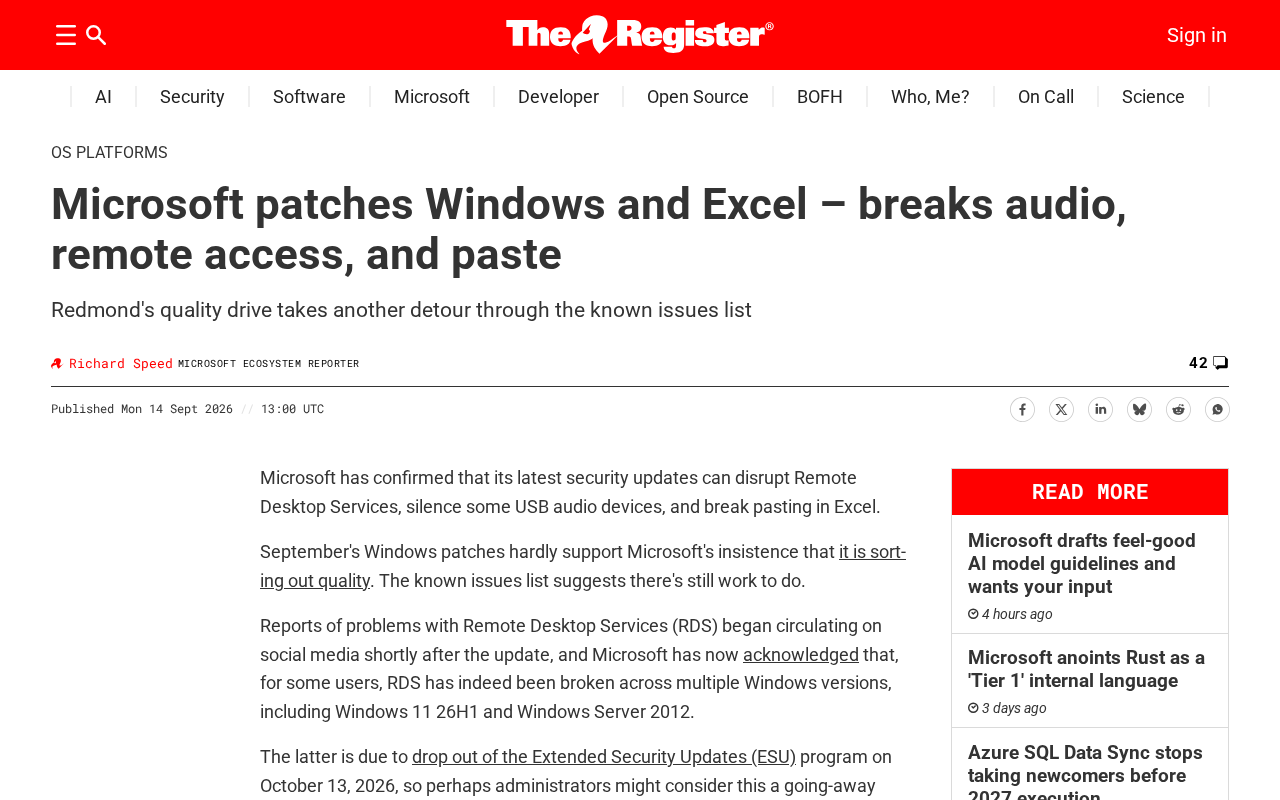
Microsoft security patches fix vulnerabilities but break audio, Remote Desktop, and clipboard functions.
Microsoft's latest security patches for Windows and Excel accidentally broke core features — including audio output, Remote Desktop connectivity, and copy-paste — while fixing known vulnerabilities, sparking over 200 upvotes and 140 comments on Hacker News. The root cause lies in the structural tension between the urgency of shipping security fixes and the thoroughness of compatibility testing: modern OS components are tightly coupled, and low-level security changes can easily trigger chain reactions in seemingly unrelated modules. The incident reinforces the industry-standard defensive approach of staged rollouts, rollback readiness, and risk-based prioritization between critical and low-severity patches.
Microsoft's latest round of patches, intended to address security vulnerabilities in Windows and Excel, has triggered a cascade of new problems after deployment — from broken audio and interrupted remote access to clipboard paste failures. The incident has once again put the age-old problem of "patches introducing new bugs" in the spotlight, sparking over 200 upvotes and 140 comments on Hacker News.
What Happened: Fixing One Hole, Opening Several More
According to The Register, Microsoft pushed this round of patches to address known security vulnerabilities in Windows and Excel. The security updates themselves weren't controversial — but after deployment, a wave of users began reporting unexpected functional failures.
The three most common issues were: audio output problems (some devices lost sound or played audio abnormally), remote access disruptions (Remote Desktop and similar connections dropped or failed to establish), and clipboard paste failures (copy-paste — one of the most basic and frequently used operations — stopped working). These are among the most fundamental, high-frequency features in everyday computing, and when they break, the impact on productivity is immediate and significant.
Why "Patch Failures" Keep Happening
This kind of incident is far from unique in Microsoft's update history. Security patches often need to ship within tight time windows to close vulnerabilities that have already been disclosed or are actively being exploited. That urgency creates a natural tension with thorough compatibility regression testing.
Modern operating systems have highly coupled components: a security change targeting a low-level driver or system service can ripple out to affect the audio stack, remote connection protocols, clipboard services, and other seemingly unrelated modules. When Microsoft adjusts core logic to plug a security gap, insufficient boundary testing can easily trigger these kinds of chain reactions.
For enterprise IT administrators, this creates a classic dilemma: deploying patches immediately risks introducing functional failures that disrupt business continuity, while delaying deployment leaves systems exposed to known security risks.
Microsoft's monthly patch cycle — known as "Patch Tuesday" — pushes security updates on the second Tuesday of every month. The original intent was to give enterprise IT departments a predictable schedule for planning maintenance windows. But it also means a large volume of updates ships on the same day, stretching testing resources thin. Microsoft also gradually scaled back its dedicated Windows testing teams around 2014, shifting toward the "Windows Insider" crowdtesting program and telemetry data to catch regressions. This approach has advantages in breadth of coverage, but often falls short on deep regression testing across hardware and driver combinations — and the sheer number of hardware and driver permutations that Windows must support far exceeds what any test lab can realistically cover.
The audio stack, Remote Desktop Protocol (RDP), and clipboard service all interact within Windows through complex inter-process communication mechanisms. Any security hardening that touches privilege isolation or memory mapping can produce unexpected side effects along these paths.
Community Reaction and Discussion
The report earned 223 upvotes and 142 comments on Hacker News, with the level of engagement reflecting widespread resonance among developers and IT professionals. Discussions in the comments typically focused on a few themes: long-term trends in Microsoft's patch quality control, whether enterprises should adopt a "delayed installation" strategy, and how individual users should weigh security against stability.
For most experienced users, a default defensive habit has already formed — waiting a few days or even weeks after major updates ship, letting the community confirm there are no serious regressions before deploying to production environments.
Recommendations
For affected users and administrators, consider the following:
- Monitor Microsoft's Known Issues list: Microsoft typically updates its Release Health page after patch releases, noting confirmed compatibility issues along with mitigation steps or rollback options.
- Use staged rollouts in enterprise environments: Validate the patch's impact on critical functions like audio, remote access, and clipboard in a limited test environment before pushing to all machines.
- Keep a rollback path ready: Know how to uninstall a problematic update (via KB uninstall or System Restore) so you can recover quickly if failures occur.
- Weigh security against stability: If the patch fixes a high-severity vulnerability that is actively being exploited, prioritize security. For low-risk fixes, a moderate delay to wait for a revised release may be reasonable.
Microsoft provides enterprise users with two deferred deployment mechanisms — Windows Update for Business and WSUS (Windows Server Update Services) — allowing administrators to set update delays of up to 35 days, during which they can monitor community feedback before deciding whether to push the update. For scenarios requiring higher stability, the LTSC (Long-Term Servicing Channel) version of Windows receives only a small number of thoroughly validated security updates per year, trading feature velocity for greater stability. It's a common choice for mission-critical systems in industries like finance and healthcare. Understanding these mechanisms helps strike a more fine-grained balance between security compliance and business continuity.
Conclusion
This incident is yet another illustration of the eternal engineering tension between fixes and regressions. It's a reminder that no update is a zero-cost operation — especially on an operating system as large-scale and component-complex as Windows. For end users, staying vigilant and establishing pre-update validation and rollback procedures is far more practical than blindly rushing to patch on day one.
Related articles

The Touchscreen MacBook and Apple's Delightful Mess: A Deliberate Gamble
The Vergecast unpacks the touchscreen MacBook Pro's launch logic, the ProLed naming controversy, the iPad squeezed between iPhone and Mac, and how Apple stays competitive with premium hardware in the AI era.

Fifty Years Studying Power: Robert Caro's Writing and Insights on Power
Robert Caro reflects on 50 years studying power: Lyndon Johnson's persuasion and leverage, Robert Moses's transformation from idealist to ruthless builder, the dilemmas of large-scale construction, and his methods of compressing themes and solitary focus in biography writing.

Can a $20,000 Robot Do Your Chores? The Test Results Are Surprising
A YouTube test video shows how a $20,000 robot responds to commands like washing dishes, turning off lights, taking out trash, and feeding the dog. This article analyzes its real capability boundaries, the state of voice interaction technology, and how far household robots are from mainstream adoption.