MiniMax H3 Speed-Up Comparison Tool: A Complete Breakdown

A Reddit user open-sourced a MiniMax H3 speed-up comparison tool with side-by-side views, though quality scores have frame-sampling limitations.
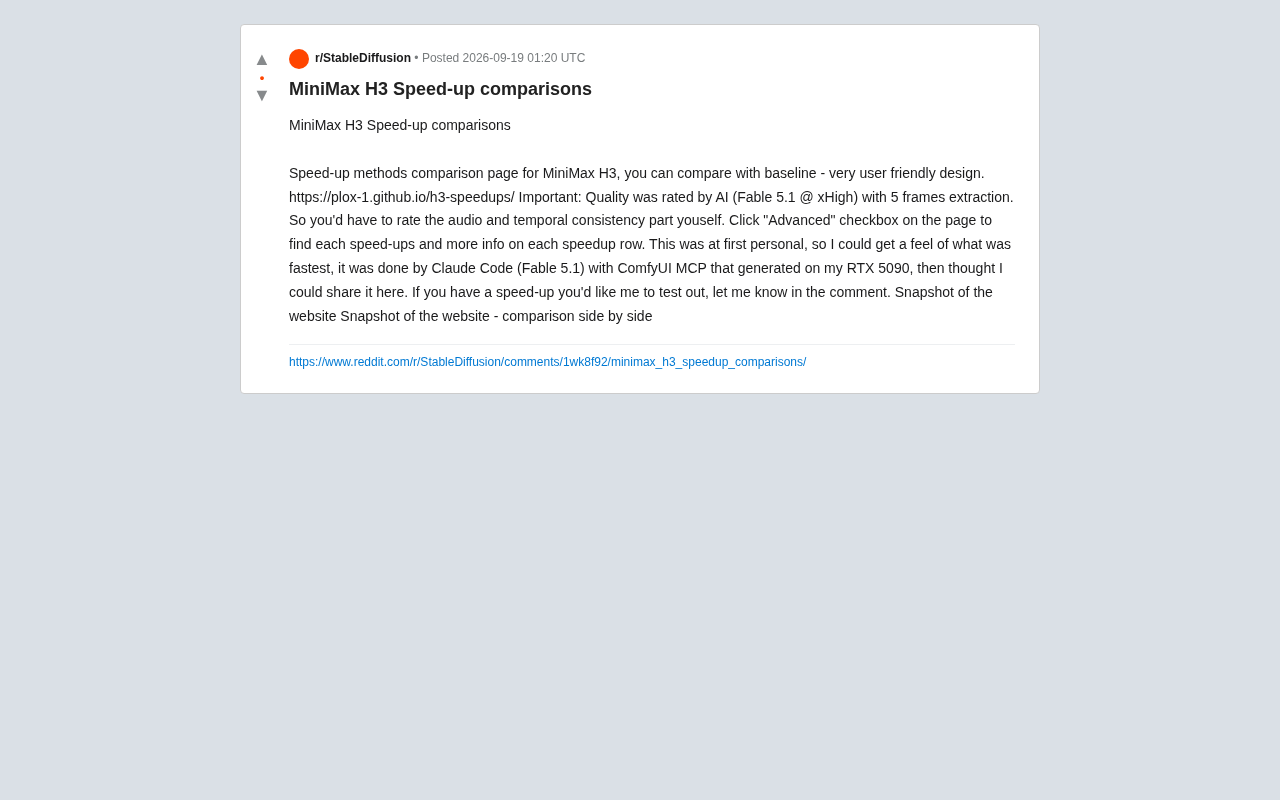
A Reddit user built a comparison page for MiniMax H3 video generation model acceleration methods, letting users visually compare speed gains and quality changes versus baseline through side-by-side views and an Advanced mode. The pipeline was automated using Claude Code with ComfyUI MCP on an RTX 5090, with quality scores generated by AI sampling 5 frames per video. The author candidly notes this approach cannot capture audio quality or temporal consistency, which users must judge themselves. The project openly accepts community requests for new acceleration methods to test, reflecting the growing trend of individual developers using tool chains to build and open-source automated evaluation workflows.
MiniMax H3 Speed-Up Comparison Tool Makes Its Debut
A Reddit user has built a dedicated comparison page for MiniMax H3 model speed-up methods (h3-speedups), presenting the differences between various acceleration approaches and the baseline in a clean, easy-to-use interface. For anyone interested in AI video generation and inference optimization, this kind of side-by-side benchmark helps quickly determine which acceleration strategy strikes the best balance between quality and speed.
The project started as a personal experiment — the author wanted to figure out which method was fastest, and later decided to share it with the community. The entire pipeline was generated using Claude Code (Fable 5.1) paired with ComfyUI's MCP (Model Context Protocol) on a single RTX 5090 GPU, making it a textbook example of a local AI workflow.
MiniMax H3 is a video generation model released by MiniMax, built on the widely adopted diffusion Transformer (DiT) architecture. "Speed-up methods" generally refer to techniques that reduce inference time and VRAM usage without significantly degrading output quality — including step skipping, intermediate activation caching (attention/feature cache), quantization, and model pruning. Popular acceleration frameworks like TeaCache and PAB (Pyramid Attention Broadcast) all have corresponding custom node implementations within the ComfyUI ecosystem, allowing users to plug them directly into existing workflows.
ComfyUI MCP (Model Context Protocol) is a protocol bridge that allows large language models (like Claude) to directly invoke ComfyUI workflows through a standardized interface. With MCP, an LLM can trigger image or video generation tasks, read node outputs, adjust parameters, and iterate — just like calling a tool — effectively connecting natural language instructions to ComfyUI's node-based workflow system. This allows individual developers to have an AI agent automatically handle batch generation, parameter sweeps, and result collection without manually operating the UI repeatedly, significantly lowering the barrier to building automated evaluation pipelines.
Evaluation Methodology and Key Details
The core value of this comparison tool lies in benchmarking different acceleration methods against a common baseline. The page provides a baseline reference, allowing users to review each method row by row to see the speed gains and quality changes it introduces. A side-by-side comparison mode is also available, making it easy to visually perceive the differences.
The evaluation methodology itself involves notable trade-offs worth understanding. The author explicitly states that visual quality scores are generated by AI (Fable 5.1 @ xHigh) by extracting 5 frames from each video. This means quality scores are automated, frame-sampling approximations — not manual frame-by-frame reviews.
Limitations of the Quality Assessment
The author is refreshingly candid about the boundaries of this approach: because quality scores come from AI-based frame sampling, audio quality and temporal consistency must be judged by the user themselves. Frame-sampling evaluation inherently struggles to capture temporal coherence issues — such as inter-frame flickering, motion artifacts, or audio-visual sync problems — which are precisely the areas that acceleration methods most commonly sacrifice. As a result, the scores on the page are best treated as a preliminary filter rather than a definitive verdict.
Temporal consistency is one of the core dimensions of video generation quality, referring to how visually coherent adjacent frames are along the time axis. When an acceleration method skips diffusion steps or reuses cached historical features, the model's ability to accurately capture inter-frame changes degrades, making it prone to artifacts like flickering, unnatural object deformation, or jerky motion trajectories. These issues typically only become apparent when playing back the full video continuously — static screenshots or sparse frame samples cannot effectively detect them. Temporal consistency therefore usually requires dedicated metrics like optical flow error or LPIPS inter-frame differences, or manual subjective review, which remains a universal challenge for automated video quality evaluation pipelines.
How to Use the Comparison Page
The page is designed with usability in mind. The default view provides core comparisons across acceleration methods, and for a deeper dive, users can check the "Advanced" checkbox on the page to expand detailed information for each method, including specific configurations and additional parameter notes.
This layered design — clean defaults with expandable advanced details — balances the quick-browsing needs of casual users with the in-depth lookup needs of power users, and reflects the author's attention to readability even in a personal tool.
Community Collaboration and Broader Value
The author has indicated this is an open project — if community members have acceleration methods they'd like tested, they can request them in the comments and the author will add them to the test suite. This crowdsourced iteration model gives the tool a chance to cover a wider range of real-world acceleration approaches.
From a broader perspective, evaluation projects like this one — completed by an individual on consumer-grade hardware (RTX 5090) — reflect a clear trend in the AI generation community: with tool chains like Claude Code and ComfyUI MCP, individual developers can rapidly build automated generation and evaluation pipelines and share the results as open-source contributions. For users currently evaluating MiniMax H3 acceleration options, this kind of first-hand comparative data offers genuine practical value.
Summary
The MiniMax H3 speed-up comparison tool lowers the barrier to evaluating different acceleration methods through a clear interface and side-by-side comparisons. Keep in mind that quality scores are based on AI frame sampling and don't cover audio or temporal consistency — it's best to combine the scores with your own perceptual judgment. As an open, extensible community project, it serves as a worthwhile bookmarked reference for anyone optimizing the efficiency of AI video generation.
Related articles

The Chaotic Aesthetics of Apple's HomeView Ad: A Marketing Code Only Parents Can Read
Apple's HomeView smart display ad ditches minimalist style for chaotic family mornings to win over parents. We analyze why it confuses most viewers but resonates instantly with families — and the trade-offs and risks of Apple's targeted marketing.

Cerebras CEO Pushes Back on AI Doomerism: Stop Spreading Panic
Cerebras CEO Andrew Feldman publicly pushes back on AI doomerism at TechCrunch Disrupt, arguing excessive risk focus drowns out AI's real opportunities.

Retooling in Minutes: Industrial Next Redefines Factory Robot Flexibility
Industrial Next aims to let factory robots retool in minutes instead of weeks, automating complex delicate tasks and advancing flexible manufacturing and small-batch production.