Mugmoji: Free Online Tool to Turn Photos into Animated Slack Emoji in One Click

Mugmoji is a free browser tool that turns any photo into an animated Slack emoji in three simple steps.
Mugmoji is a free online tool that converts photos into animated Slack emoji through three simple steps: upload a photo, automatic background removal, and selecting from 73 animation presets. Running entirely in the browser with no registration or installation required, it protects user privacy while automatically meeting Slack's 128KB emoji size limit. Built by indie developer Ben Shih, it leverages WebAssembly and browser-based AI for local processing.
A Browser Tool Focused on Solving a Small Pain Point
In an era where remote work and asynchronous collaboration have become the norm, Slack emoji are no longer just decorations—they're part of team culture and communication efficiency. A well-crafted custom emoji often conveys emotions better than an entire paragraph of text. However, creating a custom emoji that meets Slack's specifications and actually animates is no easy task for most non-designers.
Slack imposes strict technical limitations on custom emoji: file size must not exceed 128KB, recommended dimensions are 128×128 pixels, and supported formats include JPG, PNG, and GIF. For animated GIFs, the 128KB limit is particularly brutal—an unoptimized GIF animation can easily exceed several MB. Fitting smooth animation within such a small file size requires careful control of frame count, color palette, image dimensions, and compression algorithms. Professional designers typically need to use Photoshop's "Save for Web" feature with repeated adjustments, or run multiple compression passes using command-line tools like ffmpeg. This technical barrier is the core reason ordinary users shy away from the task.
Mugmoji, which recently launched on Product Hunt, targets precisely this specific pain point. Its positioning is crystal clear: turn any photo into an animated Slack emoji—completely free, no registration required, no installation needed, all done within the browser.
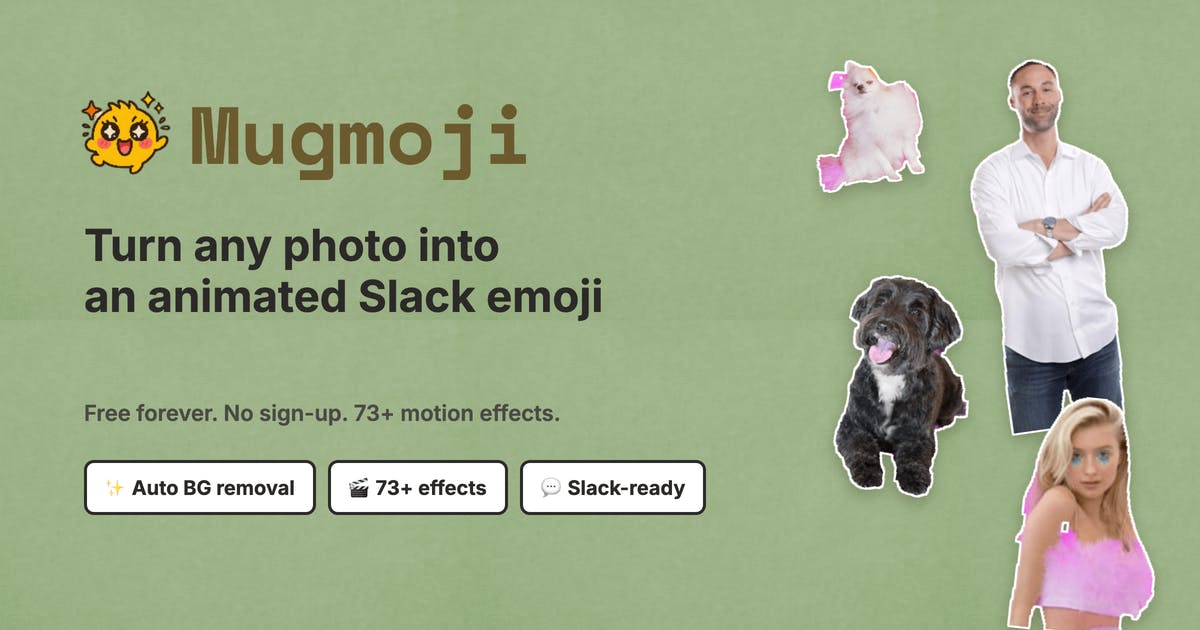
How Mugmoji Turns Photos into Animated Slack Emoji
Mugmoji's workflow is compressed to an extremely simple three-step process, which is also its greatest product highlight as a Slack emoji creation tool.
Three Steps to Generate Animated Emoji
Step one: upload a photo. Step two: Mugmoji automatically cuts out the background, separating the subject from the original image—this is typically the most time-consuming step when users manually create custom Slack emoji. Step three: choose from 73 animation presets, and the tool immediately exports an animated GIF.
Notably, the exported GIF has already been resized and compressed according to Slack's emoji specifications, directly meeting Slack's 128KB emoji size limit. This means users can upload the file directly to their Slack workspace without struggling with "file too large to upload" or "wrong dimensions causing distortion" issues.
Runs Entirely in the Browser, Protecting User Privacy
According to the product description, Mugmoji runs entirely in your browser. This technical choice brings two direct benefits: first, user photos don't need to be uploaded to a server, providing greater peace of mind on privacy; second, it eliminates backend computing costs, which is an important foundation for offering the service for free long-term.
Browser-based automatic background removal relies primarily on two key technologies. The first is WebAssembly (Wasm), which allows high-performance code written in languages like C/C++ to be compiled into browser-executable binary format, running at near-native speed. The second is browser-based machine learning frameworks like TensorFlow.js or ONNX Runtime Web, which can load pre-trained image segmentation models (such as U²-Net, MODNet, etc.) and run inference directly on the user's device CPU or GPU. These models use semantic segmentation to identify foreground subjects in images, generating precise alpha masks to achieve background removal. The entire process requires no image transfer to remote servers—data always stays local.
For animation generation, browser-side GIF rendering typically involves the Canvas API or WebGL. The Canvas 2D API handles simple 2D transform animations (scaling, rotation, translation, shake, etc.), while WebGL can handle more complex shader effects. The tool applies animation transforms frame-by-frame to the extracted subject, then uses JavaScript libraries like gif.js to encode multiple frames into GIF format. The GIF encoding process requires color quantization (reducing true color to a 256-color palette), inter-frame difference optimization (encoding only changed regions), and LZW compression—these steps collectively determine the final balance between file size and image quality. In recent years, as browsers have gradually adopted the WebGPU standard, the speed of such local inference and rendering continues to improve.
Mugmoji is a lightweight practical application of these maturing browser-side technologies.
Why Slack Emoji Tools Like Mugmoji Are Worth Attention
From a product philosophy perspective, Mugmoji is a typical representative of the "single function, ultimate experience" category of tools. It doesn't implement user management, subscription systems, or complex editors—instead, it makes the single task of "converting photos to animated Slack emoji" work out of the box.
Precise Scenario Positioning
On Product Hunt, Mugmoji is categorized under Slack, Design Tools, and Productivity. This cross-category positioning reflects its true value: it's both a design assistance tool and a product that enhances team communication fun and efficiency.
For teams that heavily use Slack, creating a set of animated emoji featuring team members' faces is a low-cost yet high-return approach to team culture building. The value of custom Slack emoji in enterprise collaboration far exceeds surface-level fun. Research shows that Slack workspaces with rich custom emoji tend to have higher employee engagement and lower communication latency. Custom emoji can serve as lightweight feedback mechanisms—for example, using specific emoji to mark task completion, indicate read status, or vote on decisions—which is many times faster than typing replies. Some fully remote companies like Zapier and GitLab even consider their custom emoji libraries as part of their corporate culture assets, with dedicated Slack channels for submitting and discussing new emoji.
In this context, whether for new hire icebreakers or daily meeting feedback, a set of vivid custom animated emoji can significantly warm up communication. Tools that lower the barrier to emoji creation thus have tangible value for improving collaboration efficiency.
Free + Zero-Barrier Product Strategy
No account, no installation, free—these three points eliminate all usage friction for users. For tool-type products, any registration step can cause significant user drop-off. Mugmoji's choice to completely remove these steps is essentially trading minimal conversion friction for higher distribution efficiency—users come, use, and leave, and when satisfied, naturally recommend it to colleagues. This word-of-mouth spread is precisely the most effective growth engine for this type of free online tool.
Mugmoji's Market Reception and Limitations
As of now, Mugmoji's performance on Product Hunt is relatively early-stage: 7 upvotes, 3 comments, ranked #15. This indicates it's still in the early exposure phase and hasn't yet built significant community momentum.
Product Hunt is one of the world's most influential new product launch platforms, with dozens of products competing for daily rankings every day. Rankings are determined by community votes, with the top five typically receiving hundreds to thousands of votes along with significant traffic and media exposure. For indie developers, Product Hunt serves both as a litmus test for product-market fit and an important channel for acquiring early users. However, platform competition is increasingly fierce, and many quality but niche tools may not receive adequate attention due to lack of community connections or poor launch timing.
As a product built by indie developer Ben Shih, Mugmoji is more of a carefully crafted utility tool rather than a platform product aiming to disrupt an industry. Its current 7-vote performance is typical of a cold start phase, but this doesn't indicate a lack of product value—many successful tool products achieve growth through sustained word-of-mouth accumulation rather than single-day explosions.
Things Worth Knowing Before Use
Based on publicly available information, several questions remain to be observed:
- Animation variety: Whether 73 animation presets sufficiently cover diverse expression needs, and whether users can customize animation parameters (such as speed, amplitude) remains unknown
- Background removal quality stability: Whether purely browser-side processing consistently delivers satisfactory results when handling high-resolution photos or complex backgrounds. Current browser-side model inference accuracy is typically slightly lower than cloud-based large models, and artifacts may appear in scenarios involving hair edges, transparent objects, etc.
- Long-term sustainability: While local processing reduces operational costs, ongoing product maintenance and feature iteration still depend on the developer's continued investment. The greatest risk for indie developer projects is often not technical implementation, but the sustainability of maintenance motivation
Summary: The Value of Lightweight Slack Emoji Creation Tools
Mugmoji doesn't try to be a comprehensive design platform—it just wants to do one small thing well: let anyone turn a photo into a compliant, fun animated Slack emoji in a matter of seconds. As browser-based AI background removal, local rendering, and similar technologies continue to mature, lightweight tools that focus on a single point, have zero barriers, and prioritize privacy are becoming increasingly viable.
From a broader perspective, Mugmoji represents an emerging product paradigm: leveraging WebAssembly and browser-based AI model capabilities to compress tasks that previously required professional software or even cloud services into experiences solvable within a single webpage. From background removal to image enhancement, from document format conversion to audio processing, more and more "small but beautiful" tools are appearing in this way, redefining the boundaries of "software as a service."
For teams and individuals who heavily use Slack, Mugmoji offers an option that's almost impossible to refuse: free, fast, and fun. It may never make tech headlines, but it will likely quietly appear in some team's emoji library, becoming a small detail that brings a knowing smile during daily communication.
Related articles

Cursor AI Programming in Practice: Build a Student Management System from Scratch in 30 Minutes
A Bilibili creator demonstrates Cursor AI programming: generating a student management system in 30 minutes with natural language. Details on Agent mode, Claude selection, prompt techniques, and thresholds.

Top 20 AI Coding Tools Ranking: From Rock-Solid to Lackluster, a Scored Matrix
Bilibili creator releases top 20 AI coding tools ranking, tiered T0–T4 from rock-solid to lackluster, with Claude Code and Codex tied at T0. This article details the scoring dimensions (capability, reliability, robustness, durability, cost, domestic availability) and tool performances to help developers choose the right AI coding assistant.

Vibe Coding Systematic Tutorial: Master AI-Assisted Programming from Zero
A three-month Vibe Coding tutorial from a Bilibili creator covering Codex, ClaudeCode, and Cursor, from core logic to commercial project practice for beginners.