Multi-Repo Microservice Development: The Workspace-Level Configuration Gap in AI Agents

Why AI agent tools lack workspace-level config for multi-repo microservices — and how to fix it.
AI agent tools like Codex and Claude Code only support global or per-repository configuration, leaving a critical gap for microservice developers who work across multiple Git repos in a single workspace. This article examines the technical root cause — agents equate Git boundaries with project boundaries — and offers practical workarounds including symlinks, custom config paths, and cascading configuration inheritance.
The Agent Configuration Challenge in Microservice Development
As AI-assisted programming evolves from simple code completion toward true agentic development, more and more engineers are deeply integrating tools like Codex, Claude Code, and Gemini into their daily workflows. Yet a real question raised in the Reddit community has exposed a widely overlooked blind spot in today's AI agent toolchain: how do you configure an agent at the workspace level across multiple repositories?
What is Agentic Development? Agentic development represents the third paradigm shift in AI-assisted programming. First-generation tools (like early Copilot) focused on single-line or single-function code completion — essentially Transformer-based sequence prediction. Second-generation tools introduced conversational programming and repository-level context understanding. Third-generation tools, represented by Codex CLI, Claude Code, and Gemini Code Assist, empower AI to autonomously plan tasks, invoke tools, and execute multi-step operations. These tools typically leverage LLM Function Calling or Tool Use capabilities to independently read and write files, run tests, and commit code.
AGENTS.mdhas emerged as a convention format that acts as an "agent behavior specification" — developers use it to define coding style preferences, prohibited operations, and project-specific knowledge, guiding the agent to make decisions aligned with team standards during autonomous execution.
This issue may seem like a minor detail, but it points to a fundamental misalignment between modern software engineering architecture and AI tool design philosophy. This article analyzes the scenario in depth, exploring its technical roots and viable solutions.
The Problem Scenario: A Workspace Spanning Microservices
The developer who raised this question described an extremely typical modern development setup:
- Multiple microservices spread across multiple independent Git repositories;
- These microservices are interconnected, with tightly coupled business logic;
- The developer uses VSCode's Workspace feature to aggregate scattered repositories into a single workspace for cross-service development.
This "multi-repo, single workspace" model is extremely common in mid-to-large teams. Microservice architecture encourages splitting codebases, but in practice, a single feature often requires changes across multiple services — VSCode's Multi-root Workspace was built exactly for this purpose.
Engineering Background: Microservices Architecture and Multi-Repo Patterns Microservices architecture was systematically articulated by Martin Fowler and James Lewis in 2014. Its core idea is to decompose a monolithic application into a set of small, independently deployable services built around business capabilities. Each service has its own repository, its own CI/CD pipeline, and its own data store, allowing teams to release independently along service boundaries and significantly reducing coordination friction. However, the cost of this architecture is "fragmentation" — a single user-facing feature often requires synchronized changes across an API gateway, user service, order service, notification service, and multiple other repositories. While the multi-repo strategy (as opposed to monorepo) offers clear boundaries and easy permission isolation, it introduces significant engineering complexity around cross-service integration, unified configuration management, and dependency version alignment — a root cause of the "distributed monolith" anti-pattern in microservices.
A Break in the Configuration Hierarchy
The core issue is this: as developers move to agentic development, existing tools universally lack workspace-level configuration capabilities.
Take Codex as an example — it currently offers only two configuration levels:
- Global: applies to all projects, too coarse-grained;
- Project: automatically scoped to the Git repository boundary, too fine-grained.
What developers actually need is a workspace-level configuration that sits between the two — a way to uniformly define agent skills, AGENTS.md instruction files, and similar settings across an entire workspace, without duplicating them in every repository or polluting the global config.
Notably, the same developer encountered the exact same bottleneck when configuring Google's related developer tooling. This confirms the issue isn't a quirk of any single tool — it's a systemic gap in how the entire AI agent ecosystem approaches configuration model design.
Technical Root Cause: Git Boundaries ≠ Project Boundaries
Why does this gap exist? The answer lies in a default assumption baked into most AI coding tools: they treat the Git repository as the project boundary.
This assumption worked reasonably well in the monolithic application era — one repository was one project, and a config file in the root directory was sufficient. But in a microservice architecture, this assumption completely breaks down:
- A single "logical project" may span 5 or even 10 Git repositories;
- These repositories share the same coding standards, the same domain knowledge, and the same set of agent skills;
- But physically, they are separate — there is no natural "common parent directory" to host shared configuration.
When an agent uses the .git directory to automatically define project scope, it can never perceive the higher-dimensional organizational unit that is the "workspace" — this is the fundamental reason for the missing configuration layer.
The Workspace: A Virtual Aggregation at the Editor Layer
More problematically, a VSCode workspace is itself a virtual concept at the editor layer, defined by a .code-workspace file that can reference multiple folders anywhere on the filesystem. This abstraction lives inside the IDE, while most agent CLI tools (like Codex) are not designed to be aware of the IDE's workspace state — they only recognize filesystem paths and Git boundaries.
The Technical Mechanics of VSCode Multi-root Workspaces VSCode's Multi-root Workspace feature was introduced in version 1.18 (2017). It uses a JSON file with a
.code-workspaceextension to define the workspace, allowing multiple folders at arbitrary filesystem paths to be aggregated into a single logical workspace. This file not only records folder paths but also supports overriding editor settings, recommended extensions, and task definitions at the workspace level. Importantly, the.code-workspacefile itself has no dependency on Git — it is a purely IDE-level abstraction. This means the "existence" of a workspace is completely invisible to any external tools based on the filesystem or Git. This design wasn't problematic on its own, but when AI agent tools try to infer "project scope" by scanning for.gitdirectories, the workspace aggregation information at the editor layer is entirely lost, creating a semantic gap between tools in the chain.
Viable Solutions
Even though mainstream tools don't yet natively support workspace-level configuration, several paths are worth exploring based on community practices and tool design patterns.
1. Shared Config Repository + Symbolic Links
One pragmatic approach is to maintain a dedicated "shared configuration repository" that centrally stores AGENTS.md, skill definitions, and similar files, then use symbolic links (symlinks) to inject them into the root directory of each microservice repository. This avoids redundant maintenance while still allowing Git-based project-level configuration mechanisms to recognize the files.
Technical Details and Risks of the Symlink Approach A symbolic link is a filesystem-level redirection mechanism provided by the operating system — created with
ln -son Unix/Linux/macOS, and withmklinkorNew-Item -ItemType SymbolicLinkon Windows. In the shared configuration scenario, the typical usage is to create a symlink in each microservice repository's root directory pointing to theAGENTS.mdfile in the shared config repository, so the agent tool "sees" the file when scanning the repository while the actual content remains maintained in a single source of truth. However, symbolic links carry several known risks in team collaboration: Git by default tracks the symlink itself (not its target content); creating symlinks on Windows requires administrator privileges or Developer Mode; and in CI/CD container environments, the link target path may not exist. Furthermore, if a developer clones a repository without also cloning the config repository in the same directory structure, the link becomes a dangling symlink that silently fails without error.
The downside: new repositories require manual link creation, and in team collaboration scenarios, links may accidentally break.
2. Environment Variables or Custom Configuration Paths
Some agent tools support specifying configuration file paths via command-line arguments or environment variables. If Codex or Gemini-family tools provide something like a --config-path option, developers could point to a configuration file at the workspace root when launching the workspace, effectively bypassing the Git-based auto-detection logic.
3. Choose Next-Generation Tools with Multi-Root Awareness
As agentic development matures, some newer tools have started adapting to multi-repo scenarios. Key evaluation criteria include:
- Support for customizable priority order in configuration search paths;
- Ability to recognize monorepo or multi-root directory structures;
- Support for cascading configuration — workspace-level → project-level → global-level, with each overriding the next.
The Design Pattern of Cascading Configuration Cascading configuration is a design pattern that establishes priority-based override relationships across multiple scopes, with well-established precedents in engineering tooling. ESLint's config resolution walks up from the file's directory looking for
.eslintrcfiles until it reaches the root; Git's configuration has three layers — system-level (/etc/gitconfig), user-level (~/.gitconfig), and repository-level (.git/config); EditorConfig's.editorconfigsimilarly uses upward directory searching and merging. For AI agent tools, the ideal cascading model would be: workspace-level config (highest priority, covering all repositories within scope) → repository-level config (rules specific to an individual Git repo) → user global config (fallback default behavior). Child-level configs should be able to inherit, override, or explicitly disable parent-level rules, preserving flexibility while avoiding configuration explosion. The implementation challenge is that agent tools need to detect the physical boundaries of the current workspace at startup — which in a pure CLI scenario without IDE integration requires additional conventions, such as a dedicated root-directory marker file.
4. Provide Upstream Feedback to Drive Standardization
AGENTS.md is becoming a de facto cross-tool convention. If the community can push for the spec to formally define a "workspace-level" configuration layer, it would resolve this problem at its root. These kinds of requirements typically make their way onto product roadmaps through sustained feedback via Reddit discussions, GitHub Issues, and similar channels.
A Broader Insight: AI Tools Must Adapt to Real-World Architectures
This seemingly minor configuration issue reflects a more macro trend: the abstract models of AI coding tools are being forced to evolve by the realities of real-world software architecture.
First-generation AI coding assistants focused on "single-file" completion. Second-generation tools expanded to "single-repository" understanding. Today's agentic development demands that tools possess cross-repository, cross-service global awareness. A developer's workspace is, at its core, a mapping of their mental model of "one complete system." If an agent cannot share context and rules at that level, its understanding of complex systems will remain fragmented.
In other words, whichever tool first supports workspace-level abstraction in its configuration model will be positioned to capture high-value enterprise use cases in microservice and multi-repo environments.
Conclusion
The confusion expressed by that Reddit developer represents the shared frustration of a large community of engineers working at the frontier of agentic development. Today's mainstream tools — Codex, Gemini, and others — leave a gap between "global" and "project" configuration levels, and microservice architecture falls squarely into that gap.
Until native support arrives, workarounds like symbolic links, custom configuration paths, and cascading inheritance are viable transitional options. But in the long run, AI agent tools must learn to understand the developer's true unit of work — not an isolated Git repository, but the complete, interconnected system built from many services working together.
Key Takeaways
Related articles
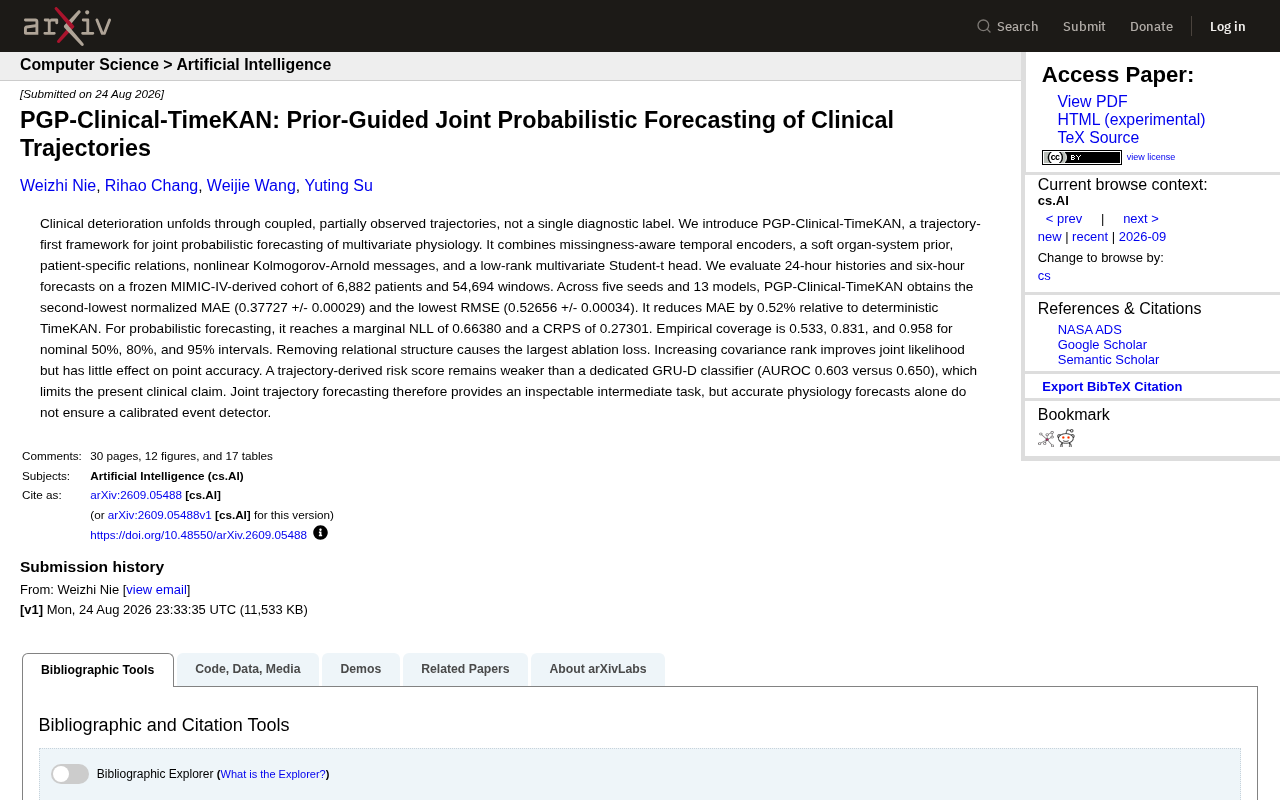
PGP-Clinical-TimeKAN: A Detailed Guide to the Multivariate Physiological Indicator Joint Prediction Framework
An in-depth analysis of the PGP-Clinical-TimeKAN framework for joint probabilistic prediction of multivariate physiological indicators, covering trajectory-first paradigm, KAN message passing, MIMIC-IV validation, and ablation studies.
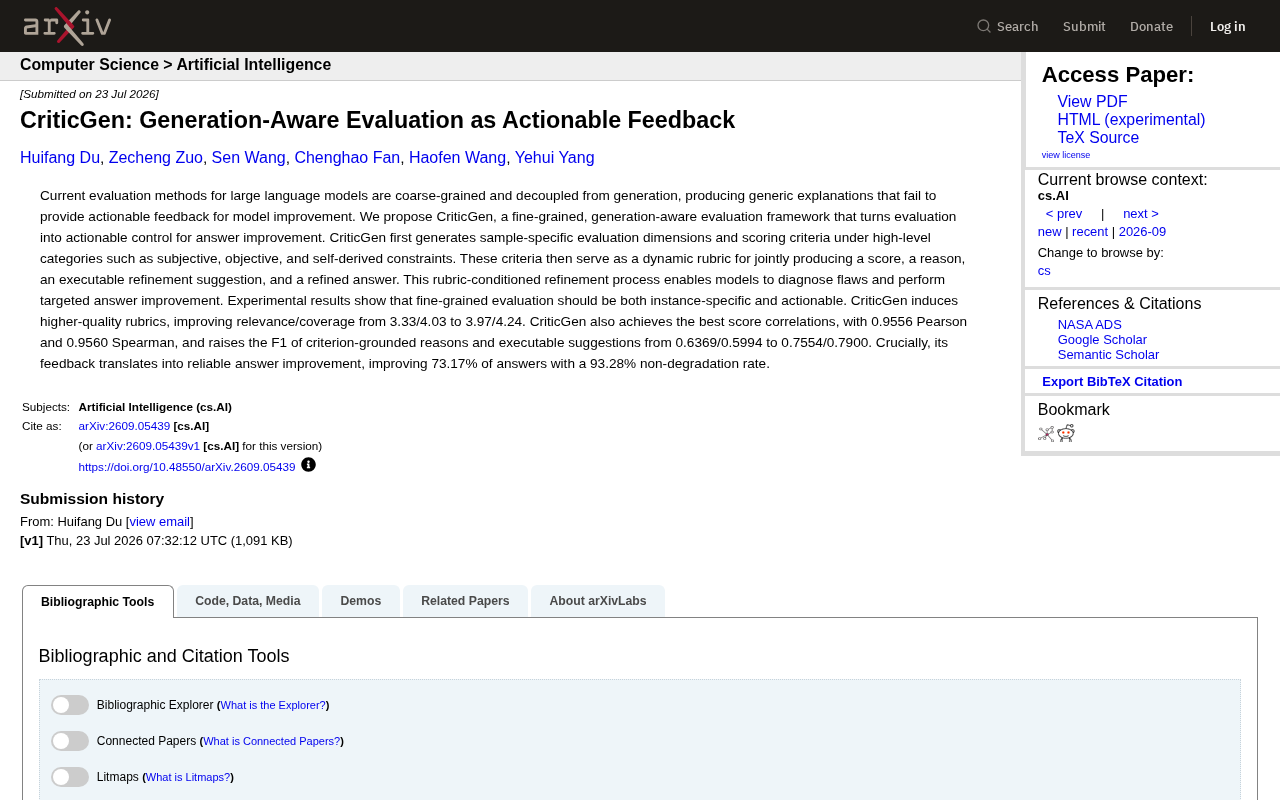
CriticGen: A New Framework That Transforms AI Evaluation into Actionable Improvement Feedback
CriticGen proposes a generation-aware evaluation framework that transforms AI assessment from passive scoring to an active optimization loop, achieving 73.17% answer improvement and 93.28% non-degradation rate.
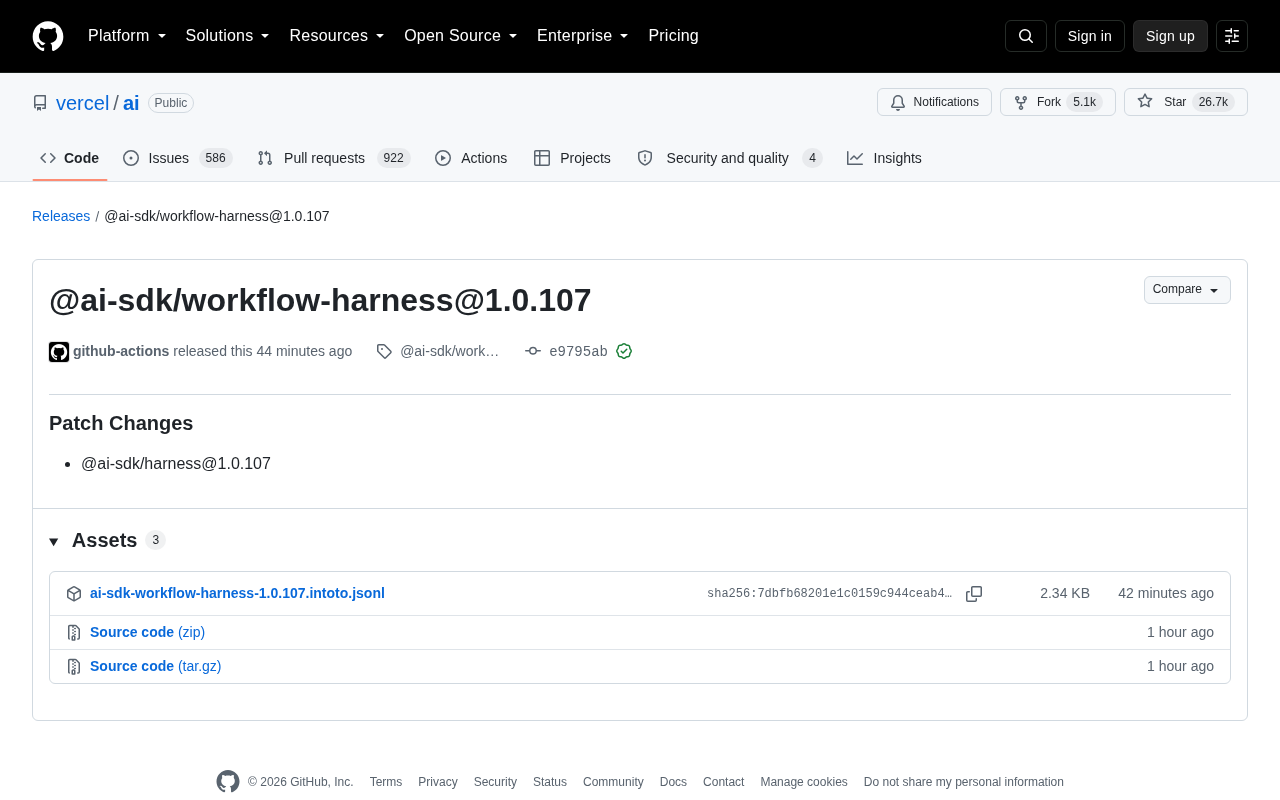
Vercel AI SDK workflow-harness Update Analysis
Deep analysis of Vercel AI SDK workflow-harness 1.0.107 update: architecture design, engineering practices, and developer value for building reliable AI apps.