Ollama Local Deployment Guide: Run Open-Source LLMs with Zero Experience
Ollama is a cross-platform open-source model management tool that makes local LLM deployment simple and economical.
The article introduces Ollama, an open-source model management tool that solves the internet requirement and token-based billing of online LLMs. It supports macOS, Windows, Linux, and Docker, offers command-line and Web UI management, and can download, delete, and create models to run locally. Its advantages include being free and open source, using both GPU and CPU, and providing APIs for multi-language calls and custom development. The workflow is install, download a model, run and interact, and optionally build a domain Q&A bot with a knowledge base. It also notes that larger models demand more memory and compute, so hardware should be assessed before deployment.
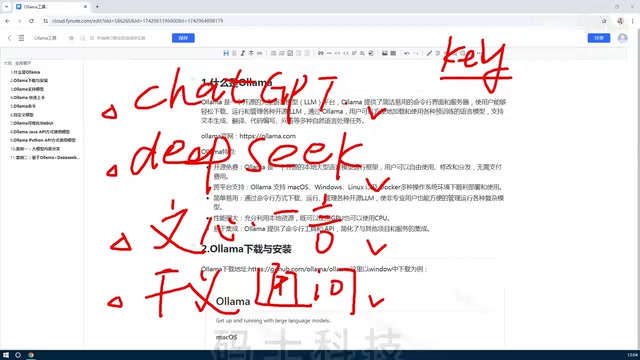
Online large models like ChatGPT, DeepSeek, and ERNIE Bot are convenient to use but require an internet connection, and API calls are billed by token. For users who want to develop customized applications or avoid ongoing fees, deploying open-source models locally has become a more economical choice. Ollama is a model management tool designed for exactly this purpose, making it easy to run large models locally.
What Is Ollama?
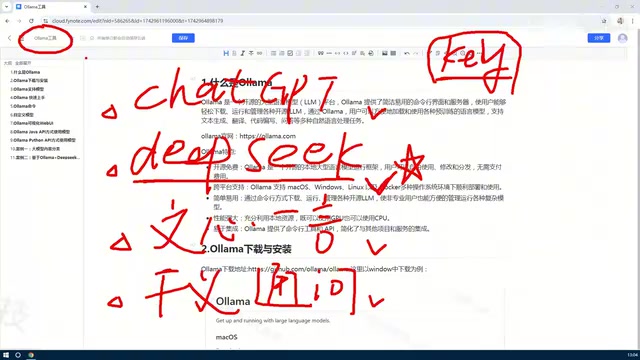
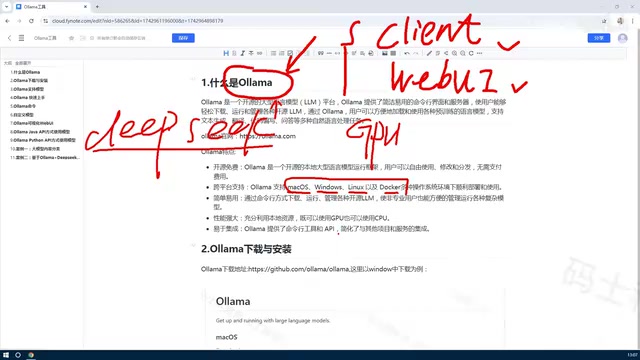
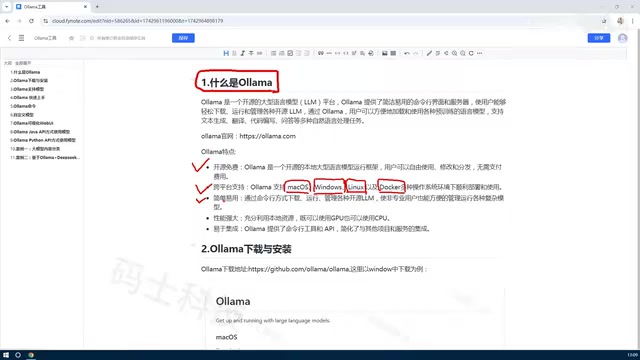
According to a Bilibili tutorial, Ollama is a platform tool for managing various large models, supporting both command-line and Web UI usage. You can use it to download, delete, create, and manage open-source models, and deploy them to run locally. It supports macOS, Windows, Linux, Docker, and other environments, offering strong cross-platform capability.
Open-source models and local deployment: Open-source models refer to large language models whose weights and inference code are publicly available and allow users to freely download and modify them, such as Llama, Qwen, and DeepSeekAd. Unlike remotely calling closed-source models via API, local deployment means downloading model files to your own computer or server and running them there. Data stays local, privacy is better, and there are no token-based fees. The trade-off is that you need to prepare sufficient storage space (model files typically range from several GB to hundreds of GB), memory, and compute power, and bear the hardware overhead of model loading and inference. Ollama's role is to package these cumbersome steps—downloading, format conversion, and runtime parameter configuration—into simple commands, making local deployment as easy as installing ordinary software.
Why Choose Ollama?
Free and open source, lowering costs
Ollama itself is open source and free. Models deployed through it run locally and incur no API call fees, making it suitable for development scenarios that require frequent model calls.
Token billing and API calls: Online large model services usually bill by token. A token is the basic unit of text processed by a model; one Chinese character roughly corresponds to 1 to 2 tokens, and a long conversation may consume thousands of tokens. API calling is a pay-per-use model in which developers send requests to a service provider's server through an interface, and the provider performs inference and returns results. This approach has low upfront cost and requires no hardware investment, but in scenarios involving high-frequency calls, batch processing, or long-running operation, costs accumulate continuously. Local deployment converts inference costs into one-time hardware investment and electricity expenses, with no marginal cost from additional calls, making it more suitable for development scenarios with high call volume, sensitive data privacy, or offline operation requirements.
Flexible resource utilization
Ollama can fully utilize machine resources and supports both GPU and CPU. Even without a dedicated graphics card, you can run models on the CPU, lowering the hardware barrier.
Simple and easy to use, highly extensible
Ollama provides both command-line and Web UI management methods, simplifying the model deployment process. It also offers API interfaces, making it easy to call from Python, Java, Rust, and other languages, with strong extensibility.
Model API interface: After starting locally, Ollama listens on an HTTP service port (default 11434) and provides a REST API similar in style to OpenAI's, including endpoints for generation completion, chat, embeddings, and more. Developers can use HTTP clients in Python, Java, Rust, and other languages to send requests directly to that address, or call it through official or community-wrapped SDKs. Because the interface is on the local machine, request latency is low and unaffected by network fluctuations. This design allows Ollama to serve not only as a chat tool but also as a local inference backend integrated into application frameworks such as LangChain and Dify, or embedded into your own business systems to implement customized features like document Q&A and code assistants.
How to Use Ollama?
- Install Ollama (download the version for your system from the official website).
- Download an open-source model (such as DeepSeek) via the command line or Web UI.
- Run the model and interact with it through the command line or API.
- Optionally create private models based on existing models, inject an internal knowledge base, and build a domain-specific Q&A bot.
Notes
The larger the model, the higher the machine configuration requirements. Before deployment, you need to evaluate your hardware resources. Ollama simplifies GPU environment configuration, but large models still require sufficient memory and compute power.
Model scale and hardware configuration: The parameter count of a large model determines its hardware requirements. A 7B (7 billion parameter) model typically requires about 4 to 8 GB of memory after quantization, a 13B model requires about 8 to 16 GB, and a 70B-class model often requires tens of GB of memory or even multiple graphics cards. Quantization techniques (such as 4-bit quantization) can significantly compress model size and reduce memory usage, but may introduce some accuracy loss. Without a dedicated graphics card, the CPU can run smaller models, but inference speed is slower; with a GPU, performance depends on VRAM capacity, and insufficient VRAM will fall back to CPU inference or cause loading to fail outright. Therefore, before deployment, you should choose an appropriate model scale and quantization version based on available memory, VRAM, and expected response speed.
Conclusion
Ollama lowers the barrier to using open-source large models, allowing individual developers and small teams to easily deploy and call models locally. Whether for learning and testing or building private applications, Ollama is a tool worth trying.
One-line Summary
Ollama is a cross-platform open-source model management tool that makes local LLM deployment simple and economical.
Paragraph Summary
The article introduces Ollama, an open-source model management tool designed to solve the problems of online large models requiring internet access and token-based billing. Ollama supports macOS, Windows, Linux, Docker, and other environments, provides both command-line and Web UI management, and can download, delete, and create models and run them locally. Its advantages include being free and open source to reduce call costs, utilizing both GPU and CPU to lower the hardware barrier, and providing API interfaces for easy multi-language calls and secondary development. The usage flow is: install, download a model, run and interact, and optionally build a domain-specific Q&A bot by injecting a knowledge base into an existing model. The article also notes that larger models demand more memory and compute power, so hardware configuration should be evaluated before deployment.
Related articles
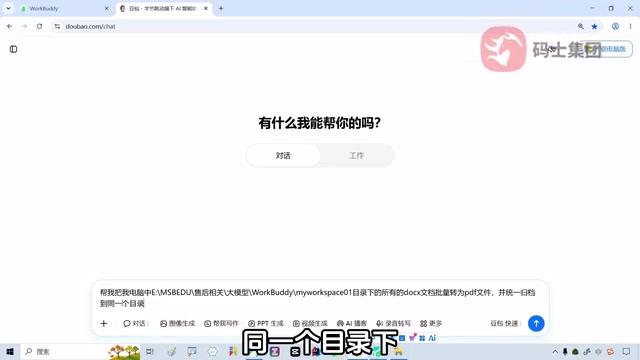
WorkBuddy AI Agent in Practice: The Real-World Gap Between LLMs and Agents
Through a hands-on batch PDF conversion test, this article analyzes the essential differences between WorkBuddy AI Agent and LLM products—covering authorized execution, credit consumption, scenario fit, and adoption mindset—to help you judge whether an Agent tool suits your current workflow.

The Father of GrokBot: Merging a Thousand PRs a Month — Engineering Principles Behind Agent-Driven Auto-Merges
A SpaceX-background AI engineer shares the GrokBot workflow: merging ~1,000 PRs a month, with agents auto-merging 20. Core methodology covers verification skills, EVAL testing, Dune architecture, and hard CI constraints, revealing how to move from local trust to cloud agent automation.

Bright Data Review: Free Credits, AI Agent MCP Server, and Pricing
Bright Data offers 5,000 free credits, an open-source MCP server, and proxy/scraping APIs. Learn about its pricing model, AI assistant integration, and compliance considerations.