OpenCode v2.3.0: Subagents Move Fully to the Background, Leaner Logs
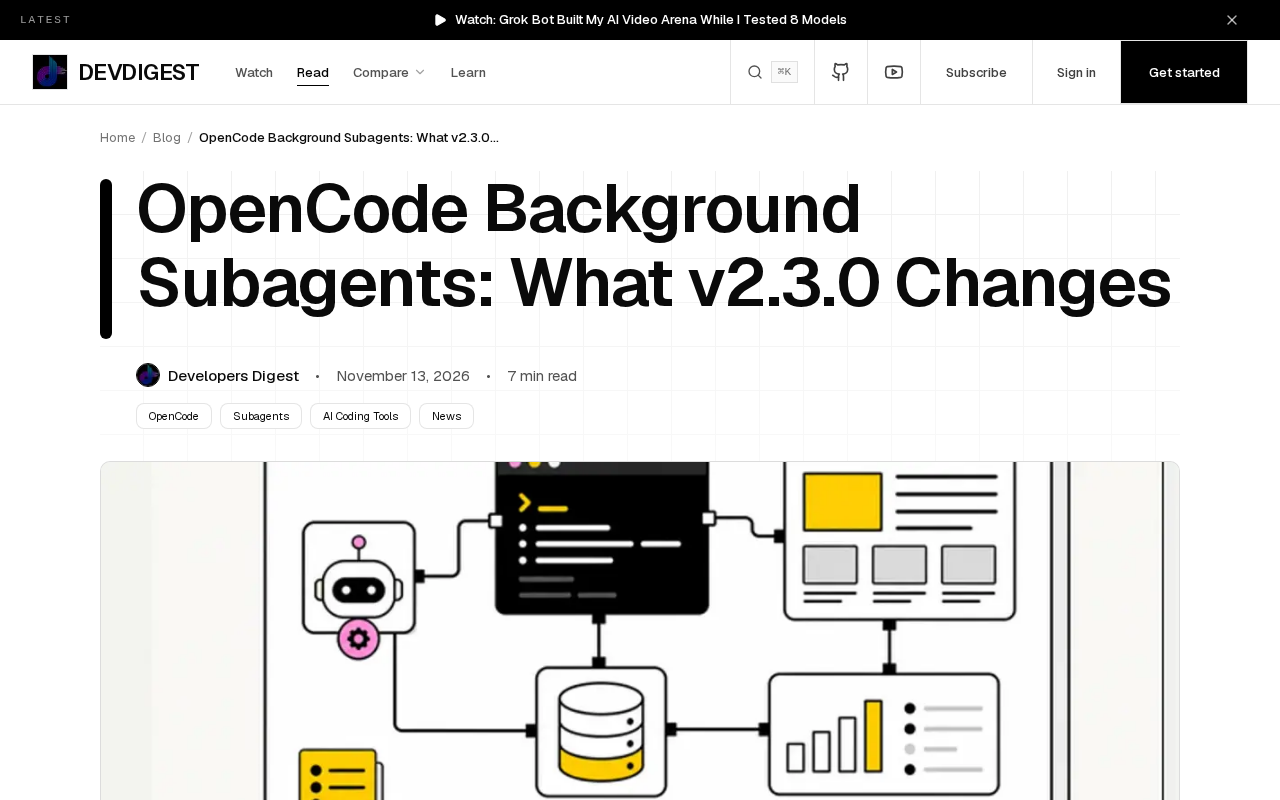
OpenCode v2.3.0 moves subagents to the background by default and lowers transcript verbosity, improving parallel efficiency but weakening observability.
The core change in OpenCode v2.3.0 is adjusting defaults rather than adding capabilities: subagents now execute in the background by default, letting the main thread handle other instructions in parallel, while transcripts default to low verbosity for leaner logs but less troubleshooting information. When a subagent gets stuck or goes off track, developers can neither see the real-time process nor get sufficiently detailed logs, and must actively check status and temporarily raise verbosity. The article recommends switching configuration by task type—defaults for routine tasks, explicit foreground visibility or higher verbosity for complex debugging or auditing—and watching resource usage when multiple subagents run in parallel.
OpenCode made a change in v2.3.0 that seems minor but will actually shift your daily habits: all subagents now run in the background by default, and the verbosity of transcripts is dialed down by default. The official notes are brief, but in practice there are several things worth sorting out ahead of time—what behavior changed, what you need to configure manually, and where it will cause you trouble.
Background execution: subagents no longer occupy the foreground
Before v2.3.0, subagent execution was often entangled with foreground interaction, and you could directly see every step of its output. The new version flips this default: subagents all move to background execution, and the foreground only keeps the necessary result handoff.
This is good for multitasking. The main thread can keep processing your instructions while subagents make progress in parallel in the background, so you don't have to wait for one to finish before doing the next thing. The cost is less "what you see is what you get"—you can no longer watch every step of a subagent the way you used to. If a subagent gets stuck or goes off track, you need to actively check its status instead of waiting for it to push the process in front of you.
Subagent is an execution unit relative to the main agent: the main agent receives user instructions, plans tasks, and schedules resources, while subagents are spawned to handle a specific subtask, such as retrieval, code generation, file operations, or calling external tools. A subagent usually has its own context and execution loop, and hands results back to the main agent when done. In coding agent tools like OpenCode, the value of the subagent mechanism is in splitting off small tasks that can run in parallel, preventing the main thread from being blocked by a single long task. Understanding this makes the trade-off between "foreground visibility" and "background execution" clear: foreground visibility facilitates human oversight and timely correction, while background execution buys throughput and parallelism. v2.3.0 switches the default from the former to the latter, essentially redrawing the line between observability and efficiency.
Default low verbosity: shorter logs, harder troubleshooting
The second change is that transcripts default to low verbosity. The original wording is direct: transcripts are more concise by default.
The immediate effect is improved log readability and less noise, but the amount of information available for troubleshooting shrinks accordingly. For workflows that run smoothly day to day, low verbosity is entirely sufficient; once an exception occurs, you may need to temporarily raise verbosity to see enough context. In other words, this is a switch that is "convenient by default, but you need to remember to change it back when problems arise."
Verbosity is a common grading dimension for logs and run records, usually divided into low/medium/high or similar levels, controlling how many intermediate steps, tool call parameters, return contents, and debugging details are retained in the output. Low verbosity generally keeps only key events and final results, suitable for normal operation to reduce noise and storage overhead; high verbosity records a more complete call chain for later review. Note that verbosity is often set before a run starts, and if you want to see details afterward, you usually have to rerun. Therefore, for complex tasks that may go wrong, the safer approach is to raise verbosity when starting the subagent, rather than looking for logs after a failure.
What you need to set manually
One of the key points emphasized in the original is "what to set." Combined with the two default changes, there are two types of configuration to pay attention to:
- Subagent execution mode: if your workflow relies on foreground-visible subagent processes, you need to explicitly adjust back to foreground behavior rather than sticking with the default.
- Transcript verbosity: in scenarios requiring deep troubleshooting, raise verbosity in advance to avoid insufficient logs afterward.
Neither of these is a "set once and forget" configuration. A more reasonable approach is to switch by task type: use defaults for routine tasks, and temporarily raise verbosity for complex debugging or tasks that require auditing the process.
Transcripts refer to the complete event stream produced during a single subagent execution, including message exchanges, tool calls and their inputs/outputs, state changes, and error information. Their difference from ordinary application logs is that they are closer to "session replay," capable of reconstructing the agent's decision path at the time. When verbosity is lowered, transcripts are trimmed to retain only skeleton information, making records easier to read and smaller in size, but it also means some failure causes (for example, a tool call returning unexpected content) may not appear in the records. For scenarios requiring auditing or reproducing problems, the completeness of transcripts directly determines whether the root cause can be located afterward.
Where it bites
The "where it bites" in the original title points to the friction points of this change. Background execution plus low verbosity stack up to this effect: when a subagent has problems, you can neither see the real-time process nor get sufficiently detailed logs. For developers used to judging progress by scrolling output, this is a shift that takes getting used to.
Another easily overlooked point is concurrency. With all subagents moved to the background, the number running simultaneously may be higher than before, and the probability of resource usage and mutual interference rises accordingly. The original does not give specific limits or performance numbers, but inferring from the behavior change, when multiple subagents run in parallel, you need to pay more attention to overall load.
Summary
The core of v2.3.0 is not new capabilities but changed defaults: subagents run in the background, and logs are short by default. Defaults determine most people's experience, so the actual impact of this adjustment is larger than the version number suggests. After upgrading, it is recommended to go through these two switches according to your own troubleshooting habits before deciding whether to stick with the defaults.
One-line Summary
OpenCode v2.3.0 moves subagents to the background by default and lowers transcript verbosity, improving parallel efficiency but weakening observability.
Paragraph Summary
The core change in OpenCode v2.3.0 is adjusting defaults rather than adding capabilities: all subagents now execute in the background by default, with the foreground only receiving necessary results, so the main thread can process other instructions in parallel; meanwhile, transcripts default to low verbosity, making logs more concise but reducing troubleshooting information accordingly. Combined, these two changes make routine smooth workflows easier, but when a subagent gets stuck or goes off track, developers can neither see the real-time process nor get sufficiently detailed logs, and need to actively check status and temporarily raise verbosity. The article recommends switching configuration by task type: use defaults for routine tasks, and explicitly restore foreground visibility or increase verbosity for complex debugging or tasks requiring process auditing, and reminds readers to watch resource usage and mutual interference when multiple subagents run in parallel.
Related articles

Gemini 4 Neon Review: Benchmark Scores Rival Carbon, API Pricing and Quota Breakdown
Google Gemini 4 Neon is now live, benchmark scores closely tracking Carbon, API pricing 3/15 at twice Hydrogen's rate. This article compiles Bilibili creator testing: Neon can replace 90% of Carbon scenarios, AntiGravity quota consumption is only one-third of Carbon, plus subscription channel restrictions and 2API ban risks.

Gemini 4 Helium Coming Soon? Signals of Google Loosening Subscription Restrictions
Google team member hints releases will continue; community speculates Gemini 4 Helium (Flash Lite) may be next. Subscription ban controversy gets a response as product lead says "Soon," suggesting restrictions may be lifted. This article covers Gemini developments, OpenAI Coding Agent and risk management, Doubao real-time audio-video API, and compute business dynamics.

AI-Assisted React Development in Practice: Optimizing a Video App and Handling Errors
A 14-year veteran developer demonstrates AI-assisted React video app optimization: compressing video from 80MB to 5MB (~94%) via ImageKit, plus reliable error handling and retry mechanisms. Includes planning, code understanding, and verification methods for working with AI.