OpusClip 4.0 Launches on Product Hunt: AI Evolves from Clipping Tool to Video Finishing Engine

OpusClip 4.0 upgrades from AI clipping to an end-to-end finishing tool, replacing repetitive work between rough cut and packaging.
OpusClip 4.0 landed at #8 on Product Hunt with 99 votes — not a standout ranking, but a key positioning shift: from simple AI long-video clipping to an end-to-end tool that turns raw footage into publishable videos. 4.0 adds audio/text layer (audio cleanup, captions), visual layer (B-roll, dynamic hooks, motion graphics), and delivery layer (multi-format output, saved editing styles). What it truly replaces is high-repetition work between rough cut and packaging, pushing human effort toward creative decisions like topic judgment, hook design, and style setting. The saved-editing-styles feature helps teams codify production standards and boost collaboration stickiness, but is easily underestimated. The article also notes limitations: the aesthetic ceiling of automated B-roll and motion effects is constrained by template libraries, high-tonality brand projects still need human intervention, and the Product Hunt sample size is small — actual output quality should be verified independently. Suited for high-frequency short-video social media teams; cinematic storytelling or deeply customized workflow teams can wait.
OpusClip 4.0 landed at #8 on Product Hunt with 99 votes. That ranking isn't explosive, but the shift in product positioning is worth a closer look: it's no longer just an "AI clipper" — it's trying to turn raw footage directly into publishable finished videos.
From Clipping to Finishing: A Positioning Leap
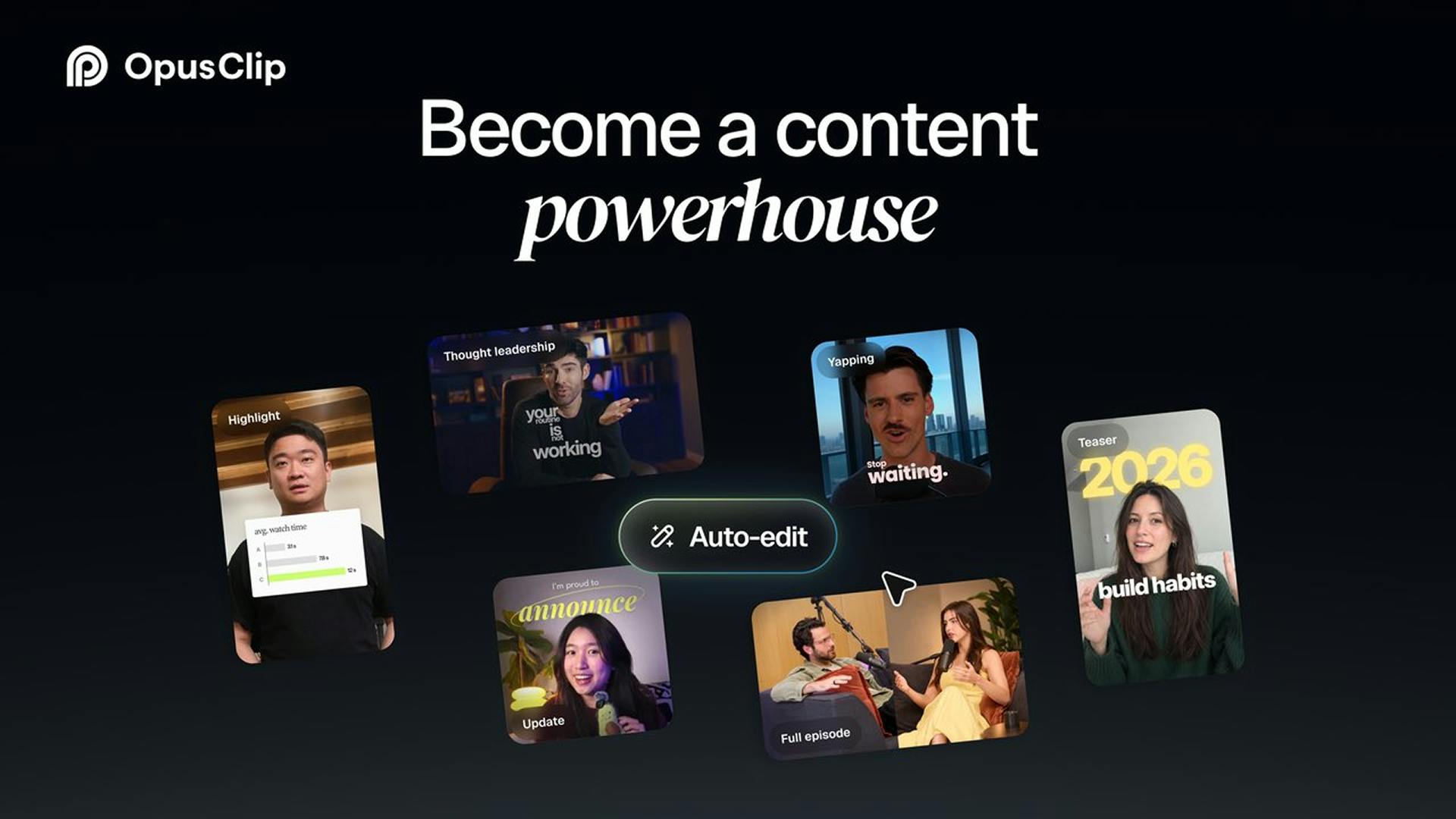
In the past, OpusClip's typical use case was slicing long videos into clips. But 4.0's official description explicitly states it "goes beyond AI clipping to edit raw footage into finished videos." In other words, the product has packaged the most labor-intensive middle steps of finishing — audio cleanup, captions, B-roll insertion, multi-format output, style application, dynamic hooks, and motion effects — into an automated pipeline.
This matters more for social media video teams than for individual creators: the cost of revising a single piece of footage multiple times and distributing it across platforms is precisely where these steps become the bottleneck.
What Capabilities 4.0 Actually Stacks Up
The officially listed capabilities can be broken into three lines:
- Audio & Text Layer: Automatically cleans up spoken audio and generates captions — the foundation of short-video watchability.
- Visual Layer: Adds B-roll footage, generates dynamic hooks and motion graphics, giving rough cuts the visual density of a finished video.
- Delivery Layer: Generates multiple formats at once and supports applying saved editing styles to ensure visual consistency across an account.
Among these, "save editing styles" is easy to underestimate. It means the tool is starting to codify a team's production standards rather than generating from scratch every time, which will significantly affect repurchase and team collaboration stickiness.
B-roll is a common term in film and video editing, referring to supplementary footage inserted beyond the primary shot (such as a person speaking to camera or an interview) to add information, adjust pacing, or mask edit points. In short videos, B-roll typically appears as product close-ups, environmental establishing shots, or operation demos. In traditional workflows, editors must manually select from a footage library and align each segment on the timeline — time-consuming and experience-dependent. The core difficulty of AI-automated B-roll lies in semantic matching: the system must understand what the spoken content is about, retrieve semantically similar clips from the library, and ensure the insertion timing doesn't interrupt the narrative. Currently, such capabilities mostly rely on keyword or vector retrieval based on transcribed speech text, and matching accuracy and aesthetic judgment remain the main bottlenecks.
Motion graphics refers to graphic elements presented in animated form, such as animated lower thirds, data chart animations, transition effects, and brand logo animations. It differs from live-action footage — it belongs to the post-production packaging layer, serving to increase the information density and professional feel of the visuals. In social media short videos, motion graphics are often used to reinforce hooks, highlight key information, or maintain viewer attention. Automated motion graphics generation requires a preset template library and rule engine, with the tool automatically applying animation styles based on video type, pacing, and content. Its limitation is the limited diversity of templates and stylistic convergence; for brands that emphasize a unique visual language, auto-generated motion effects often require secondary manual adjustment.
What Work Is Actually Being Replaced
If we break video production into "shooting — rough cut — packaging — distribution," OpusClip 4.0 targets the space between rough cut and packaging. Audio cleanup, captions, B-roll, and motion effects are traditionally the most repetitive parts of an editor's work. Handing these to AI pushes human effort forward toward creative decisions: topic judgment, hook design, and style setting.
The flip side should also be stated clearly: the aesthetic ceiling of automated B-roll and motion effects depends on the template library and matching logic. For brands with high tonal requirements, human intervention is still needed. The sample size of 4 comments and 99 votes on Product Hunt is also small, and product reputation needs longer-term observation.
Rough cut and packaging are two stages in the video post-production workflow. Rough cut refers to selecting usable shots from a large amount of raw footage and assembling a preliminary sequence according to narrative logic, determining length, structure, and pacing — visual polish is not the goal at this stage. Packaging is the fine-grained visual and auditory treatment built on top of the rough cut, including color grading, captions, effects, motion graphics, sound effects, and music, bringing the finished video to publishable standards. Between the two there is usually also a fine cut stage. In traditional division of labor, rough cut emphasizes narrative judgment while packaging emphasizes execution and aesthetics; the latter is labor-intensive and highly standardized, making it a priority entry point for AI tools. The audio cleanup, captions, B-roll, and motion effects covered by OpusClip 4.0 fall precisely into the most rule-based parts of the packaging layer, while narrative trade-offs in the rough cut remain difficult to fully automate.
Who Should Try It, Who Can Wait
It's worth trying for social media teams producing short videos at high frequency, operators of podcast and interview content, and marketers who need to quickly distribute one set of footage across multiple platforms. Those who can hold off: projects centered on cinematic storytelling or strong brand tonality, and mature teams that have already deeply customized their template libraries within their editing workflows.
The product link is public on the Product Hunt page — those interested can verify actual output quality themselves rather than just watching the demo video.
One-line Summary
OpusClip 4.0 upgrades from AI clipping to an end-to-end finishing tool, replacing repetitive work between rough cut and packaging.
Related articles

Gemini 4 Neon Review: Benchmark Scores Rival Carbon, API Pricing and Quota Breakdown
Google Gemini 4 Neon is now live, benchmark scores closely tracking Carbon, API pricing 3/15 at twice Hydrogen's rate. This article compiles Bilibili creator testing: Neon can replace 90% of Carbon scenarios, AntiGravity quota consumption is only one-third of Carbon, plus subscription channel restrictions and 2API ban risks.

Gemini 4 Helium Coming Soon? Signals of Google Loosening Subscription Restrictions
Google team member hints releases will continue; community speculates Gemini 4 Helium (Flash Lite) may be next. Subscription ban controversy gets a response as product lead says "Soon," suggesting restrictions may be lifted. This article covers Gemini developments, OpenAI Coding Agent and risk management, Doubao real-time audio-video API, and compute business dynamics.

AI-Assisted React Development in Practice: Optimizing a Video App and Handling Errors
A 14-year veteran developer demonstrates AI-assisted React video app optimization: compressing video from 80MB to 5MB (~94%) via ImageKit, plus reliable error handling and retry mechanisms. Includes planning, code understanding, and verification methods for working with AI.