photocraft Open-Source Photo Editor Review: Is 53K Stars Deserved?

photocraft is an open-source, self-hostable photo editor with 53K stars — free and privacy-friendly, but its professional depth remains unproven.
photocraft is an open-source photo editing project with 53,367 stars on GitHub, emphasizing being free, self-hostable, and privacy-first. Users can try it via online demo, deploy locally with Python, or combine it with MonkeyCode for fully local inference. Testing shows fast, low-latency performance with usable editing suggestions and no API costs or rate limits. It clearly wins on cost and privacy versus paid tools, but still trails in feature depth and ecosystem integration.
photocraft, an open-source photo editor with over 53,000 stars on GitHub, has recently sparked quite a bit of discussion. As a project written from scratch, it emphasizes being free, self-hostable, and privacy-first. But can it really replace paid tools? I actually deployed and tested this project — here's my full experience.
What Is photocraft
photocraft is a fully open-source photo editing tool, with its code hosted in the storytold/photocraft repository on GitHub. The project has accumulated 53,367 stars so far, a notably eye-catching number in the open-source image processing space.
Its core positioning is clear: it doesn't rely on any paid APIs, users can run it on their own servers, and all image data stays local. For photographers, designers, or enterprise teams with privacy concerns, this is a direct appeal.
Why It's Worth Paying Attention To
Open Source and Privacy
photocraft is released under an open-source license, meaning the code can be audited, modified, and redistributed. In self-hosted mode, images never leave your infrastructure — no cloud uploads, no third-party API calls. For users handling sensitive material, this is an advantage many paid tools don't offer.
Open-source license refers to the specific legal terms through which a project author explicitly grants users the right to view, modify, and redistribute source code. Common permissive licenses like MIT and Apache 2.0 allow closed-source commercial use, while the GPL family requires derivative works to also be open source. Open source doesn't mean free, nor does it mean unrestricted use — the specific rights and obligations depend on the license text adopted. For self-hosted users, open source also means being able to audit the code yourself and confirm there's no hidden data reporting or remote call logic, a level of transparency closed-source tools simply can't provide.
Self-hosting means deploying software on a server or local machine that the user controls, rather than using a vendor's cloud service. Its core value lies in data sovereignty: all input, processing, and output happen within the user's own infrastructure, without passing through third-party servers. This not only avoids the privacy risks of cloud services but also frees users from subscription fees and API call quotas. The trade-off is that users must handle deployment, maintenance, upgrades, and security themselves.
Performance
In actual testing, photocraft's response speed was satisfying. Local inference means no network latency, and feedback from editing operations is nearly instantaneous. The official description emphasizes being "optimized for speed," and from my experience, it delivers.
Getting Started
The project provides fairly comprehensive documentation and an online demo. New users can try it online first before deciding whether to self-host. The community is also growing steadily, and most problems can be resolved by searching GitHub Issues.
Three Ways to Use It
Try It Online
Just visit the storytold/photocraft repository and find the online demo entry to try it out. Suitable for users who want to quickly understand what the tool can do.
Self-Hosted Deployment
After cloning the repository, install dependencies and run:
# Clone the repository
git clone https://github.com/storytold/photocraft.git

# Install dependencies
pip install -r requirements.txt

# Start the project
python run.py
The whole process isn't complicated — users with basic Python environment experience can get it running within ten minutes.
Use with MonkeyCode
The official team also recommends a combined approach: configuring photocraft as a local model through MonkeyCode to achieve a fully localized inference pipeline. This further strengthens privacy protection — data never leaves your machine, and there are no call limits.
Local inference means the model or algorithm runs computations directly on the user's device rather than sending data to a remote server for processing. The opposite is cloud inference, which requires uploading images or text to a provider's compute cluster and transmitting results back locally. Local inference's advantages include zero network latency, data never leaving the device, and no call limits; its disadvantage is that it requires local hardware — large models may run slowly on ordinary devices. photocraft placing inference locally is the technical foundation that lets it be both "fast" and "privacy-friendly" at the same time.
Side-by-Side Comparison
| Tool | Stars | Open Source | Cost | Speed |
|---|---|---|---|---|
| photocraft | 53367 | ✅ | Free | Fast |
| Tool A | 1000 | ❌ | $20/month | Medium |
| Tool B | 500 | ✅ | Free | Fast |
As the table shows, photocraft has clear advantages in star count and open-source status. Compared to the paid Tool A, it eliminates subscription costs; compared to the equally open-source Tool B, it has a larger community and greater ecosystem maturity. However, publicly available comparison data is currently limited, and actual feature differences still require more in-depth head-to-head testing.
Star count is a marker GitHub users use to express approval of a repository, often referenced by media and developers as a proxy for a project's popularity. It's worth noting that star count reflects attention and bookmarking behavior, not directly code quality, feature completeness, or actual active user scale. A project may gain high stars because its topic is compelling or widely shared, but its maintenance frequency, Issue response speed, and release cadence are more reliable indicators of sustainability. When evaluating open-source projects, it's advisable to also check the number of contributors, most recent commit times, and the resolution rate of open Issues.
Hands-On Experience
I tested photocraft paired with MonkeyCode, recording my impressions across three dimensions.
On speed, the zero latency from local processing is the most intuitive advantage. Editing operations respond instantly, without the pause of waiting for a cloud response.
On quality, the accuracy of editing suggestions is solid, and its understanding of image context exceeded expectations. Error prompts are also fairly clear, so you won't be left confused when debugging.
On cost, it's completely free with no rate limits. For high-frequency users, the long-term value far exceeds monthly subscription plans.
Rate limit refers to the constraints cloud service providers place on the number of requests users can make per unit of time, used to control resource consumption and prevent abuse. Free or low-cost APIs typically have lower call caps, and exceeding them results in throttling or even bans — a real bottleneck for high-frequency users. Self-hosted solutions fundamentally bypass this limitation, since the computing resources are provided by the user, with the only constraint being local hardware processing power. This is one of the core differences between photocraft and paid alternatives on the cost dimension.
Conclusion
photocraft has proven its community appeal with 53,367 stars. Open source, free, self-hostable, privacy-friendly — the combination of these traits makes it a strong alternative to paid photo editing tools.
Of course, paid tools still have accumulated advantages in feature depth and ecosystem integration, and whether photocraft can fully handle professional scenarios will require longer-term validation. But if you care about data privacy, want to control costs, or simply enjoy tinkering with a customizable editor, this project is worth spending some time on.
One-line Summary
photocraft is an open-source, self-hostable photo editor with 53K stars — free and privacy-friendly, but its professional feature depth remains to be proven.
Paragraph Summary
photocraft is an open-source photo editing project with 53,367 stars on GitHub, emphasizing being free, self-hostable, and privacy-first. Users can try it quickly via the online demo, deploy it locally with a Python environment, or combine it with MonkeyCode for fully local inference. Testing shows fast response times with zero network latency, editing suggestions of usable quality, and no API costs or rate limits. Compared to paid tools, it has clear advantages in cost and data privacy, but still lags in feature depth and ecosystem integration — whether it can handle professional scenarios requires longer-term validation.
Related articles

M&M's Spent Millions Replacing Artificial Blue Dye — Why Is It So Hard?
Mars spent millions trying to replace artificial blue dye in M&M's with spirulina, but thick material clogs pipes and residue risks mold, forcing a full production-line rebuild. Here's the engineering behind the reformulation.
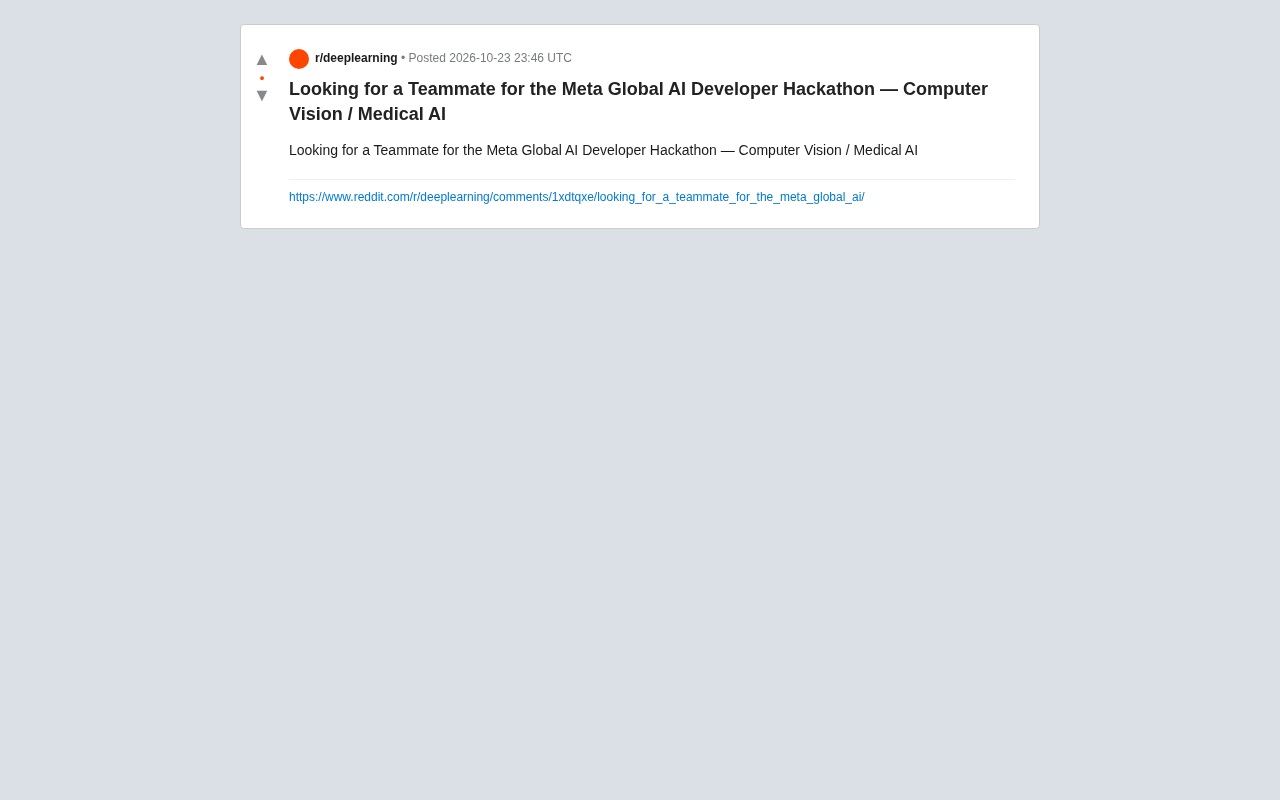
Teammate Wanted for Meta Global AI Developer Hackathon: Computer Vision & Medical AI
A Reddit developer seeks teammates for the Meta Global AI Developer Hackathon, focusing on computer vision and medical AI. This article analyzes the track logic, skills-complementarity needs, and topic selection strategy behind this teaming signal.
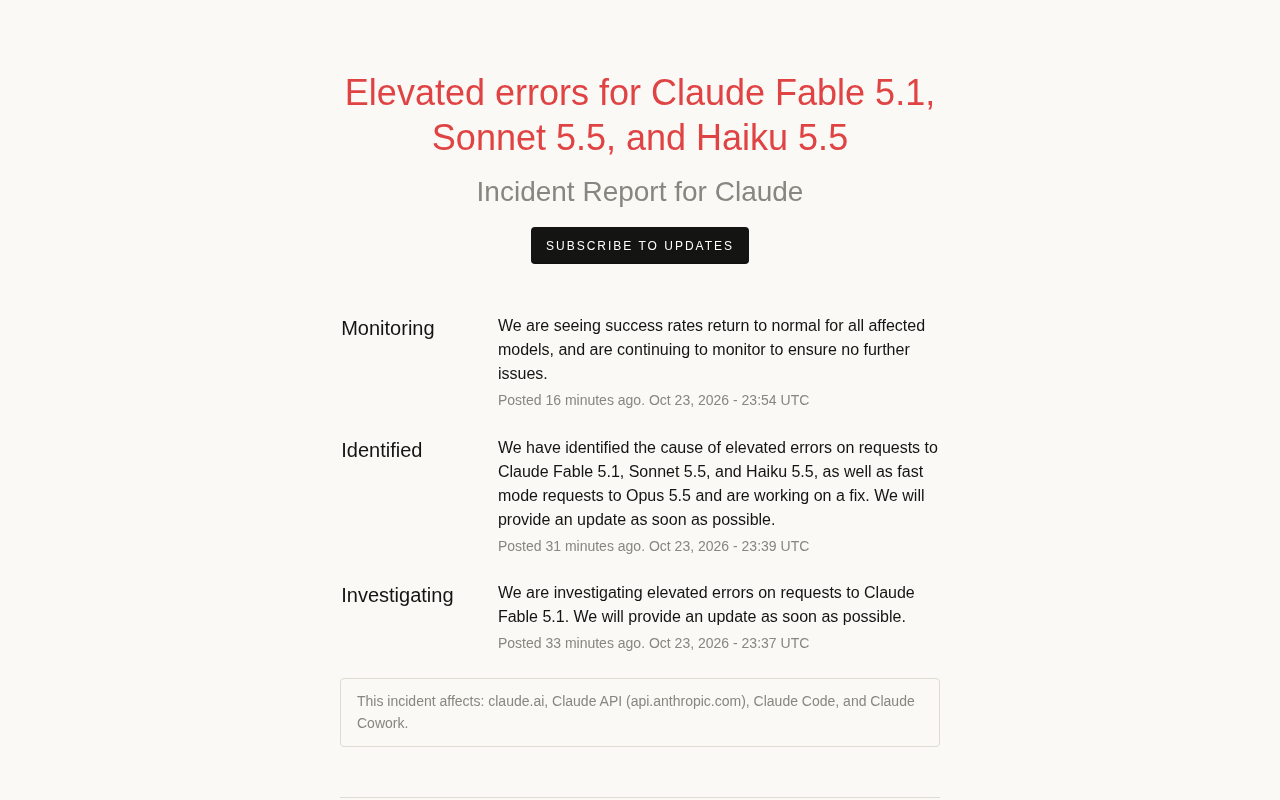
Multiple Claude Models Hit by Errors: A Postmortem of Fable 5.1, Sonnet 5.5, and Haiku 5.5
Claude Fable 5.1, Sonnet 5.5, Haiku 5.5, and Opus 5.5 fast mode saw elevated errors; Anthropic identified and resolved the issue in 17 minutes. This postmortem covers the timeline, the technical reasons for the multi-model cascading failure, and practical lessons for retry and degradation strategies.