Pony/Illustrious Model Pose Prompting Guide: From Keywords to LoRA Training

A step-by-step guide to reliably reproducing non-standard poses in Pony/Illustrious models.
Reproducing specific poses in anime-focused Stable Diffusion models like Pony and Illustrious is notoriously difficult because pose understanding is tightly coupled to the Danbooru tag system. Using a 'kneeling from behind' request as a case study, this article presents a four-stage practical approach: search Danbooru for accurate tags first; fall back to descriptive phrase combinations with viewpoint tags; apply ControlNet OpenPose with weight tuned to 0.6–0.8 to avoid dark artifacts; and finally train a dedicated pose LoRA from 10–15 curated samples to form a generate–filter–train loop.
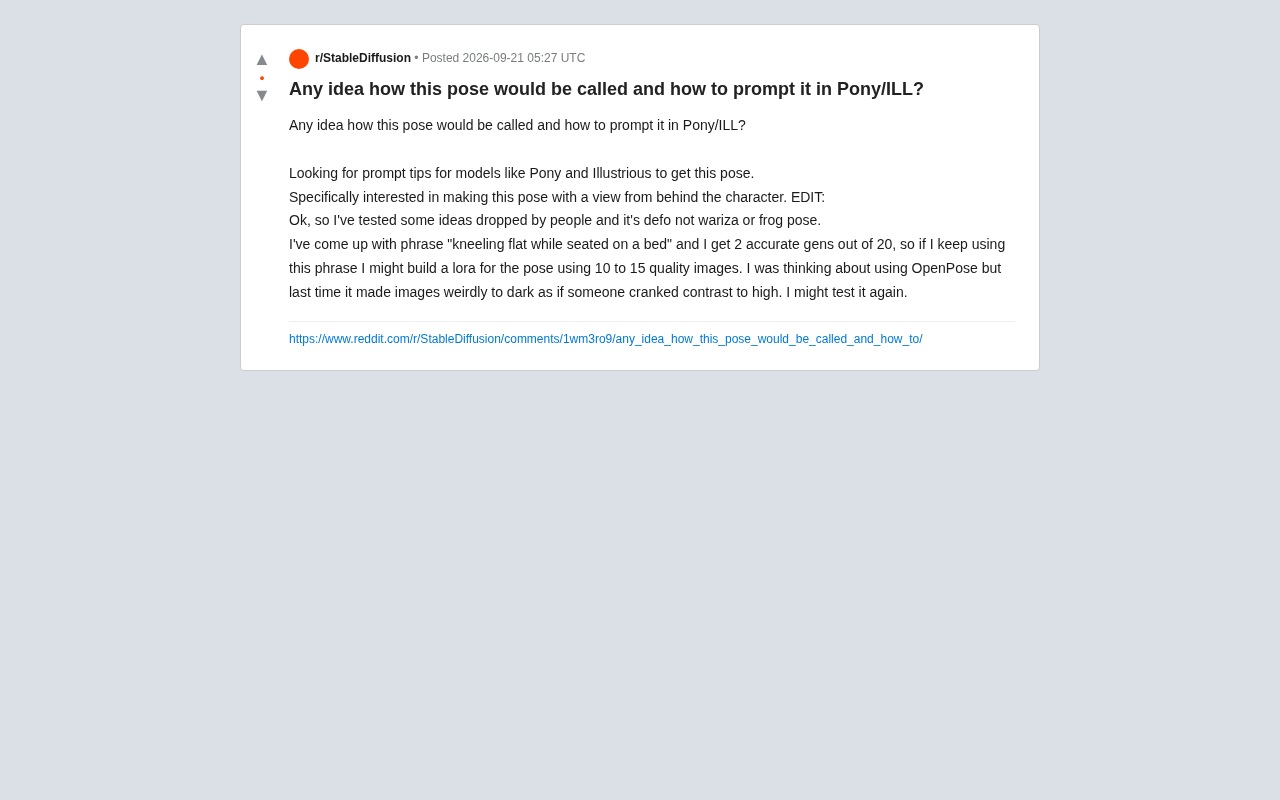
When working with anime-focused Stable Diffusion models like Pony and Illustrious (ILL), accurately reproducing specific character poses is often the most frustrating part of the workflow. A Reddit user recently posted asking how to get a model to generate a particular seated pose — specifically from a back-facing perspective. While the request sounds simple, it actually touches on several practical challenges: prompt engineering, pose naming conventions, and the trade-offs involved in using ControlNet.
Why Pose Prompting Is So Hard
Models like Pony and Illustrious are trained on large datasets of tagged anime images, and their understanding of poses is tightly coupled to the Danbooru-style tag system. In other words, if the pose you want has a well-established corresponding tag in the training data, generation will be fairly accurate. If it doesn't, the model is essentially guessing — and success rates drop sharply.
The original poster initially suspected the target pose was wariza (W-sit / girl-sit) or frog pose, both of which are standard sitting pose tags on Danbooru. After testing, neither matched. This illustrates a common mistake: many poses look visually similar but map to completely different tags. Blindly applying standard tags can actually steer results in the wrong direction.
Danbooru is the world's largest annotated anime image database, with over 5 million images and hundreds of thousands of structured tags. Models like Pony Diffusion and Illustrious were trained heavily on this tag system, so the model's internal "concept space" is closely aligned with Danbooru tags. For pose-related tags specifically, Danbooru maintains a detailed naming convention —
wariza(W-leg kneeling sit),seiza(formal sitting),indian style(cross-legged),sitting(generic) — each with a precise definition that can't be swapped interchangeably. It's worth checking Danbooru's tag pages before generating to verify the exact English name of your target pose, rather than guessing. The site (danbooru.donmai.us) supports tag-based image search, making it an invaluable debugging tool for prompts.
Start with Descriptive Phrases
When no ready-made tag exists, natural language descriptive phrases are a viable fallback. The original poster eventually settled on kneeling flat while seated on a bed, which yielded 2 accurate results out of 20 generations.
A ~10% hit rate isn't high, but for a non-standard pose it's a meaningful signal. The takeaway here is important: rather than hunting for a single "correct" tag, combine multiple descriptive terms to approximate the target. Stacking tags like kneeling, on bed, and from behind gives the model multiple constraints to converge on.
For the back-facing perspective requirement specifically, the Danbooru tag system has clear equivalents — commonly used ones include from behind, ass, and back (back detail). Combining a viewpoint tag with a pose tag is generally more reliable than relying on pose description alone.
Using ControlNet OpenPose — and Avoiding Pitfalls
When prompts alone can't consistently reproduce a pose, ControlNet's OpenPose module is the industry-standard solution. It enforces pose constraints by extracting skeleton keypoints from a reference, theoretically delivering much higher reproduction accuracy.
That said, the original poster mentioned a real-world pitfall: a previous OpenPose attempt produced images that were abnormally dark — "like someone cranked the contrast to maximum." This is a fairly common issue, typically caused by:
- ControlNet weight set too high, suppressing the base model's color rendering
- Preprocessor and model version mismatch
- Improper
guidance start/endstep ranges, causing denoising imbalance in later steps
The usual fix is to bring the ControlNet weight down to the 0.6–0.8 range, or adjust the ending control step so the skeleton constraint exits early in the generation process, handing color and lighting control back to the base model. The poster mentioned plans to retry OpenPose — it's a direction worth sticking with.
ControlNet was proposed by Tencent ARC Lab in 2023 as a conditional control extension framework. It works by attaching a trainable copy network alongside the UNet structure, injecting additional structural information (skeletons, depth maps, edge lines, etc.) into the diffusion process without modifying the original model weights. OpenPose is its most commonly used pose control mode: the preprocessor extracts 18 keypoint JSON coordinates from a reference image or custom skeleton, and the ControlNet model encodes those coordinates as conditioning vectors.
Importantly, ControlNet has multiple version branches: weights trained for SD 1.5 cannot be used directly with SDXL-architecture models like Pony or ILL. You must use ControlNet weights specifically adapted for SDXL (such as ControlNet-XL or community-ported equivalents). Version mismatch not only hurts pose accuracy — it's also one of the most common causes of visual artifacts like the dark, blown-out contrast the poster described. Always verify the target architecture version on the model's description page before use.
The Ultimate Solution: Train a Dedicated Pose LoRA
The most valuable idea the poster raised was training a pose-specific LoRA using 10 to 15 high-quality images. This is the fundamental solution to the problem of "non-standard poses that can't be consistently reproduced."
When a pose has no existing tag and prompt hit rates are low, training a small dedicated LoRA lets the model "memorize" that specific pose. Key practical notes:
- Prioritize data quality: 10–15 images isn't many, so each one should be sharp, consistent in pose, and cover a reasonable range of angles (front, back, and side views are ideal)
- Tag precisely: Assign a consistent trigger word to all training images, supplemented by descriptive tags
- Avoid overfitting: Small datasets are prone to overfitting on backgrounds or clothing — crop to a clean pose-focused subject, or thoroughly describe variable elements in the tags to prevent them from being absorbed into the LoRA's learned features
Using phrases like kneeling flat while seated on a bed as a starting point, filtering the accurate outputs to build a training set, and feeding those back into training creates a positive "generate → filter → train" loop. It's a pragmatic and scalable approach.
LoRA (Low-Rank Adaptation) is a parameter-efficient fine-tuning technique. The core idea is to inject two low-rank matrices (typically rank 4 or 8) alongside the original model's weight matrices. Only these small matrices are updated during training while the original weights remain frozen. This means fine-tuning for a specific concept — a particular pose, character, or art style — requires only a few dozen MB of additional files, which can be loaded on demand at inference time without affecting the base model's general capabilities.
For pose LoRAs, the core training challenge is decoupling the trigger word from the pose itself versus other visual elements (clothing, background, character appearance). A common technique is to thoroughly label "non-target" elements in the dataset tags — such as specific clothing colors or background settings — which encourages the model to concentrate the LoRA's activated features on skeletal posture. The two main training tools currently in wide use are kohya_ss and OneTrainer, both of which offer graphical interfaces and are reasonably approachable for non-programmers.
Practical Recommendations for Similar Use Cases
Based on this case, here's a prioritized approach for reproducing specific poses in Pony/ILL models:
- Search the Danbooru tag library first to see if a ready-made pose tag exists
- If not, approximate the target by combining multiple descriptive phrases paired with viewpoint tags
- If prompt hit rates are too low, bring in ControlNet OpenPose to constrain the skeleton — remember to lower the weight to avoid visual artifacts
- If none of the above produce stable results, collect accurate samples and train a dedicated pose LoRA
Pose control is fundamentally a constraint game — the more specific your constraints and the more closely they align with the training data, the more predictable the output. For creators who need a specific pose on a recurring basis, investing the time to train a LoRA upfront is far more efficient than gambling on prompt lottery every session.
Related articles

Free Unlimited Claude Code Solution: Agnes AI + CC Switch Setup Guide
No paid subscription needed — pair the free AI platform Agnes AI with the open-source tool CC Switch to provide a backend for Claude Code, enabling unlimited free calls to text, image, and video models. This guide covers the full setup, test results, and usage boundaries.

A Complete Zero-Cost Guide to Getting Started with Claude Code for Beginners in China
A beginner's guide to Claude Code for users in China: two installation methods (command line and IDE plugin), full configuration steps for replacing the official API with the free domestic LongCat model, and a hands-on demo of building a small tool with natural language, plus tips.

When the NSA Gets Involved: The AI Supply Chain Crisis Behind Open-Source CVEs and API Key Hijacking
Multiple open-source projects disclosed severe CVEs in one day, PHP flaws alarmed the FBI, and Railway and OpenCode were breached with API keys stolen. This article breaks down the vulnerability window, AI-accelerated exploitation, and the AI supply chain crisis behind the API key black market, with a developer defense checklist.