Read-Only Windows MCP Server: How a Delta Canvas Drastically Cuts Vision Tokens
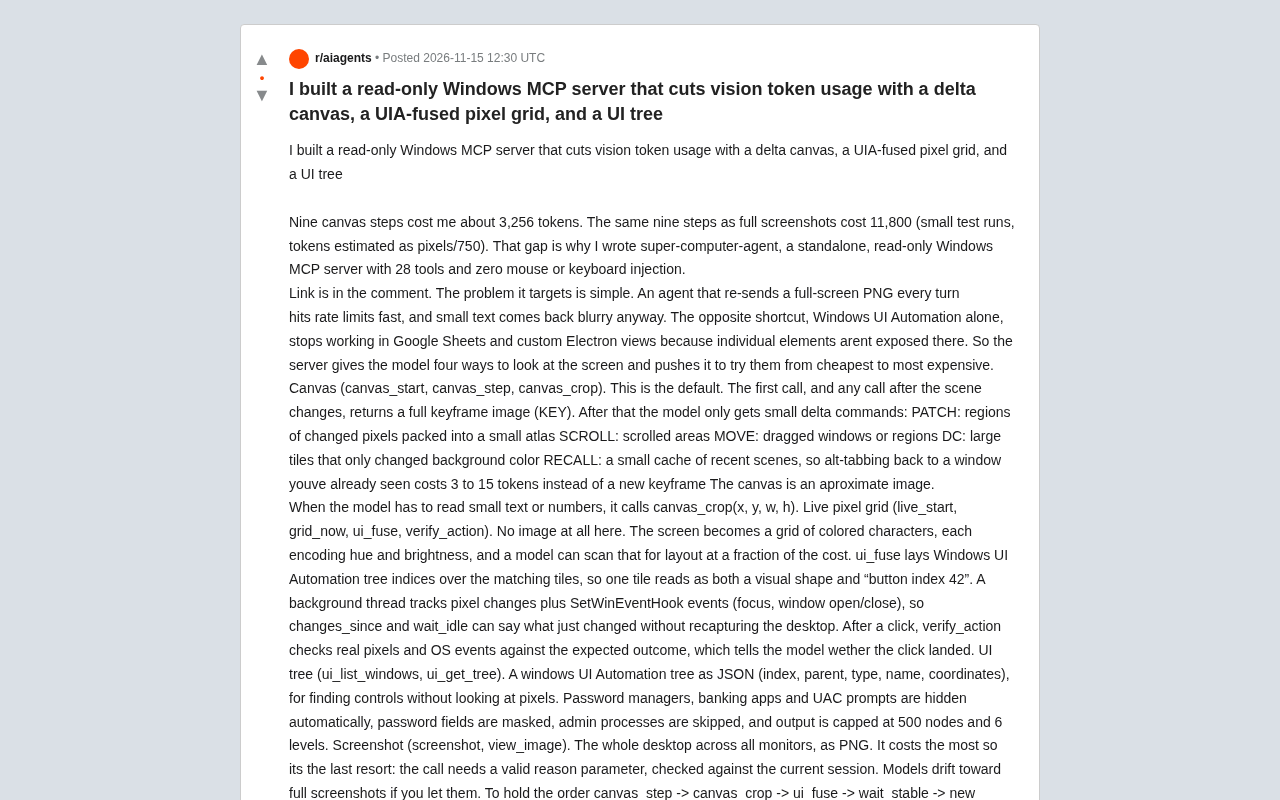
A read-only Windows MCP server uses a delta canvas and four-tier fallback to cut vision tokens by ~70%.
This article introduces super-computer-agent, a read-only Windows MCP server that solves excessive vision token consumption for AI desktop agents. It offers 28 tools with no input injection. Its core delta canvas returns a keyframe first, then only small delta instructions, so nine operations cost ~3,256 tokens versus 11,800 for screenshots. It forces the model to try canvas, pixel grid, UI tree, and screenshot in cost order, with guardrails against drift. ui_fuse overlays UIA indices onto the pixel grid, and verify_action checks results. The project is open-core.
Read-Only Windows MCP Server: How a Delta Canvas Drastically Cuts Vision Tokens
When it comes to letting AI agents operate a computer desktop, vision token consumption is an unavoidable bottleneck. Sending back a full-screen screenshot on every interaction not only quickly hits rate limits, but small text also turns into a blurry mess after compression. Taking the opposite approach and relying entirely on the Windows UI Automation (UIA) accessibility tree fails completely in scenarios like Google Sheets or custom Electron views where elements aren't exposed.
A developer on Reddit therefore built a standalone read-only Windows MCP server called super-computer-agent, offering 28 tools and deliberately excluding any mouse or keyboard injection capabilities. Its solution isn't an either-or choice, but rather letting the model try four ways of "seeing the screen" in order of increasing cost.
Core Idea: Breaking the Screen into Delta Commands
The most central design of this server is the "delta canvas." On the first call, or the first call after a scene switch, it returns a complete keyframe image (KEY); after that, the model only receives small delta instructions:
- PATCH: regions where pixels changed, packed into a small atlas
- SCROLL: regions that were scrolled
- MOVE: windows or regions that were dragged
- DC: large tiles where only the background color changed
- RECALL: a small cache of recent scenes, so alt-tabbing back from another window costs very few tokens instead of pulling a fresh keyframe
Based on the author's small-scale testing estimates (tokens calculated as pixels divided by 750), nine canvas operations consume about 3,256 tokens, while the same nine steps using full-screen screenshots would cost 11,800. This order-of-magnitude gap is the foundation on which the entire approach rests.
The canvas itself is an approximate image. When the model needs to read small text or numbers, it calls canvas_crop(x, y, w, h) to precisely crop the specified region. This rhythm of "view the whole approximately first, then read locally in detail" replaces the crude approach of "transmitting the original image every step."
Communication mechanism of the delta canvas: The PATCH/SCROLL and other instructions returned by canvas_step are not image difference maps in the traditional sense, but a set of descriptive commands paired with a compact atlas. The model must "replay" these instructions onto a locally maintained canvas state to obtain an approximate image of the current screen. This means what's transmitted between the server and the model is a state change rather than a complete state, similar to diff and patch in a version control system. The atlas approach packs multiple small rectangular change regions into a single texture, reducing image encoding overhead and transmission count.
Live Pixel Grid: Not Even Sending Images
One level cheaper than the canvas is the live pixel grid. The screen is represented as a grid of colored characters, each character encoding hue and brightness, so the model can judge the layout at a glance at a cost far lower than images.
What's really interesting is ui_fuse: it overlays the indices of the Windows UI Automation tree onto the corresponding grid tiles, so the same tile is both a visual shape and can be read for semantic information like "button index 42." Image and structural information are aligned in the same coordinate system, so the model doesn't need to mentally map between two sets of data.
Background threads simultaneously track pixel changes and SetWinEventHook events (focus switches, window open/close), so changes_since and wait_idle can directly state "what just changed" without re-capturing the desktop. After a click, verify_action compares the expected result with real pixels and OS events, telling the model whether the click actually landed—a frequently overlooked but very practical feedback loop.
Windows UI Automation (UIA) tree: UIA is the accessibility framework provided by Windows, organizing windows, controls, and their properties (name, type, coordinates, whether interactive) on the desktop into a tree structure. Assistive technologies (such as screen readers) obtain interface semantics through it. In the MCP server, ui_get_tree directly serializes this tree into JSON and returns it, enabling the model to locate controls like "button index 42" without pixels. However, UIA's coverage depends on whether an application implements an accessibility provider, so the canvas-rendered area of Google Sheets or certain custom Electron views may not expose internal elements—this is precisely the blind spot of pure UIA approaches.
Four-Tier Fallback and Anti-Drift Design
The server gives the model four ways of observing, and forces it to try them in order of increasing cost:
- Canvas (canvas_start / canvas_step / canvas_crop)—the default path
- Live pixel grid (live_start / grid_now / ui_fuse / verify_action)—no images at all
- UI tree (ui_list_windows / ui_get_tree)—provides the UIA tree in JSON form (index, parent node, type, name, coordinates), locating controls without touching pixels
- Screenshot (screenshot / view_image)—full-desktop multi-monitor PNG, the most expensive, as a last resort
The author observed a key behavior: left unchecked, the model will spontaneously "drift" toward full-screen screenshots. So the server adds priority tags to tool descriptions, appends NEXT hints at the end of tool outputs, issues warnings to models that repeatedly poll, and adds guardrails to screenshot calls—a valid reason parameter matching the current session must be provided for execution. This explicit guidance of model behavior addresses the pain points of real-world deployment more directly than merely optimizing data structures.
The UI tree layer also has security handling: password managers, banking applications, and UAC prompts are automatically hidden, password fields are masked, administrator processes are skipped, and output is capped at 500 nodes and 6 levels of depth. For a read-only tool, these boundaries are drawn fairly conservatively.
Model behavior guardrail: In agent systems, a guardrail refers to constraint logic inserted before and after tool calls to prevent or guide the model toward certain actions. The guardrails in this article include: embedding priority tags in tool descriptions (such as "try the canvas first"), appending NEXT suggestions at the end of outputs, and requiring a reason parameter for screenshot calls that matches the current session. This kind of design acknowledges that models have "lazy" or "habitual" tendencies—preferring the most familiar and direct tool over the most cost-effective one—and therefore requires proactive correction through interface design.
Known Limitations and Open-Core Model
The author candidly admits the project is still in beta. One specific issue: when a 6-character verification code on screen changes, the delta patch may be hard to discern, requiring an immediate call to canvas_crop to read it clearly. Additionally, the canvas and pixel grid currently only capture the primary monitor.
The licensing model is open-core: the MCP server, CLI, coordination logic, screenshot capture, and read-only UI tree are open-sourced under AGPL-3.0 and ready to use out of the box; while the delta canvas and pixel grid engine are closed-source compiled .pyd binaries controlled by offline Ed25519 license keys. To try it out, you can email to request a free 24-hour .lickey file.
For developers building Windows MCP servers or struggling with multi-monitor DPI issues, this project offers a cost-layering approach worth referencing: rather than trying to compress screenshots even smaller, redefine "what the model needs to see."
This article is based on the original Reddit post; all test data comes from the author's self-reported small-scale experiments.
One-line Summary
A read-only Windows MCP server uses a delta canvas and a four-tier fallback strategy to cut vision token consumption by about 70%.
Paragraph Summary
This article introduces a read-only Windows MCP server called super-computer-agent, designed to solve the problem of excessive vision token consumption when AI agents operate a desktop. The server offers 28 tools with no mouse or keyboard injection capabilities. Its core is the delta canvas mechanism: it returns a keyframe on the first call, then only sends small delta instructions like PATCH, SCROLL, and MOVE. Nine operations consume about 3,256 tokens, versus 11,800 for full-screen screenshots. The server forces the model to try four observation methods in increasing cost order: canvas, live pixel grid, UI tree, and screenshot, and uses priority tags, NEXT hints, and reason-parameter guardrails to prevent the model from drifting toward screenshots. In addition, ui_fuse overlays UIA tree indices onto the pixel grid, and verify_action verifies action results using pixels and system events. The project uses an open-core model, with the canvas and pixel grid engines closed-source.
Related articles

No Coding Required: He Shipped an App Store App by 'Cutting Features' and Nitpicking with AI
A game designer with zero frontend/backend skills shipped a dual-platform App Store app with AI—not via one-click generation, but by cutting scope and nitpicking like a demanding client.
What Is Harness Engineering? From Concept Origins to Enterprise-Level Agent Implementation
What is Harness Engineering? This article traces the concept's origins and analyzes enterprise-level Agent requirements for tool call fault tolerance, data security, tenant isolation, and memory gaps.
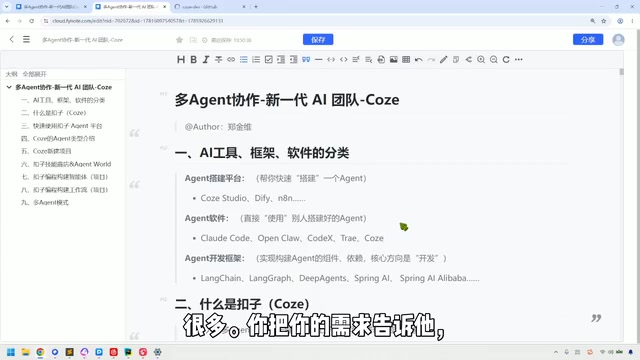
Coze in Practice: A Three-Tier Agent Classification and a Multi-Agent Collaboration Guide
A Bilibili tutorial breaks down the multi-agent collaboration toolchain into three categories: building platforms like Coze Studio and Dify, Agent software like Claude Code, and development frameworks like LangChain—plus a Coze demo of industry templates, three-platform interoperability, local Agent integration, and the trade-offs of credit consumption.