Reddit Discussion: How to Extract Complex Document Data (PDF/Excel, etc.) in Production?

Community discussion on tool choices for structured extraction from PDF, DOCX, Excel, and PPT, and merged-cell pain points.
The article compiles a Reddit community discussion on tool selection for document data extraction. For PDF, pdfplumber excels at tables and text positioning while PyMuPDF is faster, and camelot and tabula focus on tables but struggle with scanned documents; DOCX relies on python-docx with lxml for complex nested tables; Excel merged cells are the biggest pain point—openpyxl only reads merged regions, requiring custom value-broadcasting logic; PPT uses python-pptx but layout extraction needs custom logic. For the MVP-versus-production trade-off, unstructured suits rapid validation while production favors self-built pipelines, and commercial APIs handle complex layouts but require weighing cost and privacy. Scanned documents need OCR plus manual review. The core consensus is to pick specialized libraries by format, customize rules for business needs, and build an edge-case test set.
The Engineering Challenge of Document Data Extraction
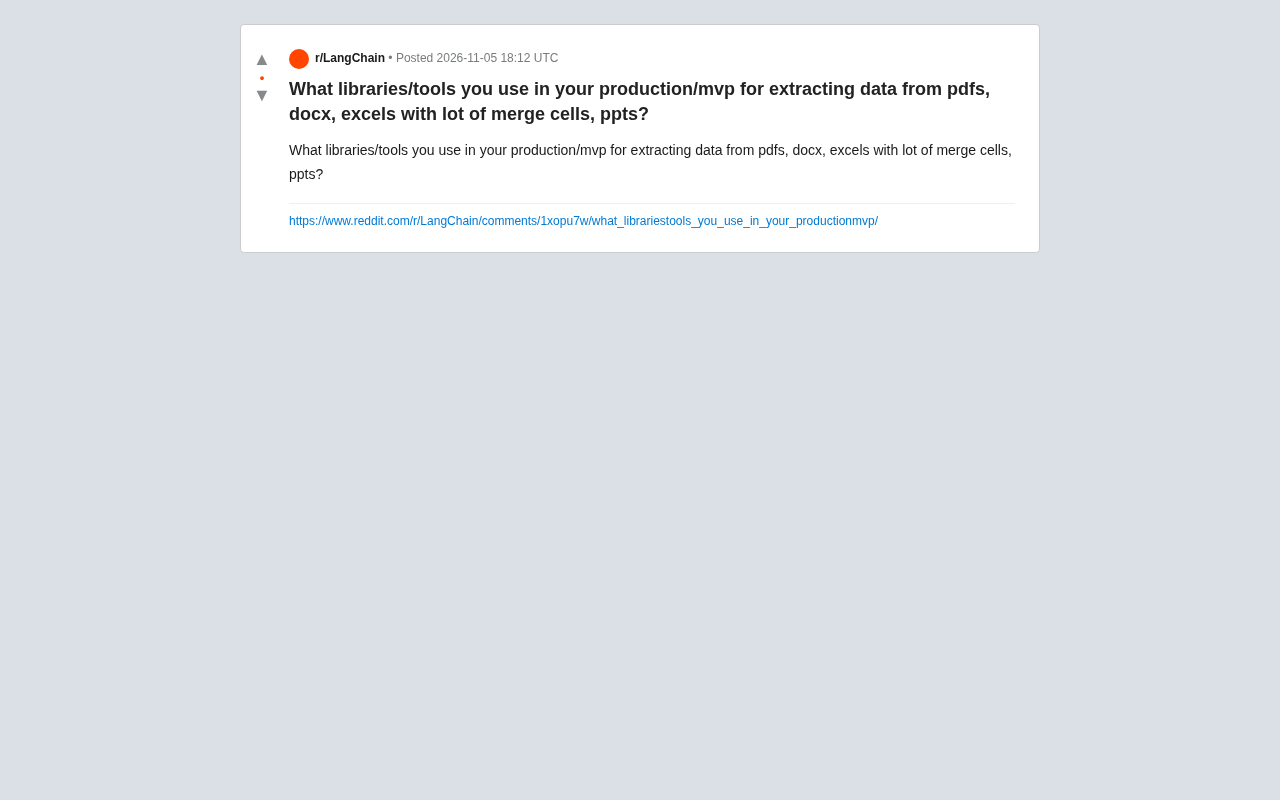
When building an MVP or a production system, extracting structured data from PDFs, Word (DOCX) files, Excel spreadsheets (especially tables with lots of merged cells), and PPTs is a hurdle many developers can't avoid. A developer on Reddit asked peers which libraries and tools they actually use in real projects, sparking a wide-ranging discussion. The problem is thorny because documents in different formats vary enormously in structural complexity, encoding, and layout logic—a single tool rarely handles them all.
The Technical Landscape of Mainstream Tools
In the community discussion, tool choices roughly fall into several camps. For PDFs, pdfplumber and PyMuPDF (fitz) are mentioned frequently—the former excels at table and text-position analysis, while the latter offers better performance; camelot and tabula focus on table extraction but have limited effectiveness on scanned documents or non-standard layouts. For DOCX, python-docx is the baseline choice, but complex nested tables require combining it with lxml to manually parse the XML. Excel's merged cells are a widely recognized pain point—openpyxl can read merged-region information, but developers must reconstruct the logical structure themselves; pandas' read_excel produces NaN at merged cells and requires additional cleaning. PPT extraction is relatively niche—python-pptx can access shapes and text, but extracting layout information still relies on custom logic.
Merged Cells: The Deep End of Excel Extraction
Multiple developers pointed out that Excel merged cells are the most error-prone part of data extraction. In the underlying storage, only the first cell of a merged region holds a value, while the rest are empty—reading directly loses context. The common approach is to first use openpyxl to get the merged_cells ranges, then write fill logic to broadcast the value across the entire region, and finally convert to structured data. There's no silver bullet here; parsing rules must be designed for each business spreadsheet.
Although both pdfplumber and PyMuPDF (imported as fitz) are used for PDF parsing, their underlying mechanisms differ. pdfplumber is built on pdfminer.six, reconstructing text coordinates and font information character by character, so it can precisely determine which rows and columns text belongs to—making it suitable for table extraction and scenarios requiring spatial reasoning, at the cost of slower speed. PyMuPDF is a Python binding for MuPDF, implementing rendering and text extraction in C with noticeably higher throughput, but its semantic reconstruction of table boundaries is less direct than pdfplumber's. A common combination in practice is to use PyMuPDF for batch pre-screening and fast text extraction, then hand pages suspected of containing tables to pdfplumber for precise parsing.
camelot and tabula focus on tables—the former uses OpenCV-based line detection or text-flow inference, while the latter relies on text positioning information inside the PDF. Both assume tables have fairly regular grids or alignment relationships, and they often fail on scanned documents (no text layer) or tables split across pages, requiring OCR or manual splitting first.
The key to understanding merged cells lies in the OOXML storage model. A .xlsx file is essentially a collection of XML files inside a zip package; worksheet data is stored in sheet1.xml, and merge information is recorded in the <mergeCells> node. Each <mergeCell ref="A1:C2"/> only declares a range, while the cell value exists only in the <c> node of the top-left (anchor) cell of that region—the remaining cells may not exist in the XML at all. Therefore, what openpyxl's merged_cells.ranges provides is only the range; value filling must be broadcast from the anchor by the developer.
Another easily overlooked point: merged regions may be nested or partially overlapping (although the Excel interface doesn't allow directly creating overlapping merges, programmatically generated files may contain them). The fill logic must first sort by area before processing, to avoid small regions being overwritten by large ones. For multi-level headers, row numbers must also be used to determine which row is the grouping label and which row contains the field names.
Trade-offs Between Production and MVP
A clear divide in the discussion: whether it's worth investing in a self-built parser during the MVP stage. Some developers advocate using existing libraries for rapid validation—for example, the unstructured library unifies document parsing interfaces across multiple formats, making it suitable for prototypes; the other camp argues that production environments require self-built pipelines because general-purpose libraries are unreliable on edge cases. Some comments noted that commercial APIs (such as Adobe PDF Extract, Azure Document Intelligence) can handle complex layouts, but cost and data privacy are factors to weigh.
Supplementing Scanned Documents with OCR
For scanned PDFs, the community suggests introducing OCR tools such as Tesseract or cloud services, combined with layout analysis. However, OCR accuracy depends heavily on document quality, and production environments typically require a manual review step.
The design goal of unstructured is to convert formats like PDF, DOCX, HTML, and PPTX into document chunks tagged with element types (Title, NarrativeText, Table, etc.), dispatching to different parsers by format at the underlying level (e.g., PDF goes through pdfminer or PyMuPDF, DOCX goes through python-docx), with optional integration of OCR and layout models. It's suitable for quickly building RAG or prototype pipelines, but its structured reconstruction of tables is still fairly coarse-grained—complex merged headers easily degrade into plain text.
Commercial document intelligence APIs (Adobe PDF Extract, Azure Document Intelligence, etc.) typically have built-in layout analysis, table structure recognition, and key-value pair extraction models, offering better robustness on scanned documents and complex layouts, billed per page. When choosing, three things need to be evaluated: whether data is allowed to leave the country or be uploaded to third parties, per-page cost and call volume, and whether extraction results can satisfy downstream schemas. For privacy-sensitive scenarios, a self-built pipeline combined with open-source layout models is a more controllable route.
Practical Recommendations and Consensus
Synthesizing the various viewpoints, a robust strategy is: choose specialized libraries by document type—pdfplumber or PyMuPDF for PDF, python-docx with XML fallback for DOCX, openpyxl for handling merged cells in Excel, and python-pptx for PPT. During the MVP stage, you can use unstructured to get the pipeline running quickly, then customize parsing rules for business documents in production. At the same time, building a test set covering edge cases like merged cells and scanned documents is key to ensuring extraction quality.
This discussion originates from Reddit r/Python or a similar technical community, reflecting the tool-selection dilemmas developers face in real projects.
One-line Summary
Community discussion on tool selection for structured extraction from PDF, DOCX, Excel, and PPT, plus engineering pain points like merged cells.
Paragraph Summary
The article compiles a Reddit community discussion on tool selection for document data extraction. For PDF, pdfplumber excels at tables and text positioning while PyMuPDF offers better performance, and camelot and tabula focus on tables but have limited effectiveness on scanned documents; DOCX relies on python-docx, with complex nested tables requiring lxml for XML parsing; Excel merged cells are the biggest pain point—openpyxl can only read merged regions, requiring custom value-broadcasting logic; PPT uses python-pptx but layout extraction still needs custom logic. On the MVP-versus-production trade-off, unstructured suits rapid validation while production environments favor self-built pipelines, and commercial APIs can handle complex layouts but require weighing cost and privacy. Scanned documents need OCR combined with manual review. The core consensus is to choose specialized libraries by format, customize rules for business needs, and build a test set of edge cases.
Related articles
 Tech Frontiers
Google Omni 1.2 Flash: 15-Second AI Video at Just $0.07 per Second
Google DeepMind releases Gemini Omni 1.2 Flash: 15-second video, 720p at $0.07/sec (30% cheaper), multi-turn editing without regeneration, draft upscaling to 4K.
 Tech Frontiers
No AI Ghostwriting: Writer's Quarter Reinvents Novel Writing with a Visual Workbench
The Writer's Quarter is an AI-free novel writing and planning tool that unifies character building, story planning, and manuscript writing in one visual workbench. This article analyzes its positioning, target users, and differentiated value amid the rise of AI writing tools.
 Tech Frontiers
Fleeep: A Unified Inspiration Collection Notes App for Creatives
Fleeep is a notes app for creatives that unifies screenshots, bookmarks, saved posts, and inspiration into one calm, cross-device, offline-capable space. This article analyzes its positioning, differentiation, and target users.