REPO Mod Pack Installation & Localization Guide
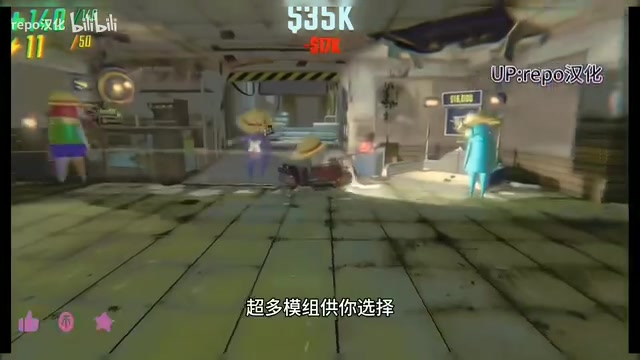
Install 300+ REPO mods and a localization patch with a simple browse-and-paste method.
This guide covers the full installation process for a REPO mod pack featuring 300+ mods and a Chinese localization patch. Both are installed the same way: use your game platform's "Browse local files" feature, then copy the extracted files into the game directory and restart. The pack adds a minimap, valuables scanner, new maps, and more. For multiplayer, all players must run identical mod versions, especially for shared upgrade features. Always back up game files and download from trusted sources.
The State of REPO Mod Packs
REPO has been gaining significant traction as a multiplayer co-op horror game, and its modding ecosystem is expanding rapidly. The source material for this guide comes from a mod pack shared by a Bilibili content creator. According to the creator, the pack includes over 300 mods and adds more than 20 new maps, covering areas such as cosmetic customization, enemy and item additions, and level expansion.
The feature list is impressively diverse: a minimap, voice chat fixes, auto-extraction points, a valuables scanner, item resizing, map upgrades, unlocked full cosmetics, and more. Most of these mods focus on improving convenience and replayability. For example, the valuables scanner helps players locate targets more efficiently, while the minimap addresses the disorientation that often plagues the base game.
It's worth noting that this article is based on a single source. Mod counts and compatibility details reflect the creator's own description, and actual experiences may vary depending on game version updates.
REPO is a multiplayer co-op horror game developed by Swedish indie studio Semiwork. It launched on Steam Early Access in early 2025 and quickly gained a large following. The core gameplay involves 1–6 players teaming up to enter procedurally generated abandoned buildings, collecting valuables and completing extraction objectives while fending off monster threats. The game is built on the Unity engine, and its modding ecosystem is built on the BepInEx framework — a widely used mod injection framework for Unity and Mono games that allows developers to add new features, modify game logic, or replace assets via plugins. This is why installing REPO mods essentially means placing compiled .dll plugin files into the designated BepInEx/plugins directory rather than modifying core game files, which explains the "extract and place according to directory structure" approach.
Step-by-Step Localization Installation
The content creator's video focuses heavily on installing the Chinese localization patch — a step that trips up many new players. The overall approach is to replace local files to enable a Chinese-language interface.
Here are the specific steps: save the downloaded localization patch somewhere accessible; open your game platform, click Manage, then select Browse local files; copy and paste the patch into the game's local file directory; restart the game, and the localization will take effect.
The key to this process is the Browse local files entry point, which most major game platforms provide to help players navigate directly to the game's installation directory. Be sure to back up the original files before applying the patch so you can roll back if something goes wrong.
Installing the Mod Pack
The mod installation logic is nearly identical to the localization patch process — which is exactly why the creator emphasizes that they follow the "same steps." Once you've got the localization flow down, installing mods is straightforward.
The process: download and extract the mod pack to get the mod files; use Browse local files to navigate to the game directory again; place the extracted mod files in the correct locations according to the directory structure; launch the game to load the mods.
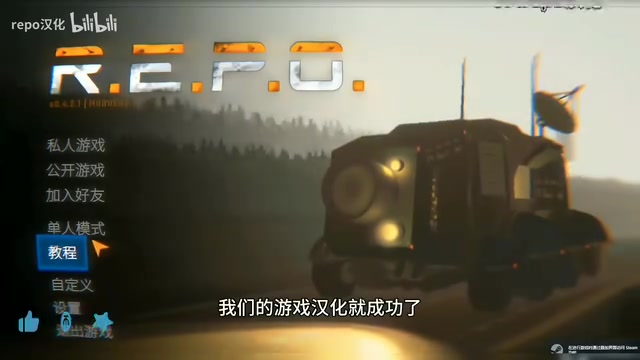
For a large pack containing 300+ mods, the extracted file structure can be fairly complex. It's a good idea to check whether the pack has already been pre-organized into the correct directory structure. If so, you can copy everything over in one go. If mods are distributed individually, pay close attention to the destination path for each one.
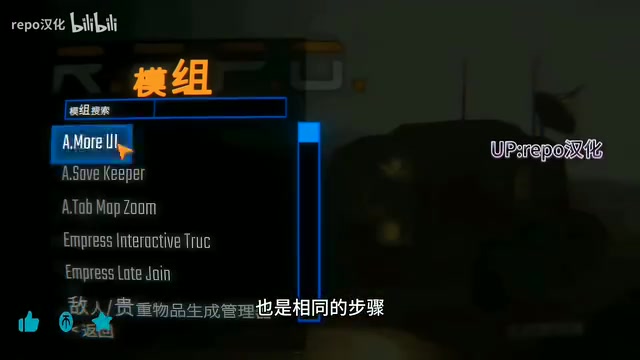
For mods that use the BepInEx framework, the game directory typically contains a folder called BepInEx. The main mod files (.dll files) go into the plugins subfolder, while configuration files go into the config subfolder. Some mods also come with standalone asset folders — for example, custom maps may include AssetBundle files — which need to be placed at paths specified in the mod's documentation. Mod packs generally pre-organize all of these directory relationships, so you can simply extract and copy the contents over the game's root directory. If a BepInEx folder exists at the root level of the extracted pack, that's a reliable sign that the directory structure is already set up correctly and safe to copy over wholesale.
Tips and Important Considerations
Once the mods are installed, you're ready to dive into the expanded content with friends. That said, there are a few things to keep in mind when using mods in a multiplayer setting.
Version consistency. When playing online, all players — including the host — typically need to be running the same mod versions. Mismatches can cause connection failures or broken functionality. This is especially important when a mod pack updates frequently; make sure your whole group stays in sync.
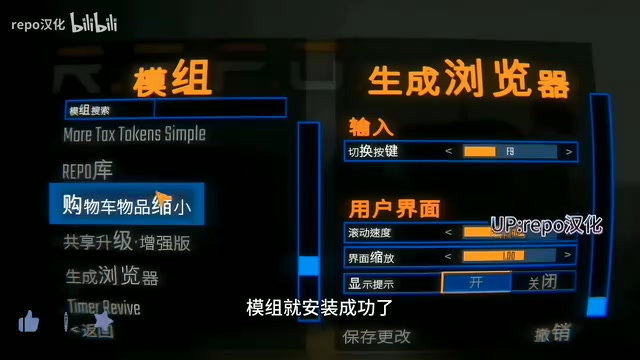
Shared upgrade mechanics. The source material mentions that the pack supports a "shared upgrades" feature. This type of functionality generally relies on server-client coordination, so make sure all players in the session have it correctly configured. If you run into issues, the creator also suggests leaving a comment for help.
Security and stability. Third-party mods carry some inherent risks. Always download mod packs from trusted sources, back up your game files before installing anything, and be aware that mod conflicts can corrupt save data or prevent the game from launching.
The "shared upgrades" feature is fairly common in the REPO modding ecosystem. It works by having a server-side plugin broadcast one player's item upgrade state to all members in the session, rather than each player tracking progress independently. This type of feature is extremely sensitive to version consistency — if the host and a player have different versions of the plugin installed, the sync data packets may be incompatible, leading to anything from silent feature failure to an outright crash. Before a multiplayer session, it's strongly recommended that everyone use the same compressed mod pack file rather than downloading independently, to ensure files are byte-for-byte identical.
Wrapping Up
This REPO mod pack offers a one-stop solution covering everything from localization to feature expansion, with its core value being a lower barrier to entry for modding. Both localization and mod installation share the same underlying logic — Browse local files → copy and paste — making it easy to pick up. For players looking to enrich their experience, the most reliable approach is to get comfortable with the basic installation process first, then selectively add mods based on your own preferences.
Related articles

AI Agent Fundamentals: The Three Core Components — Brain, Memory, and Tools
A beginner's guide to AI Agents: covering the three core components (brain, memory, tools), four stages of LLM deployment, and why Agents matter for real business use cases.
Boycotting Software That Doesn't Support Linux: One Developer's Philosophy of Choice
A Linux-only developer shares his philosophy of boycotting non-Linux software — without sacrificing productivity — and explains how coding agents like Claude Code are closing the gap with commercial tools.
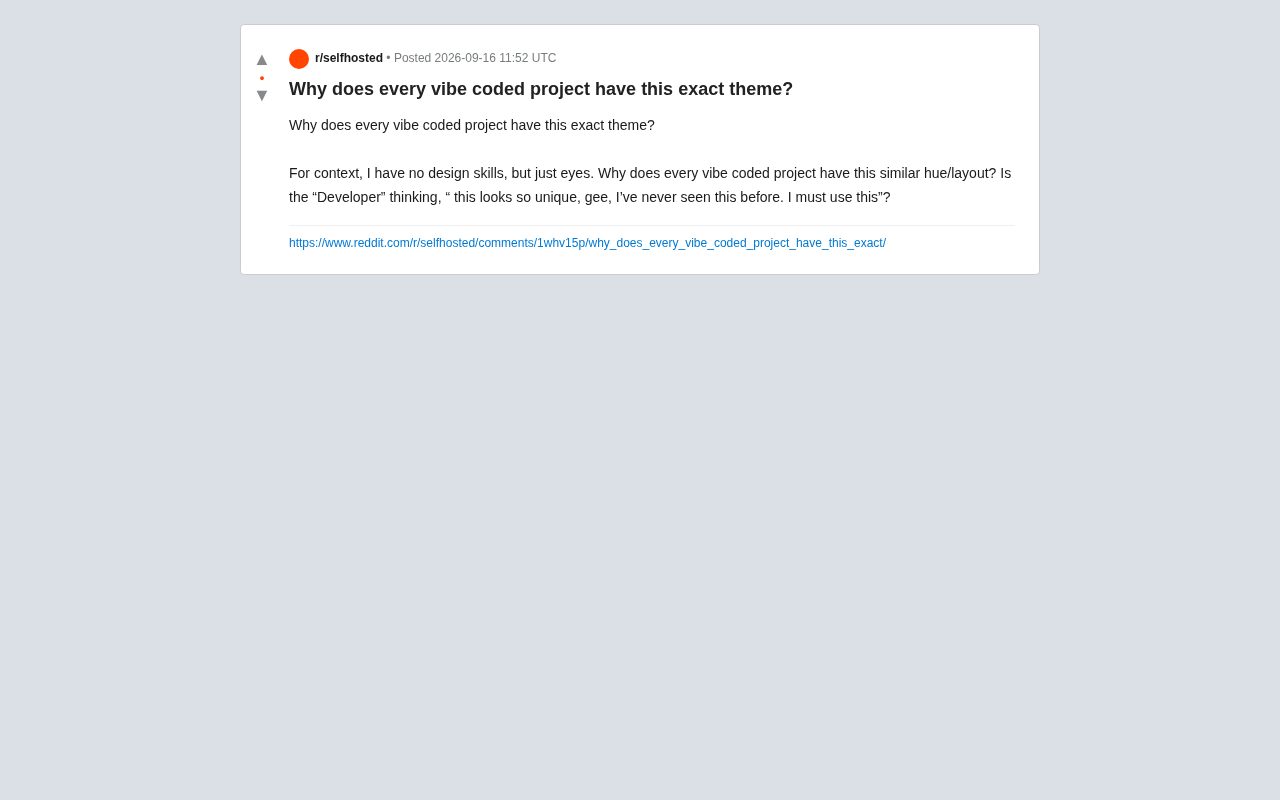
Why Do All AI-Generated Projects Look the Same? The Aesthetic Homogenization Problem in Vibe Coding
Why do vibe coding projects all use purple gradients and dark glassmorphism? We break down the technical roots of AI aesthetic homogenization and how to escape it.