Row-Bot Local Computer Use: Safely Locking Down AI Desktop Control
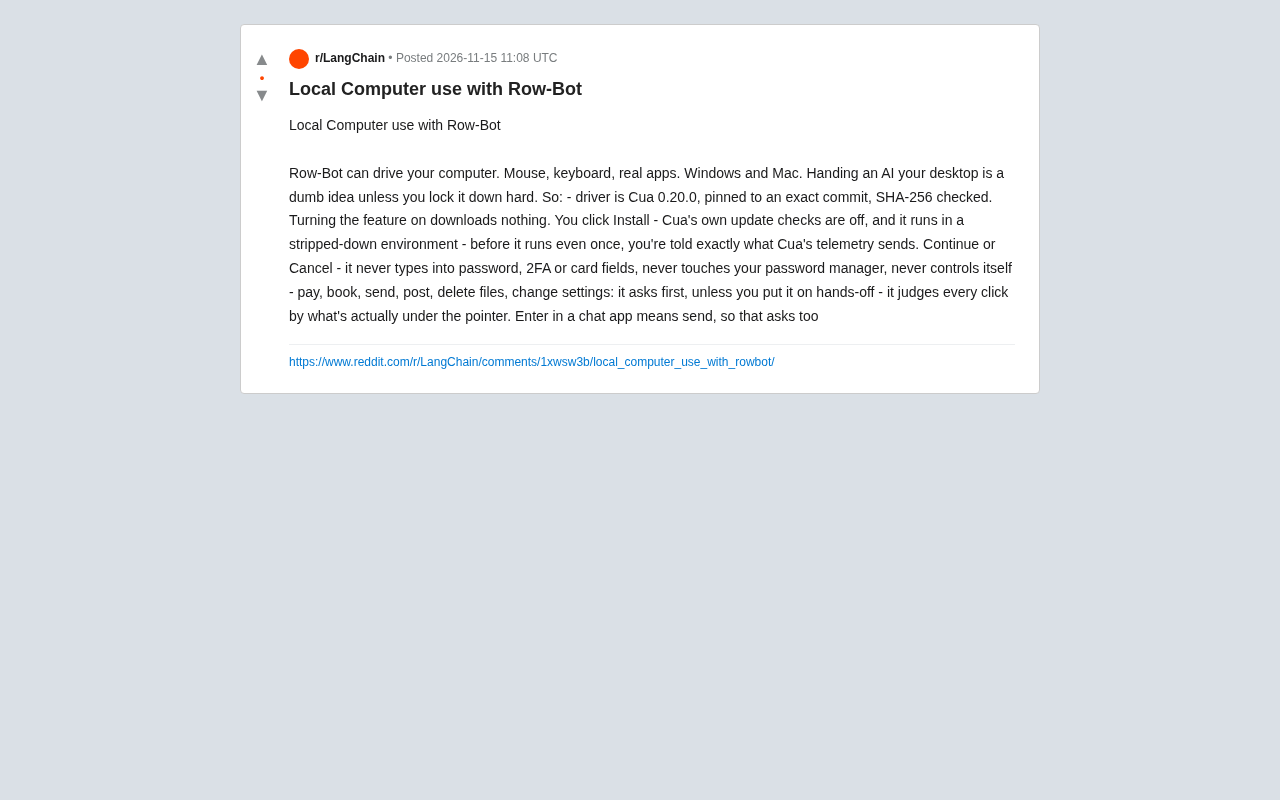
Row-Bot builds a multi-layered security framework for AI desktop control via driver verification, transparent telemetry, hard interception, and control-semantic detection.
Row-Bot is a local AI computer-use tool for Windows and Mac that simulates mouse and keyboard to operate real apps. Its focus is safety: the Cua driver is version-pinned and SHA-256 verified with no auto-downloads, telemetry is disclosed with user choice, passwords/2FA/bank fields/password managers are hard-blocked, sensitive actions ask by default, and control semantics reduce accidental clicks.
Why Letting AI Control Your Computer Needs a "Leash"
Handing over your desktop to AI sounds cool, but the risks are obvious: accidentally deleting files, sending messages without permission, or even leaking passwords. The Row-Bot developers clearly understand this, having shared their design approach for local computer use on Reddit—not to prevent AI from operating, but to ensure it doesn't cause trouble through layer upon layer of safety mechanisms.
Row-Bot supports Windows and Mac, and can simulate mouse and keyboard input to operate real applications. But its core selling point isn't how powerful the features are—it's how safely those features are implemented. Below is a breakdown of its security strategy, highlighting design choices worth learning from.
Driver Layer: Pinned Versions and Hash Verification
Row-Bot's underlying driver is Cua 0.20.0, locked to a specific commit and verified with SHA-256. This means the code you run is exactly the code the developers validated, with no unknown risks introduced by upstream updates.
More importantly, enabling the feature downloads nothing—you have to manually click "Install" to install it. Cua's own update checks are also disabled, and it runs in a stripped-down environment. This "minimize the attack surface" approach is essential for tools that involve system permissions.
SHA-256 verification is a cryptographic hash algorithm that maps data of any length to a fixed-length (256-bit) fingerprint. In software distribution, developers publish the SHA-256 value of official files; users compute and compare it after downloading—if they match, the file has not been tampered with or corrupted. Row-Bot's SHA-256 verification of the Cua driver means it can ensure the loaded binary or code exactly matches the developer-validated version. Even if the download source is hijacked or the file is damaged in transit, verification will catch the anomaly. This is more reliable than relying on version numbers alone, since version numbers can be forged while hash collisions are practically impossible.
Transparency: Telemetry Disclosed Before You Choose
Before Cua runs for the first time, Row-Bot explicitly tells you what data Cua's telemetry will send, then lets you choose "Continue" or "Cancel." This "disclose first, ask after" approach returns informed consent to the user, rather than defaulting to opt-in or hiding it in a privacy policy.
For privacy-conscious users, this detail is a plus. After all, many AI tools quietly collect data in the background, while Row-Bot chooses to put the choice on the table.
Telemetry refers to usage data that software automatically collects and sends back to developers during operation, typically including crash reports, feature usage frequency, and performance metrics. Many tools enable telemetry by default without clear disclosure, raising privacy concerns. Row-Bot's approach is to list the specific categories of data telemetry will send in a popup before Cua's first run, and let users actively choose "Continue" or "Cancel." This complies with the principle of informed consent and echoes transparency requirements in regulations like the EU's General Data Protection Regulation (GDPR). For tools involving desktop control, telemetry data may include sensitive information such as usage habits, making prior disclosure and choice especially important.
Behavioral Guardrails: Sensitive Operations Always Intercepted
Row-Bot has several hard-coded rules to ensure the AI doesn't overstep:
- Never type passwords, 2FA codes, or bank card fields;
- Never touch password managers;
- Never control itself (i.e., the AI cannot operate itself);
- For operations like payments, bookings, sending messages, posting, deleting files, and changing settings, ask the user first by default, unless you explicitly enable "hands-off mode."
These rules are embedded directly in the execution flow rather than relying on the AI's "self-discipline." For example, when the AI tries to press Enter in a chat app, Row-Bot checks what control is currently under the pointer—if Enter means "send," it triggers a confirmation. This control-semantics-based intent detection is smarter than simple key interception.
2FA (two-factor authentication) codes are a login protection mechanism, typically one-time dynamic codes generated by an authenticator app or sent via SMS. Even if an attacker steals the password, logging in without the second factor is difficult. Row-Bot hard-blocks the AI from entering 2FA codes to prevent accidental leakage or misuse of this critical credential during automated workflows. Similarly, bank card fields (card number, expiration date, CVV) and password managers (such as 1Password, Bitwarden) are designated no-go zones, because a single AI misstep or manipulation could directly cause financial loss or full credential leakage. Embedding these rules in the execution flow rather than relying on AI judgment amounts to setting "uncrossable red lines" at the system level—even if the AI model is subjected to malicious prompt injection, it cannot bypass them.
Context Awareness: Every Click Looks at What's "Underfoot"
Row-Bot doesn't just look at what the AI wants to do—it also checks the actual control currently under the pointer. For example, in a chat app, the Enter key usually means sending a message, so such operations are classified as requiring confirmation.
This design reduces the risk of "accidental clicks": even if the AI's instruction itself seems harmless, the button actually being clicked might trigger a sensitive operation. By analyzing control properties in real time, Row-Bot can make more accurate judgments before execution.
Control semantic detection means looking beyond the keystroke or mouse action itself to analyze the properties of the UI control under the pointer (such as the button's text, role, and owning application), thereby inferring the true intent of the operation. For example, the same Enter key inserts a newline in a text box, sends a message in a chat input, and submits in a search box. By reading accessibility information or the UI automation tree, Row-Bot determines before execution whether "pressing Enter will trigger sending a message," and then decides whether to intercept and ask. This semantics-based protection is more precise than key blacklists, adapts to different applications and dynamic interfaces, and reduces both false positives and false negatives.
Balancing Security and Efficiency
Row-Bot defaults to an "ask-first" mode, which may interrupt workflows for high-frequency operations (like sending messages). But it offers a "hands-off mode" for users to choose, suitable for high-trust scenarios. This adjustable security level lets users weigh risks based on the task.
Judging from community discussion, this design has earned considerable recognition. One user commented: "Finally someone takes security seriously instead of just shipping first and asking questions later." Others suggested adding more custom rules, such as exceptions for specific applications.
Conclusion: A Viable Path for AI Desktop Control
Row-Bot's practice shows that letting AI operate a computer is not unfeasible, but it requires defenses from the driver layer all the way to the behavior layer. Pinned versions, hash verification, transparent telemetry, sensitive-operation interception, and context awareness together form a relatively reliable security framework.
For users wanting to try local AI automation, Row-Bot provides a template worth referencing. Of course, security is always an ongoing process, and we look forward to seeing more fine-grained control options in the future.
One-line Summary
Row-Bot builds a multi-layered security framework for AI desktop control through driver verification, transparent telemetry, hard interception, and control-semantic detection.
Paragraph Summary
Row-Bot is a local AI computer-use tool for Windows and Mac that can simulate mouse and keyboard input to operate real applications. Its core selling point isn't powerful features but how safely those features are implemented. The article breaks down its security strategy: the underlying Cua driver is version-pinned and SHA-256 verified, and enabling the feature downloads nothing automatically; telemetry data is clearly disclosed before first run with user choice; passwords, 2FA, bank card fields, and password manager operations are hard-blocked; sensitive operations like payments, sending, and deletion ask by default unless "hands-off mode" is enabled; and it analyzes the semantics of the control under the pointer to determine operation intent, reducing accidental clicks. Together these measures form end-to-end defenses from the driver layer to the behavior layer, offering a reference security template for local AI automation.
Related articles
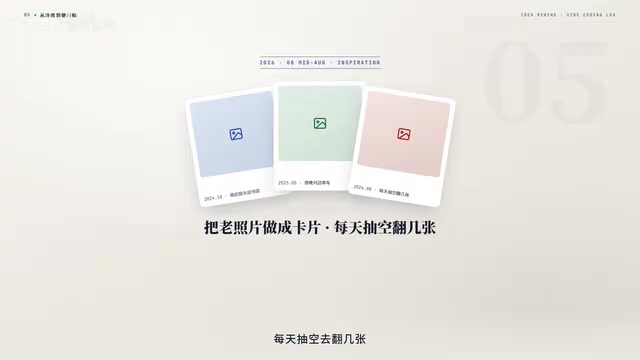
No Coding Required: He Shipped an App Store App by 'Cutting Features' and Nitpicking with AI
A game designer with zero frontend/backend skills shipped a dual-platform App Store app with AI—not via one-click generation, but by cutting scope and nitpicking like a demanding client.
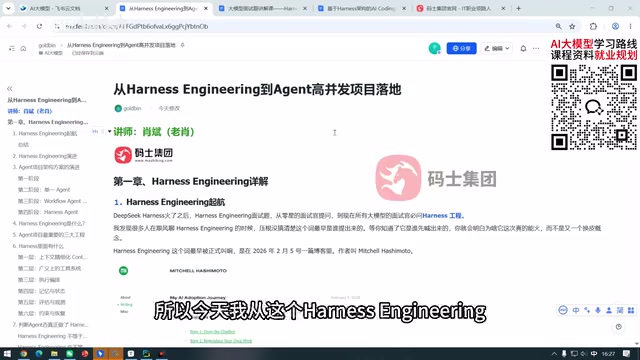
What Is Harness Engineering? From Concept Origins to Enterprise-Level Agent Implementation
What is Harness Engineering? This article traces the concept's origins and analyzes enterprise-level Agent requirements for tool call fault tolerance, data security, tenant isolation, and memory gaps.
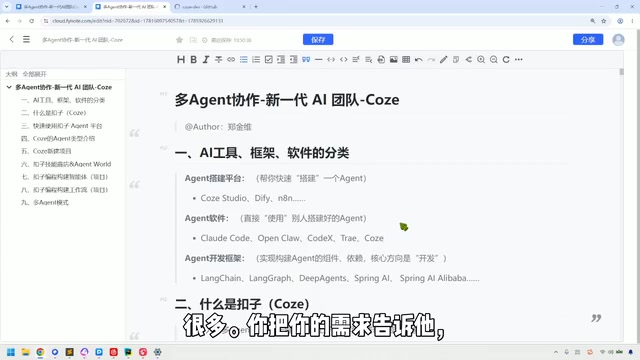
Coze in Practice: A Three-Tier Agent Classification and a Multi-Agent Collaboration Guide
A Bilibili tutorial breaks down the multi-agent collaboration toolchain into three categories: building platforms like Coze Studio and Dify, Agent software like Claude Code, and development frameworks like LangChain—plus a Coze demo of industry templates, three-platform interoperability, local Agent integration, and the trade-offs of credit consumption.