Runway Plugin Lands in Cursor: Let AI Agents Wire Up Your Video Generation API

Runway launches a Cursor plugin that lets AI agents directly integrate its video generation API and automate setup.
Runway launched the Runway Dev plugin on November 2, bringing video generation into Cursor via an MCP server. After installation, the Cursor agent gains Runway's toolset, official best practices, and real-time account-level context—listing available models, call costs, and input formats so it no longer guesses when writing code. Developers just describe their needs, and the agent plans the integration, configures parameters, handles boilerplate like authentication and async polling, and can implement model routing by rules. The plugin is free, but each generation consumes Runway credits and the agent may default to pricier models. The original article recommends validating on a throwaway branch with a small feature, reviewing model choices and costs in the code, and checking loading and error states for long renders.
Runway has dropped its developer capabilities straight into Cursor. The Runway Dev plugin, launched on November 2, lets the AI agent inside Cursor not only write code but actually understand and integrate Runway's video generation API. This isn't simple code completion — it turns "integrating video features" from the grind of manually reading docs and guessing parameters into a conversational engineering task.
One Install, and the Agent Gets More Than Just Tools
The core of the Runway Dev plugin is an MCP (Model Context Protocol) server connection. Once installed, Cursor's agent gains three layers of capability: Runway's toolset, Runway's official best practices, and real-time context from your account.
This means the agent no longer guesses when writing API calls. It can see which models are available in your account, how much each one costs to call, and what input parameters each accepts. The original article puts it plainly: because the server can see your account, the agent can list the models a project can call, the cost of each model, and the input types it accepts.
This solves a common developer pain point — video generation APIs often offer many model options with varying prices and input formats, and manual comparison is error-prone. With this information directly in context, the agent can make more sensible default choices during integration.

MCP (Model Context Protocol) is an open protocol introduced by Anthropic in late 2024 to standardize how AI applications connect to external tools and data sources. You can think of MCP as the "USB-C port of the AI application world": the server side exposes a set of tools, resources, and prompt templates, while clients like Cursor and Claude Desktop discover and invoke these capabilities in a unified format. Before MCP, every time you integrated a third-party service, you often had to write adapter code for each AI client separately; with MCP, a service provider only needs to implement a server once and it can be reused by every agent that supports the protocol. The Runway Dev plugin exists precisely as an MCP server, so after installation the Cursor agent automatically gains Runway's toolset and context without relying on hardcoded integration logic.
From Description to Integration: The Agent Plans and Configures
Usage is natural: you describe what kind of video content your app needs to generate, and the agent plans the integration, configures parameters, and handles the details of the wiring process. The original article notes that the agent will "plan, configure, and debug" the entire integration workflow.
A more advanced capability is model routing. The agent can automatically select the right model for each request according to rules you define. For example, simple scenarios use a low-cost model while high-quality needs switch to a stronger one. This kind of logic usually requires hand-written routing code, but now the agent can build it according to your rules.

For teams already building apps in Cursor, this lowers the bar for "getting it working the first time." Video generation API integration often gets stuck on authentication, parameter formats, and async task polling — the agent can generate all that boilerplate in one pass.
Model routing refers to automatically dispatching tasks among multiple available models based on request characteristics or preset rules. In video generation, different models vary significantly in image quality, duration, resolution, generation speed, and unit price; using a single model uniformly often means either excessive cost or insufficient quality. Routing strategies typically cover several dimensions: content complexity (simple animation vs. realistic footage), budget thresholds, latency requirements, and fallback plans for failed retries. Traditional implementations require developers to hand-write dispatch functions and maintain model capability tables, but with account-level context, the agent can dynamically generate routing logic based on real-time pricing and input formats. Note that the routing rules themselves should be clearly defined by humans, with the agent responsible for implementation — otherwise cost control can easily drift.
Free to Install, but Generation Costs Money
One detail must be made clear: the plugin itself is free to install, but every generation your app runs consumes Runway credits. The original article states explicitly that plugin installation is free, but every generation your app runs uses Runway credits.
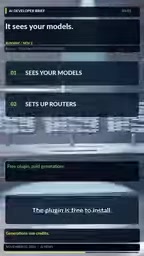
This creates a real risk: if the agent isn't cost-sensitive when configuring model routing, it may default to more expensive models. The original article's advice is pragmatic — let the agent write the integration, but you should verify which model it chose and how much it costs.
Runway credits are the platform's unified unit of measurement. Users purchase a certain amount of quota via plans, and each model call deducts according to that model's price. Per-call consumption varies widely across models: tasks with longer duration, higher resolution, or more advanced motion control consume more credits. This means the cost of "one generation" isn't a fixed value but fluctuates with model choice and parameter configuration. For integrators, beyond per-call pricing, you also need to consider how strategies like failed-retry handling for async tasks and tiered preview-versus-final generation affect total consumption. In scenarios where the agent configures automatically, it's especially important to explicitly constrain model limits or add budget checks in code to avoid repeated calls during debugging quickly draining your quota.
The Original Article's Recommended Testing Path
Runway offers a sensible validation workflow in the original article that's worth following:
- Work on a throwaway branch; don't touch the main branch directly.
- Have the agent implement only a small generation feature with a controllable scope.
- Read the code it writes carefully and confirm the chosen model and price.
- Check for loading and error states during long renders before considering launch.
The clever part of this path is that it separates "the agent writes code" from "the human reviews it." The agent is good at quickly scaffolding a runnable skeleton, but model selection, cost control, and exception handling — the parts involving business judgment — still need developer oversight. The original article's closing point lands here too: let the agent write the integration, and you verify which model it chose and what it costs.
What This Means for the Development Workflow
Integrating video generation into an app used to be a mini-project of reading docs, tuning parameters, and handling async callbacks. The Runway Dev plugin moves the starting point of this process from "reading docs" to "describing requirements." The agent writes code with real-time, account-level information, reducing errors caused by outdated model and pricing data.
But it also means the developer's role is shifting toward reviewer. You need to judge whether the agent's model choices are reasonable, whether costs stay within budget, and whether error handling covers long-render scenarios. The tool lowers the integration barrier, but it doesn't lower the bar for judging integration quality.
For teams already working in Cursor, the plugin's value is saving time on boilerplate and doc lookups; for teams that haven't started integrating video capabilities, it offers a low-cost way to test the waters — validate the full pipeline with a branch and a small feature first, then decide whether to expand usage.
The original article doesn't disclose the specific model list supported by the plugin or the detailed credits billing rules; developers need to check those in their own accounts.
One-line Summary
Runway launches a Cursor plugin that lets AI agents directly integrate the video generation API and automate setup.
Related articles
Microsoft WebIQ: Verifiable Real-Time Web Grounding for AI Agents
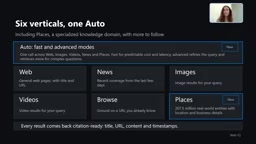
Microsoft WebIQ gives AI Agents real-time, citable web grounding across web, news, images, videos, and Places—164ms P95 latency, 50% fewer tokens, Scopes source control, and MCP integration.
Augmentable Gaussian Splatting: Building Photorealistic Simulation Environments for Robot Training
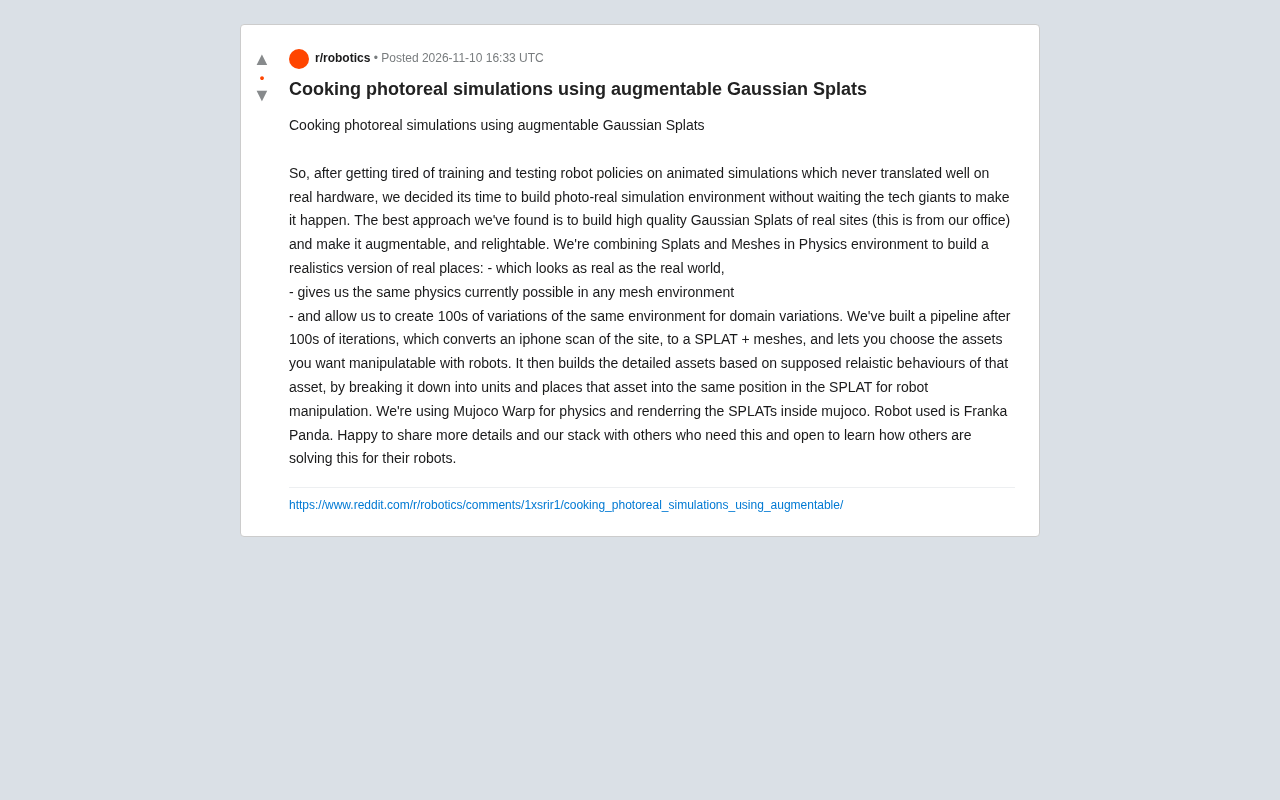
Team combines Gaussian Splatting with meshes to build photorealistic robot simulation environments, integrating MuJoCo Warp physics and Franka Panda for augmentable, relightable real-site simulation.
Gemini 4 Carbon Released: The Leap from Gemini 3 to Gemini 4 in Under a Year
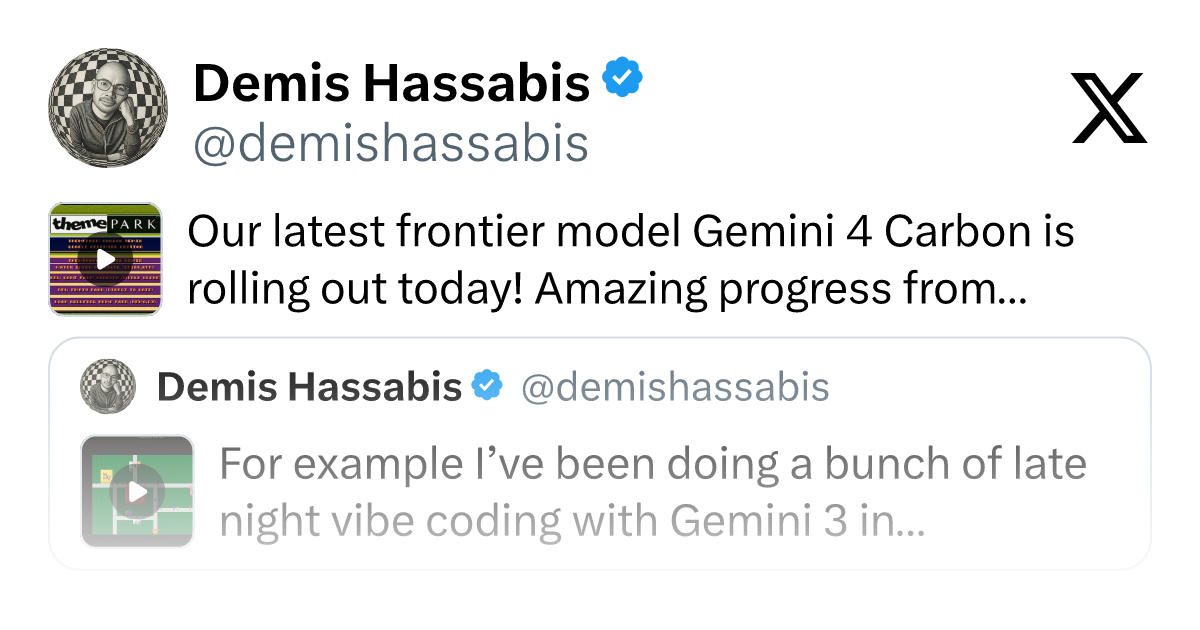
Google releases Gemini 4 Carbon, less than a year after Gemini 3. In the official demo, Carbon reverse-engineered the Theme Park binary, added a new DeepMind-themed ride, and ported it to the web in one shot.