SCIM Integration Debugging: Designing Logs That Let Customers Troubleshoot on Their Own
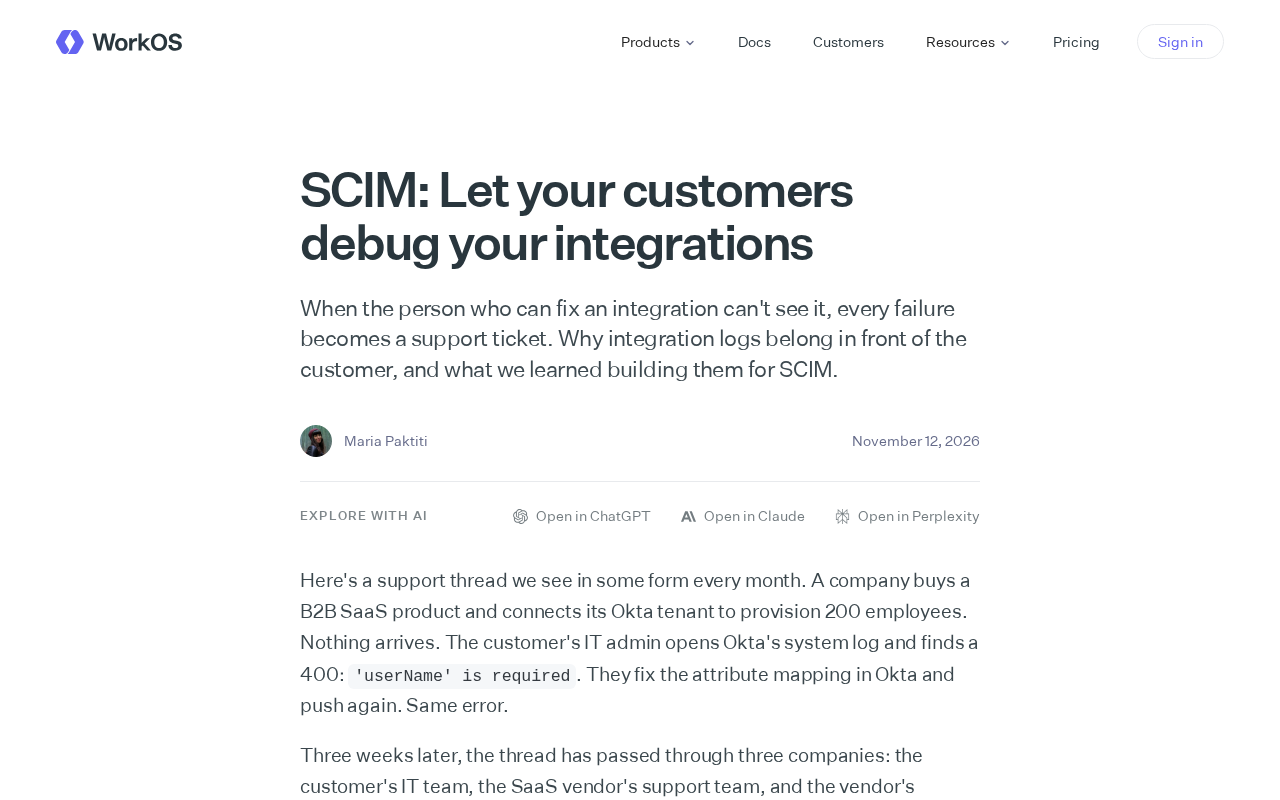
SCIM failures are silent and hard to diagnose—open actionable integration logs to customers so they can self-troubleshoot.
The article notes that SCIM integrations "configure once, run silently forever," creating a time gap between failure and perception that turns self-fixable issues into cross-team tickets. Since the failure domain spans the customer's IdP and the vendor's system while visibility exists only server-side, troubleshooting is hard. The author argues for presenting integration logs directly to customer IT admins, focusing on actionable info like request/response summaries, auth results, attribute mapping differences, and readable error explanations. This pattern extends to webhooks, OAuth, and data sync.
Integration issues are often best understood by the customer themselves, yet they are also the ones with the least visibility into the failure. Every credential error, every record with an abnormal mapping, every sync interruption ends up as a support ticket bouncing between the customer and the engineering team. This is especially true for SCIM (System for Cross-domain Identity Management) integrations: admins configure them once and rarely touch them again, so by the time they silently fail, the best window for fixing them has often passed.
Why SCIM Integration Troubleshooting Is Especially Hard
SCIM is a classic "configure once, run silently forever" piece of infrastructure. It automatically syncs users and groups between an enterprise identity provider and a SaaS application, producing almost no user-facing feedback during day-to-day operation. This silence creates a structural contradiction: the moment a failure occurs and the moment the user perceives it are naturally out of sync.
Customers typically notice problems through downstream symptoms—a new hire can't log in, a departed employee's account isn't deactivated in time, group permissions don't line up. By then the root cause may be days old, and all the context needed to troubleshoot it—request headers, authentication token state, attribute mapping results, error response codes—sits in server-side logs the customer can't access. The result is a configuration problem that could have been self-resolved getting escalated into a ticket requiring engineers on both sides to investigate together.
What's worse, identity sync involves the customer's own identity provider configuration, so an engineer on the vendor side often can't reconstruct the full chain just by reading logs. The failure domain spans two systems, but visibility exists on only one side.
SCIM (System for Cross-domain Identity Management) is an open standard based on HTTP and JSON (RFC 7642/7643/7644) for automating the exchange of user and group identity data between identity domains. It defines standard resource schemas (such as User and Group), RESTful endpoints, and protocol semantics for querying and filtering, enabling identity providers (IdPs) to push identity lifecycle events to SaaS applications in a uniform way.
In a typical deployment, SCIM is configured and maintained on the identity provider side, authenticated via Bearer Token or OAuth client credentials, and syncs users and groups incrementally or in full. Because SCIM runs in the background with no end-user-facing interface, its success can only be observed through server-side logs and error response codes—which is the fundamental reason integration failures are hard for customers to perceive directly.
Put the Logs in Front of the Customer, Not Locked in the Backend
The core judgment in building SCIM integration logs is this: whoever is best equipped to fix the problem should see the information needed to troubleshoot it. The people who actually fix most SCIM misconfigurations are the customer's own IT admins—they can change attribute mappings, regenerate tokens, and adjust the identity provider's sync scope. But they can only do that if they know exactly which step went wrong.
Presenting integration logs directly to the customer essentially puts troubleshooting capability into the hands of the person closest to the failure. Instead of describing symptoms, waiting for an engineer to interpret them, and passing back speculative conclusions, the customer can see in one place whether the request arrived, whether authentication passed, and whether the data was written. For the vendor, this isn't offloading engineering burden onto the customer—it's pulling repetitive diagnostic Q&A out of the ticketing system.
What the Log Interface Should Record
Customer-facing integration logs have different trade-off criteria than internal logs: internal logs aim for completeness, while customer-facing logs aim for actionability.
A few key dimensions are worth keeping:
- Request and response summaries: Record the method and resulting status of each SCIM call so customers can quickly determine "did the request even reach the other system?"
- Authentication and authorization results: Token expiration and insufficient permissions are very common in SCIM, so it must be clear that the problem is in authentication, not the data layer.
- Attribute mapping visibility: User sync failures often stem from mismatched attribute names or unexpected formats; logs should let customers see the difference between the input value and the processed result.
- Readable error explanations: Translate protocol-level error responses into descriptions the customer can understand, while preserving the original information for the engineering team to dig into.
Together these point to one goal: enabling customers to pinpoint the specific configuration item without knowing protocol details.
Attribute mapping is one of the most common sources of SCIM integration failures. Different systems require different names and formats for user attributes—for example, the identity provider may put the email in
emails[0].value, while the target application expects the field to beuserName; groups may be passed asdisplayNamewhile the receiver requiresexternalId. When a mapping is missing, types mismatch, or the format is invalid, the SCIM request may return a 400 error or write incomplete data without reporting an error.Showing the "input value—mapping rule—processed result" relationship in the logs lets admins see directly which mapping rule caused the sync failure, without relying on the engineering team to compare raw payloads one by one.
From Internal Tool to Customer-Facing Product Capability
Making SCIM logs a customer-visible feature is hard not because of the recording, but because of the presentation. Internal logs can pile up raw data; a customer-facing interface must do the translation work: which requests count as anomalies, which failures can be ignored, which errors just need a retry, and which require a configuration change. This layer of semantic processing determines whether customers find answers in the logs or get buried by more information.
Another trade-off is the information boundary. Integration logs involve details of how customer identity data flows, so the display must avoid leaking sensitive attribute values while retaining enough diagnostic clues. A good approach is to show customers structural information—field names, processing status, error types—rather than complete raw payloads.
Customer-facing logs need semantic processing, the core of which is translating protocol-level status codes and error responses into actionable explanations. For example, error responses in the SCIM spec typically include
status,scimType, anddetailfields, wherescimTypemay take values such asinvalidValue,uniqueness, ormutability. Showing these fields directly is of limited use to admins unfamiliar with the SCIM protocol, but converting them into descriptions like "attribute value format doesn't meet the target application's requirements," "this field is immutable," or "user already exists" points directly to executable fixes.The semantic layer also needs to classify errors: transient errors that can be retried automatically (such as 429 rate limiting or 5xx server errors) should be presented separately from errors that require manual configuration changes (such as 401 authentication failures or 400 invalid attributes). This prevents admins from overreacting to alerts that need no intervention, and keeps problems that genuinely require configuration changes from being drowned in noise.
Implications for Integration Product Design
The SCIM case generalizes to a broader principle: any integration that customers configure themselves, and whose failures can only be triggered by customers, should come with customer-facing debugging capabilities. OAuth app authorization, webhook callbacks, and data sync pipelines all fit this pattern—the configuration lives with the customer, the failure happens on-site, and if troubleshooting tools stay in the backend, the customer is forever stuck in a position of "can only report, can't verify."
Treating integration logs as part of the product rather than an internal appendage of the engineering team changes not only the efficiency of the support process but also customers' sense of control over their own systems. When customers can see the cause the moment an integration breaks, integrations go from "black box" to "maintainable system component"—a direction worth investing in for any B2B product that depends on third-party integrations.
One-line Summary
SCIM integration failures are silent and hard to diagnose; actionable integration logs should be opened up to customers so those closest to the failure can troubleshoot on their own.
Paragraph Summary
The article notes that SCIM integrations "configure once, run silently forever," creating a time gap between when failures occur and when customers perceive them, which turns self-fixable configuration problems into cross-team tickets. Because the failure domain spans the customer's identity provider and the vendor's system while visibility exists only server-side, troubleshooting is especially hard. The author argues for presenting integration logs directly to customer IT admins—the people best equipped to fix attribute mappings, tokens, and sync scope. Customer-facing logs should focus on actionable information: request/response summaries, auth results, attribute mapping differences, and readable error explanations, rather than raw data dumps. The challenge lies in balancing semantic presentation with sensitive information boundaries. This pattern extends to webhooks, OAuth authorization, data sync, and any integration where customers configure it and failures happen on-site.
Related articles
Benchmarking WorkBuddy's Five-Platform Strategy: How Agent Development Can Win Through Differentiated Competition
Starting from benchmarking WorkBuddy, this article analyzes differentiated competition strategies for general-purpose agent development: how five-platform full-stack capabilities (desktop/iOS/Android/H5/web) build job-hunting advantages, and how to leverage big tech products to understand underlying implementations.

Claude Gets Creative: 24 AI Projects Anyone Can Replicate
24 real Claude use cases: from Bluetooth phone finder and 8x faster Wi-Fi to 3D-printed bridges, cancer tools, and food allergy drug design—most free to replicate.
Fleetlayer: A Framework for Scheduling…
Fleetlayer: A Framework for Scheduling Multiple AI Agents Across Machines
Fleetlayer is a framework posted on Hacker News for running large numbers of AI Agents across multiple machines. This article analyzes its positioning, the core challenges of multi-machine multi-Agent scheduling, and the current competitive landscape and project maturity in the multi-Agent infrastructure space.