Self-Hosting on the Dark Web: How Tor Hidden Services Work and How to Set One Up

Self-host on Tor's .onion network: no public IP or domain, built-in anonymity and end-to-end encryption.
This article explains how to use Tor Hidden Services as a legitimate, low-cost self-hosting option. Unlike traditional self-hosting, Tor's onion services require no public IP, domain, or port forwarding — connections are established via introduction and rendezvous points for two-way anonymity. Setup requires only installing Tor and adding two directives to torrc. The article also honestly addresses trade-offs: visitors need Tor Browser, latency is higher, addresses are hard to remember, and app-layer vulnerabilities can still leak identity.
What Is Self-Hosting on the Dark Web
When most people hear "Dark Web," their minds jump to illegal marketplaces and anonymous crime. But from a technical standpoint, the Tor Hidden Services (Onion Services) that power the dark web are fundamentally a robust anonymous networking protocol — one that's equally suited to legitimate self-hosting scenarios. No public IP address, no domain registration, inherently censorship-resistant, and privacy-preserving for both the server operator and visitors alike.
This article, originally written by tech blogger David Alvarez Rosa (and receiving 172 points and 57 comments on Hacker News), provides a comprehensive walkthrough of how to run your own hidden service on the Tor network — offering self-hosting enthusiasts a path that looks nothing like traditional public web hosting.
Why Use Tor Hidden Services for Self-Hosting
Traditional self-hosting typically requires a public IP address, dynamic DNS or a purchased domain, port forwarding, firewall configuration, and resilience against potential DDoS attacks. For home broadband users, ISPs often don't assign public IPv4 addresses, which makes self-hosting a real headache.
Tor Hidden Services sidestep all of these obstacles. Their core advantages include:
- No public IP required: Even if you're behind NAT, your service remains accessible because connections are established through Tor network relays.
- No domain needed: Each hidden service receives a unique address ending in
.onion, derived from the service's public key. - Two-way anonymity: Not only are visitors anonymous — the server's true location and IP are also hidden, providing built-in censorship resistance.
- End-to-end encryption: The Tor protocol includes built-in encryption, so you don't need to configure TLS certificates separately to ensure secure transmission.
These properties make Tor Hidden Services a compelling option for personal blogs, private file sharing, remote access to home network services, and similar use cases.
How Hidden Services Work
Understanding how .onion addresses work is the foundation for setting up a hidden service. Unlike ordinary websites that rely on DNS resolution and public IPs, Tor Hidden Services use a cryptography-based addressing scheme.
Addresses Are Derived from Keys
When you create a hidden service, Tor generates a public/private key pair. The .onion address is essentially a hash-encoded representation of the service's public key. This means the address itself serves as proof of identity — no one can forge an address pointing to your service, because it is cryptographically bound to your private key. The newer v3 addresses are 56 characters long, offering significantly stronger security than earlier versions.
The difference between v2 and v3 hidden services is worth highlighting. Early v2 addresses were only 16 characters, generated from RSA-1024 keys and SHA-1 hashes — a scheme that has since been shown to have collision risks, with a descriptor publishing mechanism vulnerable to enumeration attacks. The Tor Project officially deprecated v2 at the end of 2021. All addresses generated today are v3: they use Ed25519 elliptic curve key pairs, with addresses derived by hashing the full public key via SHA3-256 and encoding the result in Base32, yielding a 56-character string (including a checksum). This design makes forging or enumerating v3 addresses computationally infeasible. It also means that if your private key file (
hs_ed25519_secret_key) is ever lost, the corresponding.onionaddress is gone forever — backing up your private key is the single most important operational security measure.
Introduction Points and Rendezvous Points
Tor Hidden Services establish connections through "introduction points" and "rendezvous points." The server selects a set of relay nodes to serve as introduction points and publishes this information to a distributed hash table. When a client wants to connect, both parties meet at a mutually agreed-upon rendezvous point — and at no stage does either party expose their real IP address. This design is the technical cornerstone of Tor's anonymity guarantees.
More precisely, this handshake unfolds in six phases: First, the server establishes persistent Tor circuits to several introduction points, then publishes those introduction point details (along with the service's public key) to Tor's distributed hash table as a "hidden service descriptor." The client retrieves the descriptor, independently selects an ordinary relay on the network as a rendezvous point, and generates a one-time "rendezvous token." The client then passes the rendezvous point address and token to the server via one of the introduction points. The server then builds a circuit to that rendezvous point to complete the connection. The final path — client to rendezvous point, server to rendezvous point — each traverses three relay hops, meaning the full circuit passes through six distinct relay nodes. Each node knows only about the two adjacent segments; none knows both the client's real IP and the server's location. This "double-blind" design is precisely why hidden services offer stronger anonymity than a typical VPN or proxy.
Setting Up a Hidden Service: A Quick Overview
In practice, running a Tor Hidden Service is simpler than it sounds. The basic process typically involves:
- Install Tor on your server: Most Linux distributions let you install it directly via the package manager.
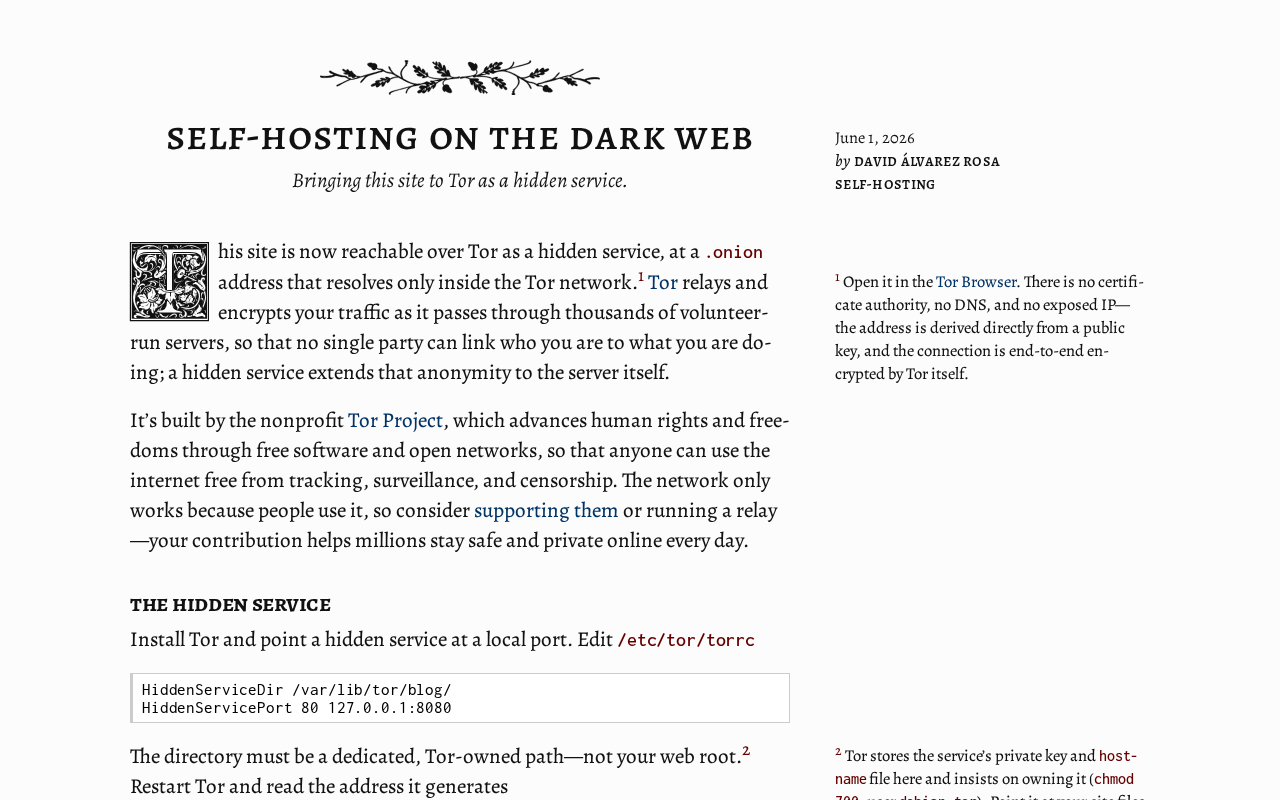
- Configure the torrc file: Add two key directives to Tor's configuration file —
HiddenServiceDir(the hidden service directory) andHiddenServicePort(port mapping) — to expose a locally running web service (such as Nginx) to the Tor network. - Start the service and get your address: When Tor starts, it generates key files and a
hostnamefile in the specified directory. Thehostnamefile contains your.onionaddress. - Verify access via Tor Browser: Use Tor Browser to navigate to that address and confirm your service is reachable.
The entire process requires no domain registration, no SSL certificate request, and no port forwarding on your router — making it particularly well-suited for home environments.
Real-World Trade-offs to Consider
Despite its advantages, Tor Hidden Services aren't a universal solution. The Hacker News discussion raised several practical considerations worth keeping in mind.
Higher access barrier: Ordinary users need to install Tor Browser to visit .onion sites, which is a real friction point for public-facing services. This makes it far better suited for technical audiences or private use cases.
Performance and latency: Because traffic is routed through multiple relay nodes, access over Tor is generally slower than a direct connection. It's not well-suited for latency-sensitive applications or scenarios requiring high data throughput.
Addresses are hard to remember: A 56-character v3 address is essentially impossible to memorize. While "vanity address" generation tools exist to give an address a human-readable prefix, full customization remains impractical.
Operations and security: Anonymity is not the same as absolute security. If the application running on your hidden service has vulnerabilities — such as error pages that leak server information — your real identity can still be exposed. Careful configuration is essential.
For scenarios where lowering the access barrier matters, a middle-ground approach exists in the community: using Tor2Web gateways or public proxy services like
.onion.wsor.onion.ly, which allow ordinary browsers to access hidden services without installing Tor Browser. The trade-off is that visitor anonymity is sacrificed — the gateway operator can see the visitor's real IP — and it introduces a trust dependency on a third-party gateway. Another approach is to run your Tor hidden service in parallel with a regular HTTPS domain, adding anOnion-LocationHTTP response header so that Tor Browser users are automatically detected and redirected to the.onionversion. This is the currently recommended approach for balancing accessibility and privacy, and it has been adopted by organizations including Facebook and The New York Times.
A Fresh Angle on Self-Hosting Worth Exploring
Tor Hidden Services take a technology that's often stigmatized — the "dark web" — and restore it to what it actually is: a neutral and practical self-hosting tool. For individuals who want to break free from public IP dependencies, who value privacy protection, or who live in network-restricted environments, it offers a low-cost, censorship-resistant path forward.
Whether you're building a private blog accessible only to friends, or giving your home NAS a remote access endpoint that doesn't expose a public IP, Tor Hidden Services deserve a place in every self-hoster's toolkit. Technology itself is neither good nor bad — what matters is how you use it.
Related articles

The Chaotic Aesthetics of Apple's HomeView Ad: A Marketing Code Only Parents Can Read
Apple's HomeView smart display ad ditches minimalist style for chaotic family mornings to win over parents. We analyze why it confuses most viewers but resonates instantly with families — and the trade-offs and risks of Apple's targeted marketing.

Cerebras CEO Pushes Back on AI Doomerism: Stop Spreading Panic
Cerebras CEO Andrew Feldman publicly pushes back on AI doomerism at TechCrunch Disrupt, arguing excessive risk focus drowns out AI's real opportunities.

Retooling in Minutes: Industrial Next Redefines Factory Robot Flexibility
Industrial Next aims to let factory robots retool in minutes instead of weeks, automating complex delicate tasks and advancing flexible manufacturing and small-batch production.