Should You Use ZFS on a Home Server with Limited RAM? The Truth About Memory Requirements

The "1GB per 1TB" ZFS rule only applies to dedup — a home NAS with 64GB RAM can run 80TB ZFS just fine.
A home server user with 64GB RAM and plans to expand storage to 80TB hesitated to migrate to ZFS due to the "1GB RAM per 1TB storage" rule. This article explains that the rule only applies when ZFS deduplication is enabled — which most home NAS setups don't need. ZFS's ARC cache is elastic and can be capped via `zfs_arc_max`. More importantly, the real reason to migrate is reliability: btrfs RAID5 has a long-standing, unresolved write hole problem that the official docs flag as unsafe for production, while ZFS RAIDZ handles this architecturally. The article also advises planning vdev expansion paths ahead of time and emphasizes that RAID is never a substitute for a true backup.
A Real Home Server Dilemma
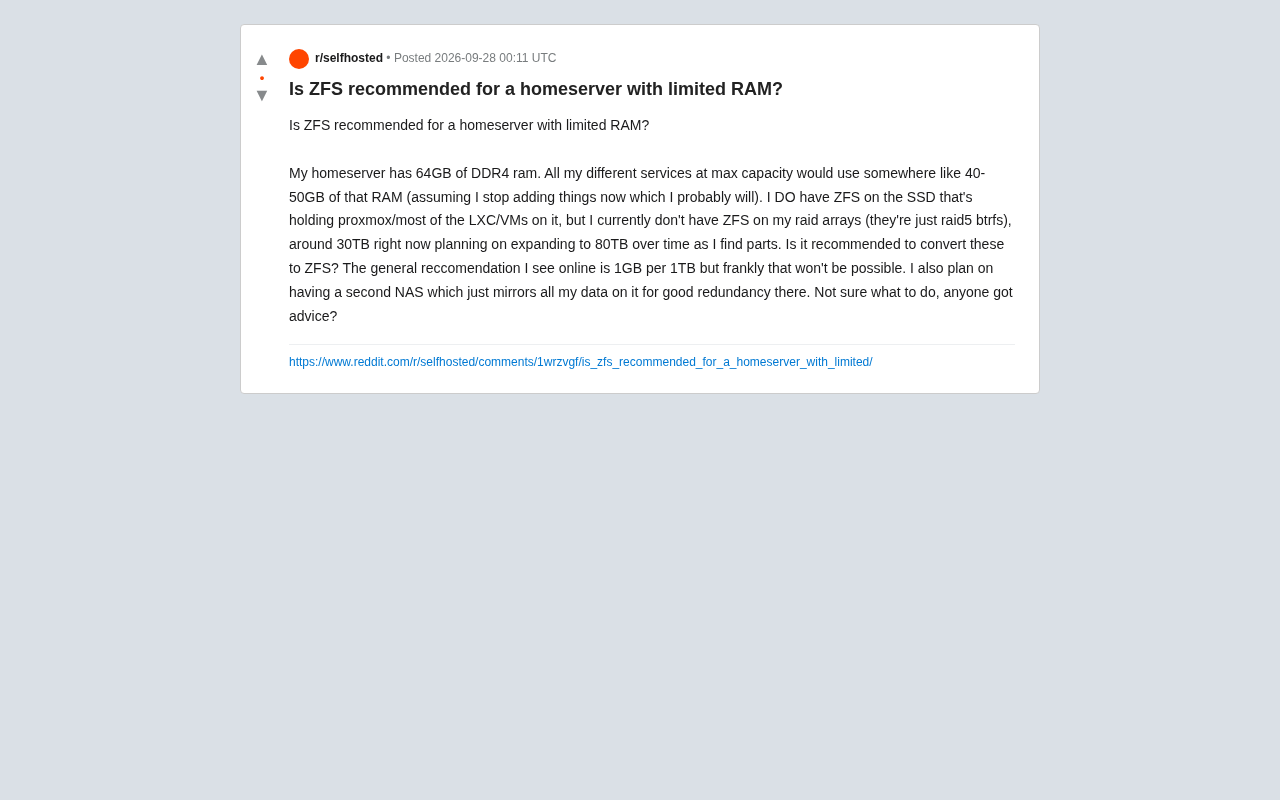
In Reddit's homelab community, a user raised a question that many self-hosted server enthusiasts wrestle with: his home server has 64GB of DDR4 RAM, with various services consuming 40–50GB under full load, leaving little headroom. The system drive (running Proxmox and most LXC/VMs) already uses ZFS, but the storage array is currently a 30TB btrfs RAID5 setup, with plans to expand to 80TB.
His core concern: the widely cited rule of "1GB of RAM per 1TB of storage" would mean 80TB of storage eating up 80GB of RAM — completely unrealistic for his machine. So, with limited memory, should he convert the array to ZFS at all?
How Long Has the "1GB per 1TB" Rule Been Misunderstood
This widely circulated rule of thumb is actually one of the biggest myths in the home server world. Its true origin is ZFS deployments with deduplication (dedup) enabled. Dedup requires maintaining a large DDT (Deduplication Table) that must reside entirely in memory to remain performant. Its size scales linearly with data volume, which is why it demands "several GB of RAM per TB" — and where the rule came from.
The key point: the vast majority of home use cases don't need dedup at all. Once dedup is disabled, ZFS's hard memory requirements drop dramatically. ZFS will use as much free memory as possible for ARC (Adaptive Replacement Cache) to accelerate reads, but this is an elastic mechanism — "use what's available, yield when needed" — not a rigid threshold that must be fully satisfied.
In other words, the poster's worry about "80TB needing 80GB of RAM" is a case of mistakenly applying the extreme requirements of a dedup scenario to an ordinary storage use case. For a typical home NAS without dedup, ZFS can run stably and reliably with limited memory.
The DDT (Deduplication Table) is the core index structure of ZFS's dedup feature. It stores a hash record and reference count for every deduplicated block. Since ZFS must query the DDT in real time during writes to determine whether data already exists, if this table can't fit entirely in memory, every write triggers disk I/O — and performance degrades catastrophically to the point of being unusable. In practice, DDT memory usage runs approximately 2–5GB per TB of unique data, which is the actual origin of the "1GB/1TB" figure (some early documentation gave even more conservative estimates). It's worth noting that dedup provides almost zero benefit for home media storage (videos, photos, etc.), since these files have inherently low duplication rates. Enabling dedup in this context wastes memory without saving any space.
How ZFS Operates in Memory-Constrained Environments
ARC Cache Is Elastic, Not a Hard Requirement
ZFS's ARC defaults to consuming roughly half of system memory, but this ceiling is manually adjustable. On memory-constrained machines, you can set the zfs_arc_max parameter to cap ARC at a smaller value, preventing it from competing with your services (that 40–50GB application workload) for memory. The only trade-off is a lower read cache hit rate and a slight performance decrease — it does not cause data loss or functional failures.
When Memory Actually Becomes a Real Problem
For the poster's machine, 64GB minus 40–50GB for services still leaves roughly 10–14GB for ZFS. For a NAS primarily used for large files and media storage, that much ARC headroom is enough to deliver solid caching performance. Memory truly becomes a bottleneck only when all of the following conditions are met simultaneously: dedup is enabled, there's heavy random I/O with small files, and sustained high performance is required — clearly not the profile of a typical home storage setup.
Is Migrating from btrfs RAID5 to ZFS Worth It?
Here's a technical consideration more important than memory: the poster is currently using btrfs RAID5. btrfs's RAID5/RAID6 implementation has long suffered from the infamous "write hole" problem, which the official documentation explicitly marks as unstable and not recommended for production data. By comparison, ZFS's RAIDZ is far more mature in this area, with robust checksumming, self-healing, and write-hole prevention built into its architecture.
From a data integrity standpoint, migrating from btrfs RAID5 to ZFS RAIDZ is a meaningful reliability upgrade — and that justification carries more weight than any discussion about ZFS memory requirements.
That said, migration is not painless: ZFS vdev (virtual device) expansion has historically been less flexible than btrfs. While ZFS has added RAIDZ expansion capability in recent years, pool structure planning still requires more upfront thought than btrfs. Given that the poster plans to scale from 30TB to 80TB, it's worth mapping out the vdev layout and future expansion path before migrating.
The "write hole" problem refers to what happens during a RAID5/RAID6 stripe write when the system loses power before all data blocks and parity blocks have been flushed to disk. On restart, the data blocks and parity blocks are left in an inconsistent state, leading to silent data corruption — the filesystem believes the data is intact, but reading it produces incorrect content. btrfs's RAID5/RAID6 implementation is explicitly flagged as a "known defect" in its official Wiki, stemming from incomplete coordination between its copy-on-write (CoW) architecture and stripe write operations. ZFS's RAIDZ avoids this problem architecturally by treating an entire stripe as an atomic transaction and using the ZIL (ZFS Intent Log) to record write intent. For a NAS storing irreplaceable data (family photos, important files), the real-world risk of this difference is not something to dismiss.
Don't Overlook ECC Memory and Backup Strategy
ZFS and ECC Memory
Whether ZFS "requires" ECC (Error-Correcting Code) memory has been a long-running debate in the community. The consensus: ECC isn't a ZFS-specific need — any system that takes data seriously benefits from it. ZFS's powerful checksumming cannot protect against silent corruption caused by in-memory bit flips. That said, running without ECC doesn't mean ZFS is unusable — it just means one link in the data integrity chain is missing. The poster didn't mention whether ECC is in use; if higher data reliability is a future priority, it's worth investing in.
A bit flip (memory bit flip) occurs when a storage cell in DRAM spontaneously inverts a bit due to cosmic rays, thermal noise, or other phenomena. ECC memory uses additional parity bits to automatically detect and correct single-bit errors, and detect double-bit errors, preventing corrupted data from being written to disk. ZFS provides end-to-end checksums at the storage layer to detect silent corruption on the storage medium — but it cannot distinguish between "data that was already corrupted when written from memory" and "data that the disk itself wrote incorrectly." If a bit flip occurs in memory without crashing the system, ZFS may write the corrupted data to disk along with a valid checksum, making the corruption undetectable afterward. ECC and ZFS checksumming are therefore complementary, not interchangeable — together they form a complete data integrity chain.
A Second Mirror NAS Is the Real Peace of Mind
The poster mentioned plans to build a second NAS to fully mirror all data — and this is the single best decision in the entire plan. Regardless of whether you use ZFS or btrfs, RAID is not a backup. RAIDZ can survive a physical drive failure, but it can't protect against accidental deletion, ransomware, or catastrophic filesystem corruption. An independent, offline or off-site mirror is the last line of defense for data security.
Practical Recommendations for Similar Users
Putting it all together, here's how to approach this decision for a memory-constrained home server:
- Don't enable dedup. This immediately invalidates the "1GB/1TB" myth, and memory pressure for ordinary ZFS storage becomes entirely manageable.
- Manually cap ARC (
zfs_arc_max) to leave enough memory for application services. The only cost is reduced cache performance. - Migrate primarily for reliability reasons. The write hole risk in btrfs RAID5 is far more concerning than any memory consideration. ZFS RAIDZ is the more dependable choice.
- Plan your vdev structure before migrating. Think through your expansion path from 30TB to 80TB carefully.
- Commit to the second mirror NAS. RAID can never replace a true backup.
For the poster's 64GB machine, running ZFS is entirely viable. The real things to weigh are migration effort and pool structure planning — not a memory rule that has been misquoted for years.
Related articles

AI Compute Is the New Oil, But the Market Mechanism Has Yet to Take Shape
Hacker News compares AI compute to the new oil, noting the lack of price discovery, concentrated supply, and no hedging tools. The article analyzes structural issues in compute trading and explores a possible three-tier market of spot, contracts, and derivatives, plus the real impact on AI practitioners' cost management.

Running Full iOS 16.5 Firmware on Android Devices: Technical Demo or Marketing Gimmick?
A Hacker News post claims full iOS 16.5 firmware can run on Android, with 315 upvotes. This analysis argues it is more likely a web UI simulation than a true firmware port, and explores the value and risks of such projects.

Etsy Cracks Down on AI Slop: Addressing Buyer and Seller Anxieties
Etsy introduces stricter rules limiting AI-generated content in listings, addressing buyer confusion over AI products and seller fears of original work being diluted by AI slop.