Sync-in 2.5 Released: Comprehensive Security and UX Upgrade for Self-Hosted File Collaboration
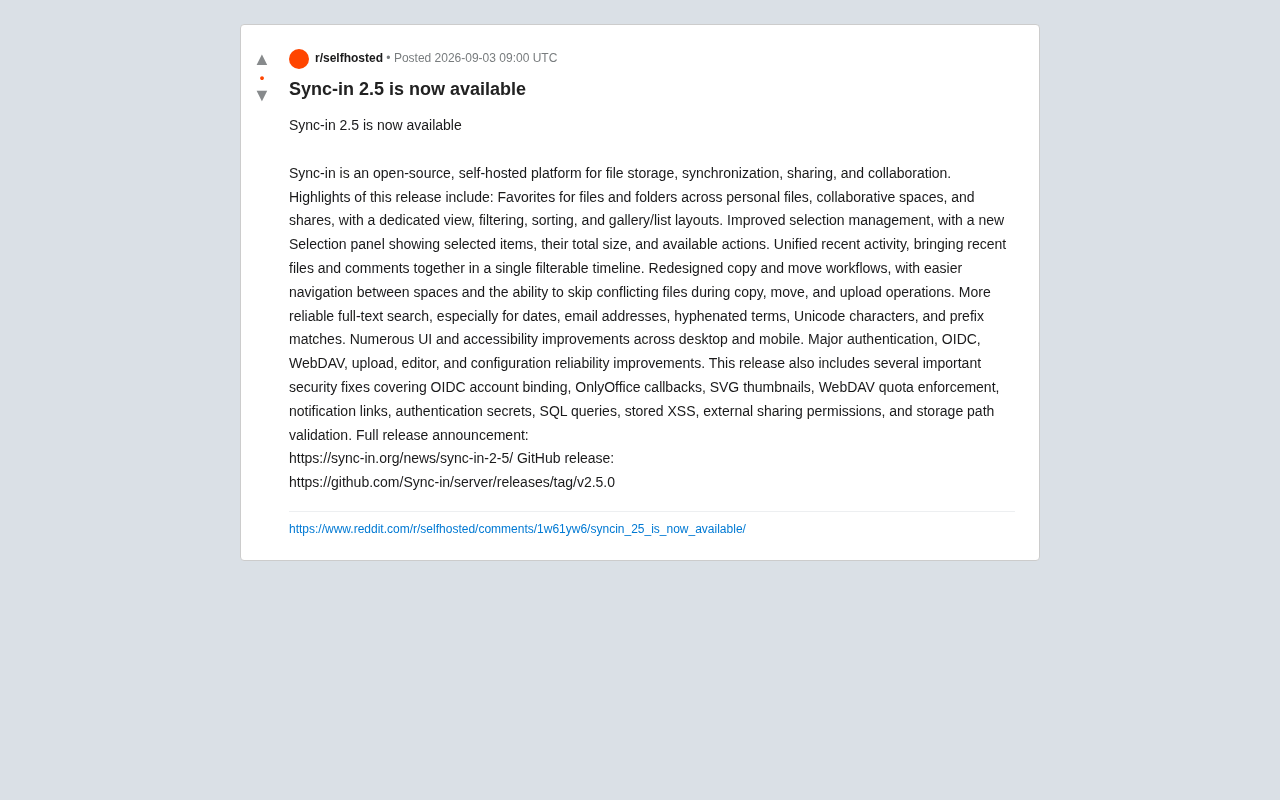
Sync-in 2.5 enhances self-hosted file collaboration with improved UX and comprehensive security fixes.
Sync-in 2.5 delivers significant improvements to the self-hosted file collaboration platform, adding favorites, selection panel, and activity timeline for better workflow efficiency. The update strengthens full-text search accuracy and fixes critical vulnerabilities including OIDC account binding, stored XSS, WebDAV quota bypass, and path traversal exploits.
As cloud storage and file collaboration become essential for teams, data sovereignty concerns are driving more organizations and individuals toward self-hosted solutions.
Data Sovereignty and the Self-Hosting Trend
Data sovereignty refers to the complete control and jurisdiction organizations or individuals have over their data, including storage location, access permissions, and processing methods. With regulations like GDPR (General Data Protection Regulation) and China's Data Security Law coming into effect, enterprises face increasingly strict compliance requirements. Traditional cloud services like Dropbox and Google Drive are convenient, but with data stored on third-party servers, companies struggle to ensure data isn't transferred across borders or accessed by service providers. Self-hosted solutions have emerged in response, allowing organizations to deploy services on their own physical servers or private clouds, ensuring data remains fully controllable and auditable—particularly suitable for industries with high data sensitivity requirements such as finance, healthcare, and government.
The open-source project Sync-in recently released version 2.5, marking substantial progress in both feature completeness and security for this self-hosted platform that integrates file storage, synchronization, sharing, and collaboration.
What is Sync-in
Sync-in is an open-source, self-hostable file management platform, positioned similarly to mature solutions like Nextcloud and Seafile, emphasizing complete user control over their data. It provides core capabilities including file storage, multi-device synchronization, external sharing, and team collaboration, suitable for privacy-conscious individuals and enterprises who want to deploy on their own servers.
Unlike relying on third-party cloud services, the greatest value of self-hosted solutions lies in keeping data within your network and fully auditable. The focus of Sync-in 2.5's updates revolves precisely around two main themes: "easier to use" and "more secure."
Multiple Refinements to Collaboration Experience
This update includes numerous detail optimizations in daily usage experience. While individually modest, these improvements collectively and significantly enhance the efficiency of high-frequency operations.
Favorites Feature and Unified View
Version 2.5 introduces cross-context favorites for files and folders. Whether personal files, collaborative spaces, or shared content, everything can be marked as a favorite and filtered and sorted in a dedicated view, supporting both gallery and list layouts. For users who frequently access specific materials, this unified entry point greatly reduces the cost of searching back and forth between multiple spaces.
Additionally, the new version integrates a "Recent Activity" timeline, consolidating recently accessed files and comments into a filterable view. This design philosophy aligns with modern collaboration tools' "activity streams," enabling team members to quickly grasp project progress.
Clearer Selection and Batch Operations
The newly added Selection Panel displays selected items in real-time, total size, and available operations, solving the "uncertainty" pain point during batch operations. Meanwhile, copy and move workflows have been redesigned with smoother cross-space navigation, and when encountering conflicting files during copy, move, or upload operations, users can choose to skip them—a practical detail many similar tools overlook.
Full-Text Search and Underlying Stability Improvements
Full-text search has always been a core capability of file management systems and the part most prone to failure. Sync-in 2.5 optimized search accuracy for scenarios including dates, email addresses, hyphenated phrases, Unicode characters, and prefix matching. These seemingly edge cases are actually where search engines most commonly fail. Handling them well demonstrates the team's genuine commitment to search quality.
Regarding underlying reliability, this update covers stability improvements across multiple modules including authentication, OIDC single sign-on, WebDAV protocol, uploads, editor, and configuration. Both desktop and mobile clients received extensive UI and accessibility optimizations, showing the project's ongoing investment in universality.
Notable Security Vulnerability Fixes
For self-hosted platforms, security importance even exceeds functionality itself, because once vulnerabilities emerge, users become the last line of defense. Sync-in 2.5 concentrated on fixing a batch of security issues with quite extensive scope:
OIDC Account Binding Vulnerability Fix
OIDC (OpenID Connect) is an identity authentication layer built on top of the OAuth 2.0 protocol, allowing users to log into multiple application systems using the same credentials—single sign-on (SSO). In enterprise environments, OIDC typically integrates with identity providers (such as Okta, Azure AD, Keycloak), enabling users to access all authorized internal systems with a single login. However, the OIDC account binding process presents security risks: if validation isn't strict, attackers might forge identity tokens or exploit race conditions to bind malicious accounts to legitimate users' OIDC identities, thereby hijacking accounts. This update fixes such validation vulnerabilities, ensuring the identity verification during binding is strict and cannot be bypassed.
OnlyOffice Callback Validation: Hardened security mechanisms for online document editing callbacks
SVG Thumbnail Processing and Stored XSS Fix
Stored XSS (Stored Cross-Site Scripting) is one of the most dangerous web vulnerabilities. Attackers inject malicious scripts into databases or file systems (such as inserting JavaScript code in filenames, comments, or description fields). When other users access pages containing this data, the malicious scripts execute in victims' browsers, stealing cookies, session tokens, or performing unauthorized operations. Unlike reflected XSS (which requires tricking users into clicking crafted links), stored XSS has persistence and propagation—one injection can potentially affect all subsequent visitors. In file collaboration platforms, SVG files are common XSS vectors because SVG is essentially XML format and can embed <script> tags. This fix ensures the system performs strict input validation and output encoding on user-uploaded content.
WebDAV Quota Enforcement
WebDAV (Web Distributed Authoring and Versioning) is an HTTP protocol extension allowing users to directly edit and manage files on web servers, just like operating local disks. Many self-hosted file systems support WebDAV, enabling users to mount remote storage directly through file managers, backup tools, or mobile apps. However, WebDAV quota enforcement is a common technical challenge: if quota checks only occur in the web interface, attackers might bypass restrictions by directly calling WebDAV interfaces, uploading excess files or even filling server storage. This fix means quota limits are strictly enforced server-side regardless of which interface is used.
Notification Links, Authentication Keys, SQL Queries: Addressing multiple potential injection and information disclosure risk points
External Share Permissions and Storage Path Validation
Path Traversal attacks, also called directory traversal attacks, occur when attackers construct special file paths (such as using "../" to return to parent directories) to access unauthorized files or directories on servers. For example, if an application doesn't adequately validate user-provided file paths, attackers might read system-sensitive files by requesting "../../../etc/passwd". In file collaboration platforms, such vulnerabilities are especially dangerous: attackers might read other users' private files, or even access system configuration files or database credentials. Defense measures include: strict path canonicalization, whitelist validation, prohibiting special characters like ".." in paths, and using secure file access APIs. The fixes in storage path validation and external share permissions address precisely these types of attacks and privilege escalation.
This fix list covers nearly the entire classic threat model of web application security, involving injection, XSS, privilege escalation, path traversal, and multiple other categories. For users who have already deployed Sync-in, upgrading to version 2.5 as soon as possible is the wise choice.
Summary: A Steady and Methodical Iteration Strategy
Sync-in 2.5 isn't a disruptive major update but rather a typical "steady and methodical" iteration—at the experience layer, completing standard capabilities of modern collaboration tools like favorites, selection panel, and activity streams; at the reliability and security layer, performing systematic hardening.
In the self-hosted file collaboration track, veteran solutions like Nextcloud and Seafile have already captured considerable market share. As a relatively young open-source project, Sync-in's differentiating advantage lies in its continuously rapid iteration pace and attention to detail in user experience. For teams evaluating self-hosted file management solutions—especially organizations prioritizing data sovereignty and security compliance—Sync-in 2.5 deserves a place on the comparison list.
Interested readers can access complete update notes and deployment methods through the official release announcement and GitHub repository. As an open-source project, it also welcomes community feedback and contributions.
Related articles

Android ML Kit On-Device AI: Performance Optimization and Quality Breakthroughs
A full breakdown of Google Android ML Kit on-device AI: Gemini Nano cuts memory via 2-bit quantization and shared KV cache, a 2B model rivals last year's 27B, plus speech translation, function calling APIs, and an end-to-end scam detection demo.

Firebase AI Logic + Gemini Nano 4: A Practical Guide to Android AI Development
How Firebase AI Logic and Gemini Nano 4 help Android developers ship generative AI: App Check and prompt templates ensure security, hybrid routing cuts latency and cost, Spend Caps control budgets, and AI monitoring provides observability.

Microsoft AI Agent Breakthroughs: More Efficient, Better at Code and Weather Forecasting
Microsoft Research Focus Issue 97: ForkPilot cuts agent inference costs, Cabra reveals coding agents' code-understanding gap, Teletune learns workflows from logs, PBC improves extended forecasts, BioEMU-2 opens preview.