systemd-nspawn Containers at a Glance: A Lightweight Linux Container Solution
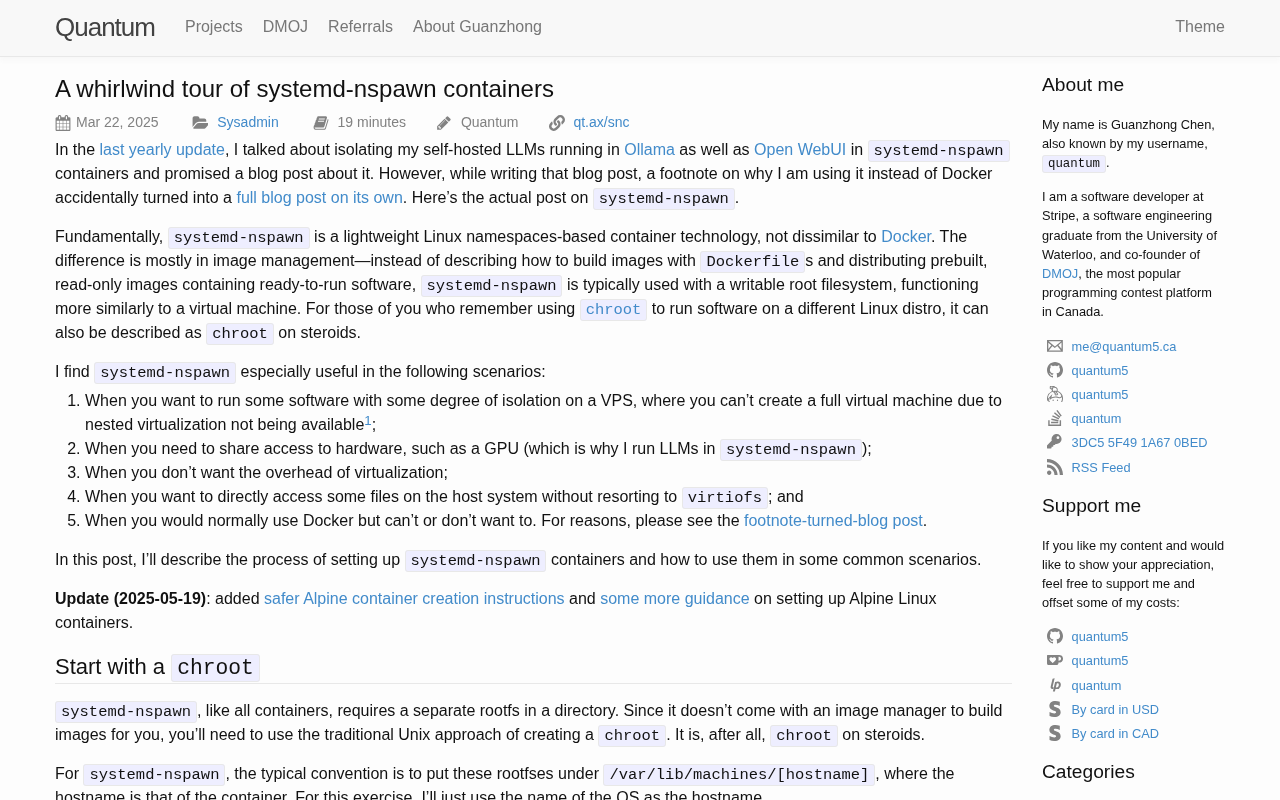
systemd-nspawn is a system-level container tool known for being lightweight, transparent, and natively integrated with systemd, suited to single-machine isolation scenarios.
This article centers on a popular systemd-nspawn introductory article on Hacker News, introducing this system container tool shipped with systemd. nspawn achieves isolation via namespaces and cgroups, relying on neither image layering nor a daemon, and is positioned for "running a complete Linux distribution" rather than application containers. The article covers key steps—preparing a root filesystem, bootstrapping init with -b, configuring networking with --network-veth, hardening permissions with --private-users, and managing via machinectl—and compares it with Docker/Podman: advantages are zero extra abstraction, native systemd integration, and extremely low startup overhead; shortcomings are the lack of an image registry, orchestration tools, and a standardized migration format. The conclusion is that it suits single-machine scenarios such as development machine isolation and multi-distribution testing, and is closer in philosophy to Podman.
In the landscape of container technology, Docker and Podman have all but monopolized the conversation. But if you're on a Linux system and care more about startup speed, system-level isolation, and zero-dependency onboarding, systemd-nspawn deserves a serious look. A recent introductory article on Hacker News, "A whirlwind tour of systemd-nspawn containers," swept through the tool's core usage at a "whirlwind" pace and generated a modest buzz in the tech community.
What is systemd-nspawn
systemd-nspawn is a container management tool shipped with the systemd project—essentially a lightweight, enhanced version of chroot: it leverages Linux namespaces and cgroups to isolate processes, filesystems, networks, and other dimensions, while retaining direct sharing of the host kernel.
Its positioning is clear—it's not an application container engine designed for packaging microservices, but a "system container" for running a complete Linux distribution. You can use it to boot a minimal Debian, Arch, or Fedora root filesystem and get an environment nearly equivalent to a virtual machine, without the hardware emulation overhead that VMs bring.
The core difference from Docker is that nspawn doesn't rely on image layering, has no complex daemon lifecycle management, and doesn't force you to accept a containerized build workflow. It's closer to the primitive approach of "mount a root directory into an isolated space and start init," except that this process is turned into a reliable, configurable command.
Namespaces and cgroups are two fundamental isolation mechanisms provided by the Linux kernel. Namespaces govern "what you can see": the PID namespace lets processes inside the container see only their own process tree, the mount namespace isolates filesystem mount points, the network namespace isolates network interfaces and routing tables, and the user namespace maps UIDs/GIDs so that root inside the container is merely an ordinary user on the host. Cgroups govern "how much you use": they organize processes hierarchically and meter and limit resources such as CPU, memory, and IO. systemd-nspawn itself doesn't implement these mechanisms; it calls kernel interfaces to combine them, so its isolation strength depends on the kernel version and configuration rather than the tool itself. Understanding this explains why nspawn is lightweight—it has no extra abstraction layer and is simply a direct orchestrator of kernel capabilities.
Key steps in practical use
The original article's "whirlwind" structure essentially follows a path from zero to a working setup. The main stages include:
Preparing the root filesystem. The easiest way is to build a minimal system into a target directory using pacstrap, debootstrap, or dnf --installroot, and have nspawn use that directory directly as the container's root. You can also extract a tarball provided by the distribution.
First boot and bootstrapping. Enter the container with systemd-nspawn -D /path/to/root; adding the -b flag attempts to start the init system inside the container. For interactive debugging scenarios, dropping straight into a shell is often more convenient.
Network configuration. By default the container only has a loopback network. Enabling --network-veth creates a pair of virtual Ethernet devices, and only when combined with the host's systemd-networkd or manual bridge configuration can the container communicate with the outside. This step is where many new users get stuck.
Resource and permission control. Limit resources via parameters like --memory and --cpu-quota, and use --private-users to enable user namespace mapping, isolating the container's root from the host's root—an important part of security hardening.
Day-to-day management. machinectl provides management subcommands such as listing, starting/stopping, and logging in; combined with systemd unit files, containers can be run as services and set to start on boot.
The root filesystem (rootfs) is a prerequisite for starting a container: nspawn doesn't pull layered images from an image registry like Docker does, but instead uses a directory directly as the container's /. So you first need to use distribution tools to "install" a minimal system into that directory. debootstrap is for Debian/Ubuntu, pacstrap for Arch, dnf --installroot for Fedora/RHEL family; you can also download and extract an official rootfs tarball. This directory must contain an init system (usually systemd), base libraries, and a package manager, otherwise -b bootstrapping will fail. Since there are no image layers, the directory's contents are the container's entire state—backup, copy, and migration all operate directly on the filesystem, which is the source of nspawn's "transparency."
--private-users and user namespace mapping are the core of nspawn's security model. By default, root inside the container is the host's root, and an escape would have serious consequences. After enabling --private-users=pick, nspawn allocates an unused range of UIDs/GIDs on the host (usually 65,536 of them) for the container, and the container's root (UID 0) is mapped to an ordinary user at some high position within that range. Thus even if a process inside the container runs as root, to the host it is merely an unprivileged user, greatly reducing the attack surface. The cost is that file ownership on the host appears as the mapped high UIDs, requiring appropriate handling when accessing the container directory directly; moreover, this feature is incompatible with some operations that require real root privileges, so it must be weighed per scenario.
Comparison with Docker/Podman
From an engineering practice perspective, nspawn's advantages center on three things.
The first is "zero extra abstraction." A container is just a directory on the host filesystem—backup is tar, migration is rsync, and troubleshooting is as simple as chroot-ing in to look. This transparency is highly valuable when debugging complex system issues.
The second is native systemd integration. The container itself is a systemd service: logs go through journald, resource limits go through cgroups, and the management model is consistent with other services on the host—no need to learn a second operations system.
The third is extremely low startup overhead. With no daemon intermediary and no image unpacking process, starting an nspawn container typically takes from milliseconds to a few hundred milliseconds, making it suitable for scenarios sensitive to cold starts.
The costs are equally clear. nspawn lacks the mature image registries, orchestration tools, and CI/CD integrations of the Docker ecosystem; there's no standardized image format for cross-host migration; and multi-container networking requires setting up your own bridge and DNS. It suits system-level isolation needs on a single machine, not large-scale container orchestration.
Use cases and decision criteria
Judging from the atmosphere of the Hacker News discussion, nspawn's adherents are mostly system administrators and deep Linux users who value the predictability that comes from "one less layer of abstraction."
Suitable uses include: running an isolated build environment on a development machine, maintaining independent distribution root directories for different projects, quickly verifying how a piece of software behaves under a specific distribution, and isolating services on a stripped-down server without Docker.
Unsuitable uses include: microservice clusters requiring Kubernetes orchestration, team collaboration requiring image version management, and scenarios requiring cross-platform operation.
It's worth noting that nspawn is closer in philosophy to Podman—both emphasize daemonless operation, rootless running, and collaboration with systemd. If you're already using Podman, the marginal benefit of introducing nspawn may be limited; but if you haven't yet encountered the concept of system containers, nspawn is a low-barrier entry point for understanding "the essence of containers."
As a "whirlwind tour," the original article is limited in length and doesn't cover SELinux interactions, restricted containers (the details of --private-users), or behavior changes under CGroup v2 in depth. These directions deserve separate follow-ups.
One-line Summary
systemd-nspawn is a system-level container tool known for being lightweight, transparent, and natively integrated with systemd, suited to single-machine isolation scenarios.
Paragraph Summary
This article centers on a popular systemd-nspawn introductory article on Hacker News, introducing this system container tool shipped with systemd. nspawn achieves isolation via namespaces and cgroups, relying on neither image layering nor a daemon, and is positioned for "running a complete Linux distribution" rather than application containers. The article covers key steps: preparing a root filesystem, bootstrapping init with -b, configuring networking with --network-veth, hardening permissions with --private-users, and managing via machinectl, and compares it with Docker/Podman: advantages are zero extra abstraction, native systemd integration, and extremely low startup overhead; shortcomings are the lack of an image registry, orchestration tools, and a standardized migration format. The conclusion is that it suits single-machine scenarios such as development machine isolation and multi-distribution testing, and is closer in philosophy to Podman.
Related articles

WorkBuddy in Action: How AI Agents Automate Batch File Conversion and Archiving
Bilibili creator Teacher Shanyao tests WorkBuddy vs. Doubao on batch file conversion, showing how AI Agents move from "giving solutions" to "direct execution," with a full workflow and credit cost reference.

High-Frequency AI Agent Interview Topics: RAG, Multi-Agent Systems, and Token Optimization
Based on a Bilibili Agent interview video, this article covers high-frequency AI Agent interview topics: RAG evaluation, single vs. multi-agent selection, token cost control, infinite loop troubleshooting, and project presentation techniques.

The Complete AI Agent Development Workflow: From Technical Build to Compliant Launch
A full AI agent development workflow for education: architecture, four teaching modules, deep synthesis and large model filings, high-concurrency deployment, and operations.