Tabbit AI: A Browser That Gets Work Done, Not Just Answers Questions
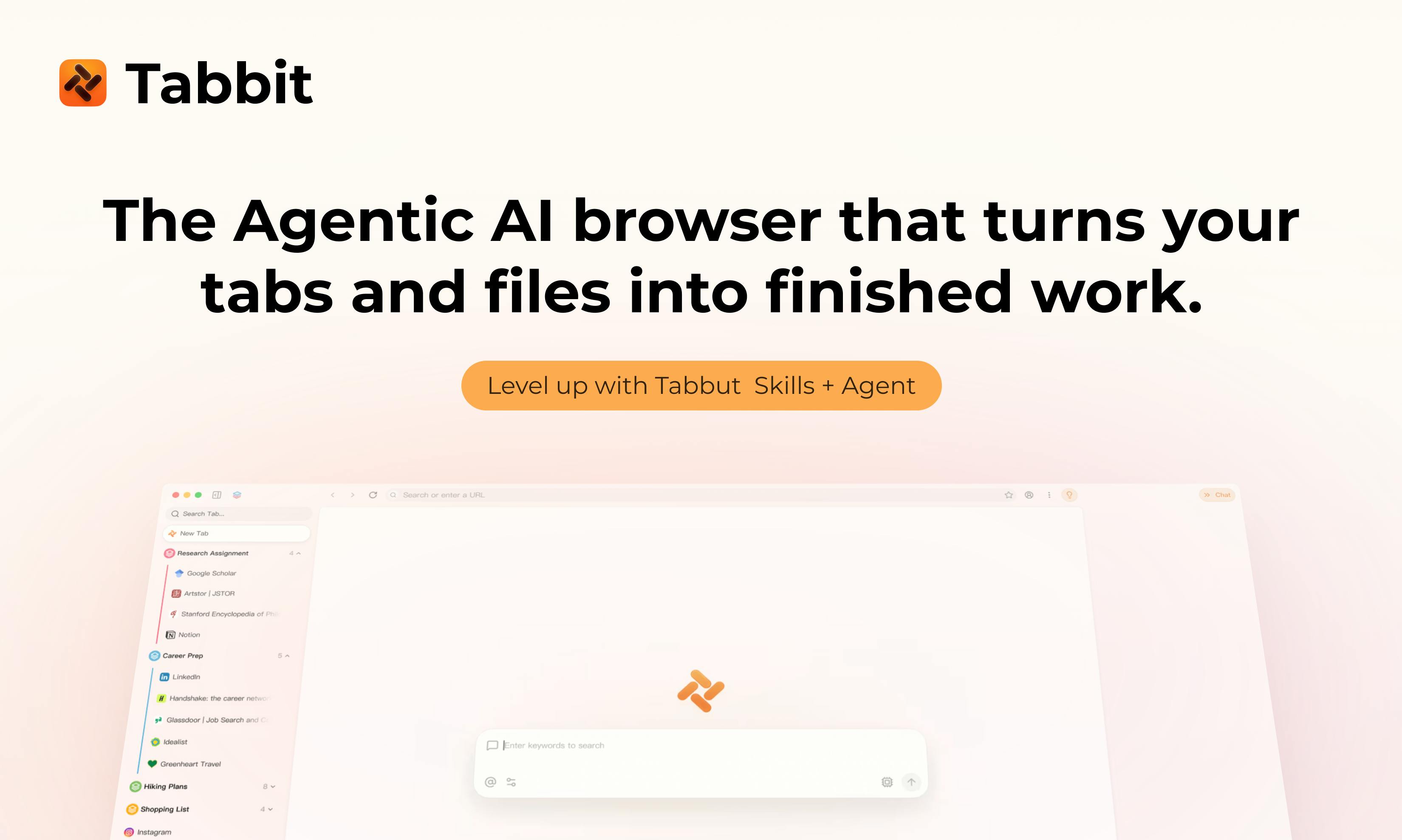
Tabbit AI: an AI browser that executes tasks across pages and learns workflows, not just answers questions
Tabbit AI is redefining AI browsers by shifting from passive Q&A to active task execution. It perceives context from web pages, screenshots, and local files; automates cross-page operations immediately or on schedule; and delivers finished outputs like PDFs and presentations. Its Skill mechanism saves workflows as reusable assets, transforming AI from a one-time assistant into a trainable automation system.
From 'Q&A Tool' to 'Task Executor'
Over the past two years, AI applications in browsers have largely remained at the 'Q&A' level: you open a sidebar, ask a large language model a question, and it returns a text response. But this mode always feels one step removed—the AI knows what you're thinking but doesn't know what you're doing, and certainly can't finish the job for you.
This limitation stems from the underlying technical architecture. AI browser applications over the past two years have mainly relied on the conversational capabilities of Large Language Models (LLMs). Models like GPT-4 and Claude excel at understanding natural language and generating responses, but they are inherently "stateless"—after each conversation ends, they retain no operational memory and cannot directly interact with external systems. This creates a fundamental constraint: AI can only "talk" but not "do." Users must manually execute the actions AI suggests, forming an inefficient loop of "understand-suggest-manual execution." Under this architecture, AI functions more like a knowledge base query interface than a true productivity tool.
Tabbit AI, which recently climbed to #5 on the Product Hunt rankings, attempts to break through this boundary. Its tagline is incisive: "Give your browser a task, not just a question." This statement precisely captures the core trend in today's AI browser space: moving from passive response to active execution.
Tabbit AI's Three Core Capabilities
According to the official product description, Tabbit positions itself as an AI browser "that knows what you're doing." Its capabilities are designed around three key elements.
Context Awareness: Web Pages, Screenshots, and Local Files
Tabbit's first distinctive feature is proactive understanding of work context. Users can feed it currently open web pages, screenshots, and even local files, giving the AI sufficient background information to understand the full scope of a task. This differs from traditional chatbots' passive mode of "you paste it, it reads it"—Tabbit treats "context" as fuel for task execution, not just input for a single conversation.
The significance of this design lies in the fact that real work scenarios are often cross-page and cross-file. For example, compiling a market research report requires simultaneously referencing multiple web pages, several screenshots, and a local spreadsheet. Traditional tools require you to repeatedly copy and paste, whereas Tabbit attempts to let the AI grasp all materials at once.
Cross-Page Automated Execution: Immediate or Scheduled
The core component of Tabbit is the Tabbit Agent, which can operate autonomously across web pages, either "doing it now" or "executing on schedule."
"AI Agent" represents a current core trend in AI applications, signifying a leap from "language model" to "task execution system." Traditional LLMs can only output text, whereas Agent architecture endows AI with three key capabilities: environmental perception (acquiring context through APIs, web page DOM, file systems), tool invocation (operating browsers, executing code, calling external services), and multi-step reasoning (planning task steps and adjusting strategies based on execution results). Technically, this relies on frameworks like Function Calling and ReAct (Reasoning + Acting), enabling models to convert natural language intentions into executable operation sequences. Models like OpenAI's GPT-4o and Anthropic's Claude 3.5 have all strengthened Agent capabilities at the API level.
Tabbit's cross-page execution capability is built on browser automation technology stacks. Mainstream solutions include Puppeteer/Playwright (controlling browsers through Chrome DevTools Protocol), Selenium WebDriver (cross-browser automation standard), and newer Browser Extension APIs. AI Agents achieve automation by parsing web page DOM structures, locating elements, and simulating clicks and inputs. The challenge lies in handling complex modern web applications: dynamically loaded content (requiring waiting for AJAX requests), Shadow DOM, iframe nesting, anti-scraping mechanisms, etc. Recently emerged "visual web understanding" technology (such as Anthropic's Computer Use) allows AI to understand page layouts directly through screenshots, reducing dependence on DOM parsing.
Scheduled execution is an easily overlooked but highly valuable feature—it means Tabbit is not just an immediate assistant but can also undertake periodic web automation tasks, such as daily scheduled information scraping or regular report generation. This shifts Tabbit's role from "assistant" toward "employee": you give instructions once, and it can complete tasks repeatedly and on schedule.
Deliverable Outputs: HTML, PDF, and Presentations
Unlike many AI tools that only output text, Tabbit emphasizes directly usable deliverables. It can generate HTML pages, PDF documents, and presentations. This directly addresses a pain point: if AI-generated content still requires users to manually format, export, and convert files, the supposed "efficiency boost" is severely diminished. Tabbit delivers finished products directly, shortening the distance from "AI output" to "usable deliverable."
Skill Mechanism: Crystallizing AI Workflows into Reusable Skills
Tabbit's most imaginative design element is its Skill mechanism. After the Agent completes a task, the entire workflow can be saved as a Skill and reused with one click later.
This essentially transforms one-time operations into reusable automated capabilities. For example, if you have Tabbit complete the task of "aggregating daily headlines from three news websites and generating a PDF briefing," it will package this process as a Skill. Next time, you won't need to describe the requirements again—just run it directly.
Tabbit's Skill mechanism is essentially an implementation of "Workflow as Code." When a user completes a task, the system records the AI's reasoning chain, the sequence of tools called, parameter configurations, etc., serializing them into a repeatable "recipe." This is similar to process recording in traditional RPA (Robotic Process Automation), but AI-driven versions are more flexible—it's not simple operation playback but rather saves the task's "intent template," which can dynamically adjust execution details based on new contexts. Technically, it may employ Directed Acyclic Graphs (DAG) to describe task dependencies, combined with template engines to handle variable substitution.
From a product logic perspective, the Skill mechanism solves a long-standing challenge for AI Agents: results are not reproducible, and experience cannot accumulate. Most AI interactions are "use and discard," whereas Skills turn every task into an asset. As users accumulate more Skills, Tabbit's adaptation to personal workflows increases, creating significant user stickiness. This transforms AI from a "one-time service" into a "trainable automation system."
Industry Observation: Competition in AI Browsers Is Heating Up
Tabbit is not an isolated case. AI-native browsers have become a clear product trend—from Perplexity's launch of Comet to OpenAI's rumored browser project, to various AI Agent browser extensions, the entire space is evolving from "search + Q&A" toward "understand + execute."
Since the second half of 2024, AI-native browsers have become a battleground for tech giants and startups alike. After OpenAI launched GPT-5 in August 2025, rumors suggest it is developing a browser with deeply integrated Agent capabilities; Perplexity's Comet browser emphasizes "search as answer," deeply fusing retrieval with generation; The Browser Company, the team behind Arc browser, is also exploring AI-driven tab management and automation. Differentiation directions include: information aggregation (like Perplexity), operation automation (like Tabbit), and privacy localization (emphasizing on-device computing). The key competitive factors are AI accuracy in understanding complex web pages, success rates in cross-site operations, and safeguards for user data security.
Tabbit's differentiation lies in its focus on task closure: perceiving context, cross-page execution, delivering finished products, and crystallizing skills form a relatively complete automation pipeline. By comparison, many similar products still remain at the information retrieval and content generation stages.
However, these "operate-on-behalf-of-users" AI browsers face common challenges:
-
Reliability: The operational stability of Agents on complex web pages and their adaptability to dynamic pages directly determine whether the product is usable. Making AI reliably operate web pages is a massive engineering challenge. Modern websites commonly use dynamic rendering and Single Page Application (SPA) architectures, where page structures change in real-time based on user behavior; many sites deploy CAPTCHA, device fingerprinting, and other anti-automation measures; network delays, page load failures, and other anomalies need handling. AI Agents must have "fault tolerance and retry" mechanisms: when target elements aren't found, try waiting or switching location strategies; when operations fail, roll back to a safe state. Additionally, AI needs to understand "side effects of operations"—for instance, clicking a "delete" button makes data unrecoverable. Industry solutions include: sandbox environment testing, pre-operation confirmation mechanisms, detailed execution logs, and reinforcement learning-based policy optimization, allowing AI to learn more robust operation sequences from failures.
-
Security and Privacy: Allowing AI to access local files and operate across web pages means it handles vast amounts of sensitive information—the trust threshold for users is not low.
-
Permission Control: Scheduled automatic task execution brings convenience but also requires clear permission boundaries and operational transparency.
Worth Watching, But Still Needs Real-World Validation
Judging from 104 votes on Product Hunt and a #5 ranking, Tabbit's direction has gained preliminary recognition from the community. The "task-oriented AI browser" concept it represents is likely to be one of the important forms of AI applications over the next year or two.
For ordinary users, Tabbit AI's value proposition is clear: hand off repetitive, tedious web work to AI and focus yourself on more valuable judgment and decision-making. But whether the product is truly useful still depends on the Agent's actual execution capabilities and output quality—questions that taglines cannot answer and can only be verified through real-world use.
Regardless, when browsers begin to "get work done" instead of just "answer questions," the distance between us and truly functional AI assistants has narrowed by another step.
Related articles

LLM Application Development: A High-Paying Career Guide for Ordinary People
LLM application development offers fresh graduates up to 35K/month, with SP offers reaching 600K. This article explains the core skills, how to break in, and how ordinary people can seize AI opportunities through learning by doing.

Say Goodbye to AI Influencer Faces: A Complete Guide to Creating Visual Assets for AI Comic Dramas from Scratch
Bilibili creator shares a full workflow for zero-basics AI comic drama visual assets: use Doubao Work skills with script-first, visual references, and real-person texture to escape AI influencer faces, then lock character and scene consistency with asset sheet layouts, weapon detail images, scene nine-grids, and cinematic color palettes.

The AI Production Pipeline Behind Great Videos: From Research to Agent Validation
AI video production isn't just a model race. This article breaks down a transferable four-step pipeline: researching professional workflows, organizing a skill checklist, configuring agents, and experimental validation—and explains how general-purpose LLMs like DeepSeek can replace paid tools to run the entire process.