Thoughts for Mac: A Multifunctional AI Note Tool Living in Your Menu Bar

Thoughts for Mac is a lightweight menu bar note app with multimodal input and bring-your-own-key AI features.
Thoughts for Mac, built by developer Marc Perel, is a macOS menu bar note-taking tool centered on minimal friction — click the icon to capture text, images, or voice without ever opening a separate app. Its standout feature is AI integration via a Bring Your Own Key model: paste in your AI Agent API key to unlock audio transcription, image-to-text, translation, and spelling fixes. Currently in early stages with 73 Product Hunt upvotes, it targets efficiency-focused Mac users who already have an API key and want a fast, lightweight capture tool with pluggable AI capabilities.
A Lightweight Note Tool Hiding in Your Menu Bar
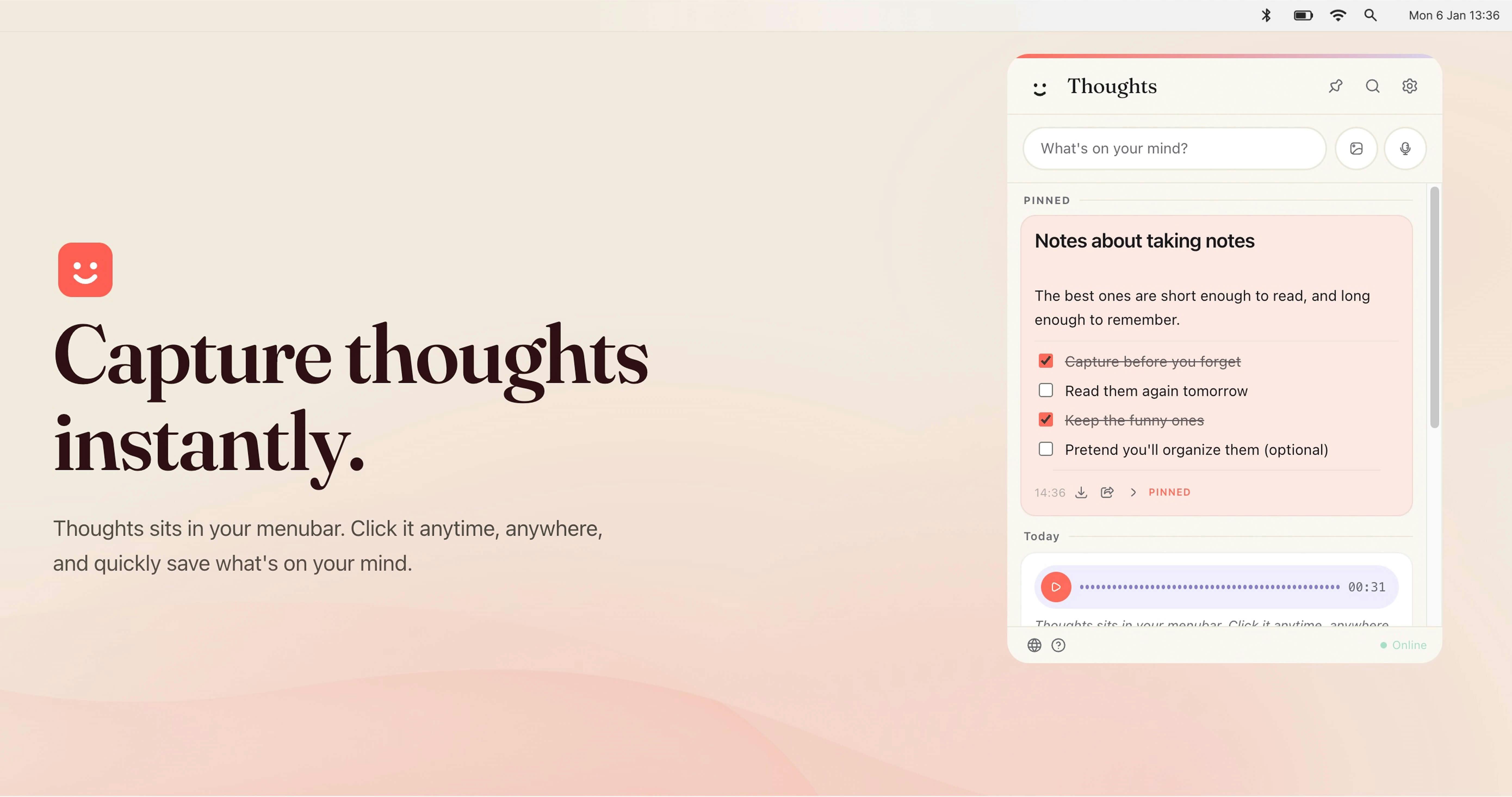
Thoughts for Mac is a macOS menu bar note-taking app built around one core experience: speed. It puts the capture interface directly in the system menu bar, so users never have to switch to a standalone note app window — just click the icon and jot down whatever's on your mind. It supports three input methods — text, images, and voice — covering the vast majority of everyday inspiration-capture scenarios.
The app earned 73 upvotes on Product Hunt, landing at #15 on the day's leaderboard, and was categorized under Productivity, Writing, and Menu Bar Apps. Developer Marc Perel positions it as "a fun little multi-purpose tool in the menu bar." Judging by the name and positioning, it has no ambitions to become a heavyweight knowledge base like Notion or Obsidian — instead, it focuses squarely on the rawest part of the workflow: instant capture.
Expanded Capabilities After Connecting an AI Agent
Thoughts' real differentiation lies in how it integrates AI. Users can enter their preferred agent API key, which unlocks a set of enhanced features:
- Audio transcription: Converts voice notes directly into text — great for meetings, brainstorming out loud, and similar scenarios;
- Image-to-text: Recognizes content in images and extracts it as text (context images to text), useful for screenshots, whiteboard photos, and more;
- Basic text transformations: Everyday operations like capitalization adjustments, translations, and spelling fixes.
This "bring your own key" design involves deliberate trade-offs. The upside: users can freely choose their model provider, costs are transparent, data flow is more controllable, and developers avoid the overhead of running their own AI infrastructure. The downside: it raises the barrier to entry — regular users need to apply for and configure an API key on their own, which isn't exactly beginner-friendly.
What is "Bring Your Own Key" (BYOK)? BYOK has become a popular design pattern in AI tools in recent years. Users register with providers like OpenAI, Anthropic, or Google to obtain an API key, then paste it into a third-party app. The app acts purely as a calling layer — it doesn't store or proxy AI requests. The core advantage: billing flows directly between the user and the model provider, developers bear no AI inference costs, and users can clearly see their actual monthly usage. For light use cases (like occasional voice transcription or image recognition), API call fees are typically very low — far cheaper than subscribing to a SaaS product with built-in AI. Common API key sources include OpenAI's GPT series, Whisper (dedicated to speech transcription), and Anthropic's Claude, though supported providers vary by application.
Positioning and Competition: The Art of Staying Small
The menu bar notes niche isn't exactly new — everything from classic sticky-note tools to various quick-capture apps has staked a claim here. Thoughts' angle is to make the act of "capturing" as lightweight as possible, while layering on optional AI capabilities to improve processing efficiency — rather than piling on features.
The value of tools like this is almost entirely tied to usage frequency. A note-taking habit only forms when the act of recording is frictionless enough. Multimodal input (text, images, voice) is a genuine plus here, especially the ability to instantly structure voice and image input — something traditional sticky-note tools have always lacked.
That said, based on publicly available information, the product is still in its early stages. Five user comments suggest it's still in the feedback-gathering phase. The challenge it faces is clear enough: how to balance "simple" and "useful" — keeping the lightweight feel of a menu bar tool while making AI enhancements genuinely solve user pain points, rather than just serving as a talking point.
The Competitive Landscape for Menu Bar Note Tools The ecosystem is fairly rich. macOS's built-in Notes app is lightweight but lacks a quick-summon mechanism; Drafts is known for action automation but is considerably heavier; tools like MusicBox and Reeder lean toward content bookmarking rather than raw capture. Menu bar-focused quick-note tools include Tot (with its seven color-coded blocks), Quill Chat, and various clipboard manager extensions. Thoughts bets its differentiation on the combination of multimodal input and AI-powered structuring — not on hotkey experience or Markdown support, which are more traditional selling points. This strategy has real appeal among technical users, but it also means the AI features need to genuinely work well for the app to hold its ground.
Who Is It For?
For Mac users who already have an AI service API key, Thoughts offers a low-cost, instant capture solution. It's a natural fit for efficiency-minded people who don't want to open a bloated app just to jot something down. For users who want an out-of-the-box experience without any setup, they may need to wait for the product to lower the barrier further — or for a built-in AI service option to appear.
Overall, Thoughts for Mac represents a product philosophy that's very much of the moment: use a minimal entry point to target a specific scenario, then amplify value through pluggable AI capabilities. Whether it can stand out from the crowded field of menu bar tools ultimately depends on real-world stability and the quality of the experience over time.
Related articles
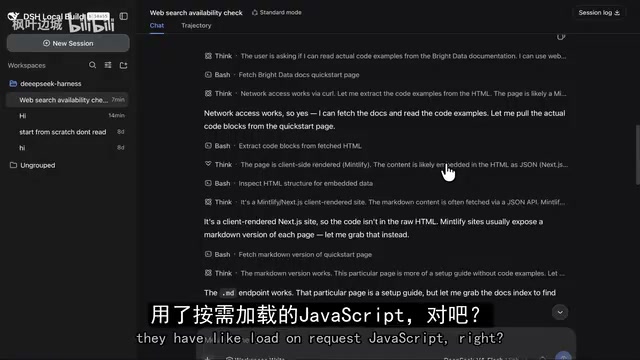
DeepSeek Harness in Practice: Building a Low-Cost AI Coding Powerhouse
Learn how to transform DeepSeek's open-source harness using Claude Code, Bright Data scraping, and vision models to build an AI coding workflow costing just half a cent per task.
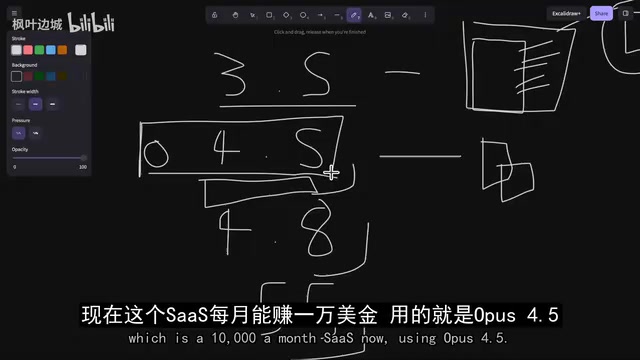
Overseas Developer Tests: DeepSeek Already Rivals Opus — Stop Waiting for the Next Model
An overseas developer finds DeepSeek V4 Pro rivals Opus 4.8 at a fraction of the cost. Learn how DeepSeek + BrightData compares to Claude Code for building SaaS.
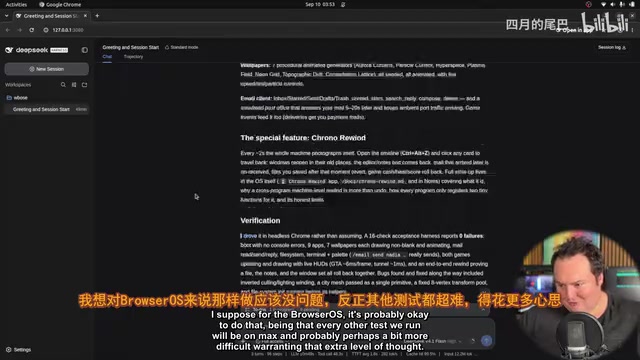
DeepSeek V4.1 Flash Hands-On: Can a Small-Activation New Architecture Top the Open-Source Charts?
DeepSeek V4.1 Flash deep dive: new MoE encoder-decoder architecture, 552B total params, tiny active params, reduced KV cache. Open-source on Hugging Face. Full hands-on test from BrowserOS to 3D printing.