Using AI Agents to Automatically Scan Your LinkedIn Feed: Feasibility and Technical Challenges
How to build an AI Agent that scans LinkedIn feeds — and the three technical hurdles standing in the way.
A Reddit user's request to auto-scan LinkedIn with an AI Agent highlights a real pain point: information overload. The article shows that LLM summarization is the easy part — the hard part is reliably getting the data. Reusing browser sessions beats simulating login; browser automation beats direct HTTP requests against LinkedIn's multi-layer anti-scraping defenses; and tools like Playwright or AI-native agents using accessibility trees handle browser control. The practical solution is "session reuse + LLM summarization + scheduled delivery," but LinkedIn's ToS and account ban risks require careful, frequency-controlled operation.
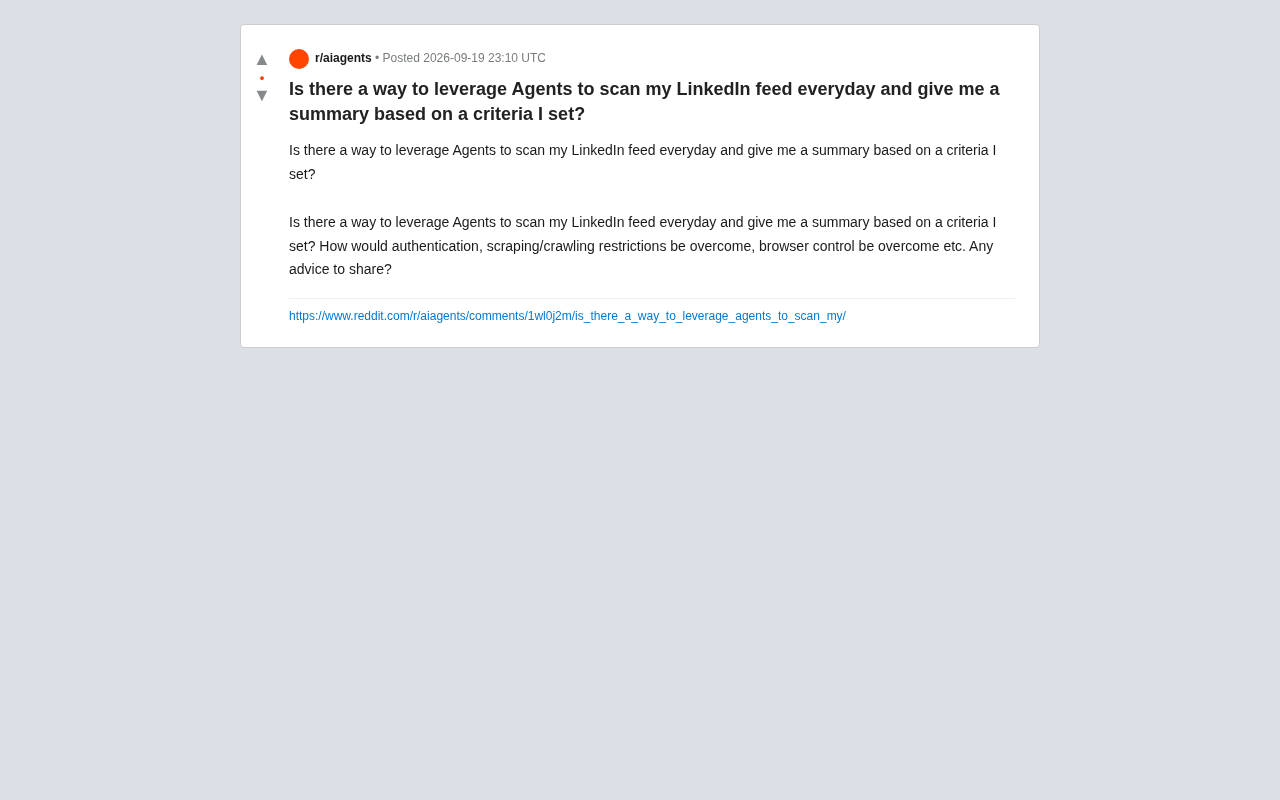
A Reddit user posed a particularly representative question: can an AI Agent automatically scan your LinkedIn feed every day and generate a customized summary based on preset criteria? Behind this request lies a genuine pain point for many knowledge workers facing information overload — a daily flood of updates, job postings, and industry opinions all mixed together, making manual filtering both time-consuming and inefficient.
What seems like a simple automation task actually involves a series of technical hurdles: authentication, platform anti-scraping mechanisms, and browser control. This article explores the viable technical approaches and core challenges that need to be addressed.
The Core Need: A Typical Information Aggregation Automation Scenario
The requester's core goal can be broken down into three steps: log in to LinkedIn → scrape the feed → filter and summarize based on custom criteria. This is a classic "personal information agent" scenario.
In theory, large language models excel at the third step — given raw content, asking an LLM to summarize based on user-defined criteria (e.g., "only show AI startup news" or "filter for senior engineering roles") is essentially playing to its strengths. The real bottleneck lies in the first two steps: how to reliably and compliantly retrieve LinkedIn feed data.
Core Challenge #1: Authentication
LinkedIn feed content is nearly invisible to unauthenticated users, so any Agent-based solution must first solve the login state problem. There are two common approaches:
Reusing an existing browser session. By extracting cookies or session tokens from an already-logged-in browser and having the automation script carry those same credentials. This approach is relatively stable, but requires handling token expiration and refresh — and if LinkedIn detects an unusual device fingerprint, it may trigger secondary verification.
Simulating the login flow. Having the Agent automatically fill in credentials. However, LinkedIn is highly sensitive to automated logins and will often present CAPTCHAs, email verification challenges, or outright ban the account. For this reason, reusing an existing session is generally safer than simulating a fresh login.
Either way, there are account security risks — LinkedIn's Terms of Service explicitly restrict automated access, and aggressive behavior may result in account restrictions or suspension.
Core Challenge #2: Anti-Scraping and Crawling Restrictions
LinkedIn is widely recognized as one of the most aggressively anti-scraping platforms in the industry. It deploys multiple layers of protection, including request frequency detection, behavioral fingerprinting, dynamically rendered content, and notably, legal action (it has filed multiple lawsuits against data scraping companies).
Directly scraping via HTTP requests is largely infeasible, since feed content is generated through heavy dynamic loading and encrypted parameters. The mainstream approach therefore shifts to browser automation — having the Agent operate a real browser like a human would, thereby bypassing some detection mechanisms based on request characteristics.
Even so, you still need to control access pacing, simulate realistic user behavior (scrolling, pausing, random delays), and avoid generating large volumes of mechanical activity in a short period that could be flagged by risk control systems.
LinkedIn's most notable legal action was its 2017 lawsuit against hiQ Labs. LinkedIn attempted to use the Computer Fraud and Abuse Act (CFAA) to stop hiQ from scraping public profiles. The case went through multiple appeals, until the Ninth Circuit ruled in 2022 that scraping publicly accessible data does not violate the CFAA — but LinkedIn promptly filed new claims and the parties ultimately reached a settlement. This case profoundly shaped understanding of the legal boundaries around data scraping: scraping publicly available data may not violate federal law in the US, but platform Terms of Service constraints still exist, and violating them can lead to account bans or civil disputes. For individual users, the legal risk is relatively lower than for commercial data companies, but the direct risk of account suspension is more immediate.
Core Challenge #3: Browser Control
For an Agent to "see" and interact with a LinkedIn page, browser control is the critical piece. There are a few mature technical approaches available:
Traditional Browser Automation Frameworks
Tools like Playwright, Puppeteer, and Selenium can drive real browsers to handle login, scrolling, DOM extraction, and more. They are mature and stable, and running in headless or headed mode can fairly well replicate a real user environment. The downside is that you need to write and maintain selector logic, and any change to the page structure can break things.
AI-Native Browser Agents
In recent years, a new category of tools has emerged that combines LLMs with browser control — for example, Browser Use and Agent frameworks with "computer use" capabilities. The idea is to let the model directly understand page screenshots or the accessibility tree, autonomously deciding on actions like clicking and scrolling rather than relying on hardcoded selectors. These solutions adapt better to page changes, but come at higher cost and are still maturing in terms of stability.
The Accessibility Tree is a structured representation of a page that browsers provide for assistive technologies (like screen readers). It converts DOM elements into a tree of semantically labeled nodes with roles and text — for example, "button: Send" or "link: View more." Compared to screenshots, the accessibility tree offers higher information density, lower token consumption, and is unaffected by visual rendering. The downside is that some dynamic content or custom components may not map completely. Tools like Browser Use typically combine screenshots with the accessibility tree, letting the LLM both "see" the page layout and precisely locate interactive elements — enabling complex page interactions without hardcoded selectors.
A More Practical End-to-End Approach
Putting it all together, a workable implementation would look roughly like this:
- Use a browser automation tool (e.g., Playwright) to reuse an already-logged-in session, opening the LinkedIn feed on a scheduled basis;
- Simulate human scrolling behavior to load a sufficient amount of content and extract the text;
- Pass the scraped content to an LLM to filter and summarize based on user-defined criteria;
- Push the daily digest via email, Slack, or another channel.
The entire pipeline can be driven by a cron job, running once at a fixed time each day. This combination of "browser automation + LLM summarization" is the most common and relatively controllable pattern for personal automation use cases today.
Compliance and Risk Considerations
It's important to emphasize that LinkedIn's Terms of Service explicitly prohibit unauthorized automated data scraping. While there are various technical workarounds, individuals should weigh the risk of account suspension before proceeding. Relatively safer practices include: only scraping content visible to your own account, controlling access frequency, avoiding large-scale data collection, and not using the data for commercial resale.
For users with strong needs, it's also worth exploring whether LinkedIn offers an official API or compliant third-party integration options. While its openness is limited, those paths offer much stronger compliance guarantees.
Conclusion
Using an AI Agent to automate LinkedIn feed processing is technically entirely feasible — the challenge isn't the "summarization" part, it's the "retrieval" part. The three hurdles of authentication, anti-scraping mechanisms, and browser control determine how stable and safe any given solution will be. For most individual users, a lightweight approach based on browser automation session reuse combined with LLM summarization is more than sufficient for everyday needs — but proceed carefully within compliance boundaries, and don't let small gains lead to big losses.
Related articles

Qwen 3.8 Beats Opus at Coding—But Can Your Mac Run It?
Open-source Qwen 3.8 beats Opus 4.6 at coding at just 18GB, but how much Mac memory do you need? 24GB crashes; 32GB is the sweet spot. Full config guide inside.

Claude Code + Agent: Building a Fully Automated AI Testing Loop
Bilibili course breakdown: how test developers can use Claude Code terminal-based Agents to build a fully automated AI testing loop. Compares permission boundaries of terminal vs. device Agents, explains why enterprise projects choose Claude Code over Open Claude-type tools, and outlines the Node.js environment setup and DeepSeek model integration path.

Working with AI Agents Requires Nerves of Steel
The more autonomous AI agents become, the heavier the user's psychological burden. Drawing from a Hacker News discussion, this article analyzes black-box anxiety, behavior drift, and monitoring fatigue in agent collaboration, and offers practical approaches like sandbox isolation, permission control, and task granularity management to reduce cognitive load.