What Is the LLM Temperature Parameter? A Demo Method Anyone Can Understand
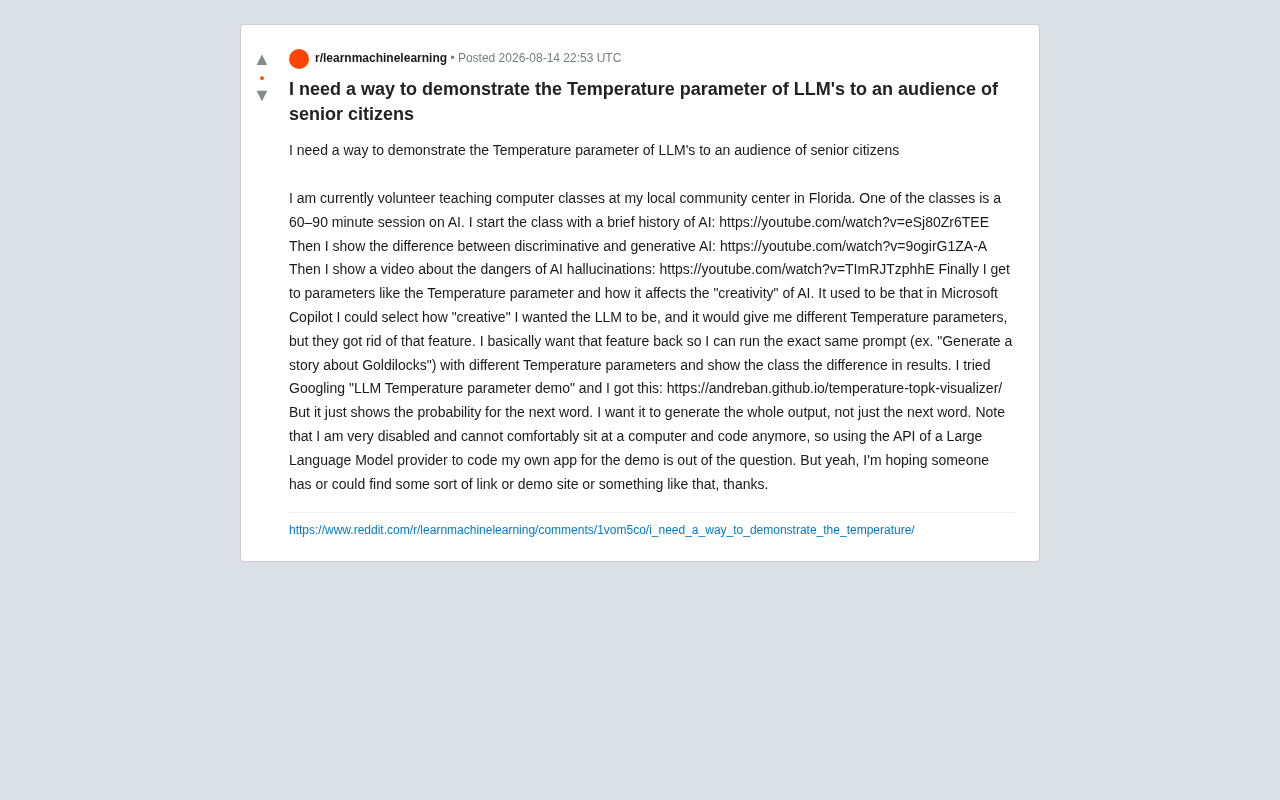
A beginner-friendly guide to understanding and demonstrating the LLM temperature parameter.
The LLM temperature parameter controls how creative or conservative AI-generated text is by adjusting the probability distribution over candidate words. This article explains the concept through everyday analogies and offers practical, no-code demo methods — including Google AI Studio and pre-recorded comparisons — tailored for teaching non-technical audiences like senior citizens.
A Real Teaching Dilemma
At a community center in Florida, a volunteer was running an AI literacy course for senior citizens. His curriculum was thoughtfully designed: starting with a brief history of AI, then distinguishing between discriminative AI and generative AI, followed by a discussion of AI hallucination risks, and finally arriving at one of the core parameters of large language models — Temperature.
This is worth a brief detour to explain: discriminative AI and generative AI represent two fundamentally different paradigms in artificial intelligence. Discriminative AI focuses on classification and judgment — show it a photo and it tells you "this is a cat or a dog"; give it an email and it determines "this is spam or not." It learns the boundaries between data. Generative AI, on the other hand, is entirely different — it learns the underlying distribution of data itself and then creates entirely new content: text, images, music, code, you name it. Tools like ChatGPT, Midjourney, and Suno all fall under generative AI. The fundamental difference: discriminative AI answers "what is this?" while generative AI answers "what else could there be?" AI hallucination refers to when a large language model outputs factually incorrect, completely fabricated content with supreme confidence — for example, inventing an academic paper that doesn't exist, complete with authors, journal name, and page numbers. The root cause is that language models don't actually "understand" facts; they simply predict the statistically most plausible next sequence of words. This is also why the temperature parameter is closely tied to hallucination: the higher the temperature, the more likely the model is to deviate from the high-probability "safe" path, and the greater the risk of hallucination.
However, he ran into a thorny problem: how could he use the same prompt (say, "write a story about Goldilocks") with different temperature values to visually demonstrate the difference in outputs to senior learners with zero technical background?
To make matters more challenging, this volunteer had limited mobility and couldn't sit at a computer for long periods writing code, so "calling an API and building your own demo app" wasn't a realistic option. This real-world request from Reddit gives us a perfect entry point: what exactly is the temperature parameter, and how do you explain it clearly?
What Is the LLM Temperature Parameter: Why It Determines AI's "Creativity"
Understanding Temperature Through Probability Distributions
At its core, a large language model predicts "the most likely next word" at each step. Internally, the model calculates a probability distribution across every candidate word in its vocabulary. The temperature parameter is the dial that controls the shape of this probability distribution.
To understand this, you need to know the underlying mechanism of text generation. Modern large language models use Subword Tokenization, breaking language into tens of thousands of "tokens" — which might be a complete word, a word root, or even a punctuation mark. GPT-4's vocabulary contains roughly 100,000 tokens. At each generation step, the model calculates a raw score (logit) for every token in the vocabulary, then converts these scores into a probability distribution through the Softmax function. The temperature parameter scales the logits before the Softmax calculation: logits are divided by the temperature value before Softmax is applied. When temperature is less than 1, large logits become relatively larger and small ones become smaller, making the distribution more "peaked"; when temperature is greater than 1, the opposite happens, and the distribution becomes more "flat."
Specifically:
- Low temperature (close to 0): The probability distribution is "sharpened," and the model almost always picks the highest-probability word. Outputs are more deterministic, conservative, and reproducible — but also more monotonous.
- High temperature (close to 1 or higher): The probability distribution is "smoothed," giving originally low-probability words a real chance of being selected. Outputs are more diverse and "creative" — but also more likely to go off the rails or even become incoherent.
It's worth noting that temperature isn't the only mechanism for controlling output diversity. In practice, it's usually combined with two other sampling strategies: Top-K and Top-P (also known as Nucleus Sampling). Top-K sampling only selects randomly from the K highest-probability candidate tokens, directly cutting off the long tail. Top-P sampling sets a cumulative probability threshold (say, 0.9) and only samples from the smallest set of tokens whose cumulative probability reaches that threshold. For example, when Top-P=0.9, if the top 5 tokens already account for 90% of the probability mass, selection is limited to those 5. When all three are used together, temperature first adjusts the shape of the probability distribution, then Top-K/Top-P further trims the candidate pool, enabling fine-grained control over output diversity.
Here's an analogy: temperature is like how much coffee the AI has had. At low temperature, it's buttoned-up and by-the-book; at high temperature, it's freewheeling and full of inspiration — but it might also start talking nonsense.
The Limitations of Existing Visualization Tools
The original poster found a tool (temperature-topk-visualizer) but discovered it only showed how the probability of the next word changed, not the complete generated output. This actually highlights a core challenge of temperature demonstrations:
Probability changes for individual words are intuitive for technical people, but far too abstract for general audiences (especially seniors). What they need to see is how the final, complete stories differ — not a bunch of percentage numbers.
Temperature Parameter Demo Methods Anyone Can Use — No Coding Required
Given the three constraints — no coding, complete output needed, senior audience — here are several proven, practical approaches.
Option 1: Use Google AI Studio to Adjust Temperature for Free
While Microsoft Copilot has removed its "creativity level" feature, several platforms still expose temperature controls directly in their web interfaces:
- Google AI Studio (aistudio.google.com): This is a free online tool launched by Google in late 2023, designed to let users experiment with and debug Google's Gemini family of large language models without any programming. Its interface resembles an enhanced chat window, with a right-side panel that directly exposes core model parameters: Temperature, Top-K, Top-P, Max Output Length, and more — all adjustable via sliders in real time. Unlike consumer-facing products like ChatGPT, AI Studio functions more like a "lab bench" that doesn't hide parameter details, letting users intuitively feel the impact of each dial on the output. For teaching demonstrations, this transparency is its greatest advantage — students can see the causal relationship between parameter changes and output differences with their own eyes. The Temperature slider ranges from 0 to 2, and you simply run the same prompt repeatedly. This is currently the best fit for the original poster's needs.
- OpenAI Playground: OpenAI's official model debugging tool, which also provides a temperature slider and is very powerful, but has a higher barrier to entry. Users need to register an OpenAI developer account and link a credit card, since every Playground call consumes API credits billed by token count. Additionally, it offers multiple adjustable parameters — System Prompt, Temperature, Max Tokens, Frequency Penalty, Presence Penalty, and more — making the interface information-dense, which could create cognitive overload for non-technical users. However, its advantage is access to OpenAI's latest models like GPT-4o, making it suitable for advanced demo scenarios requiring precise control.
- Various third-party aggregation platforms: Such as Poe, TypingMind, etc. — some support parameter adjustment.
For teaching scenarios, Google AI Studio is nearly the perfect answer: no developer account needed, no code required, intuitive interface — ideal for live classroom demonstrations.
Option 2: Pre-Record Comparison Results at Different Temperature Values
Given the poster's limited mobility, another reliable approach is to prepare demo materials in advance. Before class, generate several outputs using the same prompt at different temperature values, then screenshot the results or compile them into slides. In class, simply present:
- Temperature = 0: The Goldilocks story is nearly identical every time, with a standard plot.
- Temperature = 0.7: The story shows reasonable variation — different wording but still coherent.
- Temperature = 1.5: The story starts featuring unexpected twists, even absurd plot elements.
This "three-column comparison" format is more controllable than adjusting parameters live, and avoids the embarrassment of network glitches or operational mishaps.
Option 3: Use Everyday Analogies to Make Temperature Click for Seniors
For an older audience, analogies are often more effective than tools. Try explaining it this way:
- Low temperature = asking a meticulous archivist to tell a story — they'll recite it word-for-word, by the book, every time;
- High temperature = asking a poet who's had a couple of glasses of wine to tell a story — full of imagination but likely to go off-topic.
Combined with the actual output comparisons from Option 2, an abstract parameter becomes something tangible.
What This Case Reveals About AI Literacy Education
This volunteer's dilemma actually reflects an underestimated problem in today's AI education landscape: technical visualization tools are typically designed for engineers, not for the general public.
That tool showing only "next-word probabilities" seems perfectly clear within the tech community, but it's meaningless to seniors in a classroom. Truly effective AI literacy isn't about showing how sophisticated the model's internals are — it's about letting the audience see the phenomenon of "same input, different output" for themselves, and understanding that there's an adjustable "dial" behind it.
The temperature parameter is an ideal teaching entry point because it transforms the abstract concept of "AI is a probability machine" into "whether the story is conservative or wild" — a difference anyone can perceive. When a senior citizen sees that the same prompt "write a Goldilocks story" can produce dramatically different versions, their understanding of generative AI's inherent "uncertainty" will run deeper than ten lectures on the underlying principles ever could.
Conclusion: The Best Demo Makes People Say "Ah, I Get It!"
Whether you choose to demo live with Google AI Studio or present pre-recorded comparison results, the key is always translating technical parameters into experiences your audience can feel. For the special scenario of presenting to senior citizens with a presenter who has limited mobility, the combination of "prepared materials + everyday analogies" may be more practical than any flashy tool.
This is also a reminder for everyone involved in AI education and content creation: the best demo is always the one that makes the audience say, "Ah, I get it!"
Related articles
The Complete Codex Guide: A Hands-On Manual from Basics to Advanced
A complete guide to the new Codex: project folders, office file processing, multi-agent collaboration, image annotation, agents.md, Skills, automation workflows, and advanced AI programming features.

SimRig: Building a Unified Experimentation Layer for Embodied AI — Stop Reinventing the Wheel
SimRig builds a lightweight experimentation layer on MuJoCo and PPO, offering standardized workflows from environment setup to browser preview, cutting engineering friction for Embodied AI research.

AI Security 101: A Complete Guide from Prompt Injection to Agent-Based Attack and Defense
A systematic guide to AI security fundamentals covering LLM principles, prompt injection attacks, AI code auditing, CTF applications, and Agent attack-defense evolution.