AI Agents Are Not ChatGPT: Three Core Differences and a No-Code Hands-On Demo
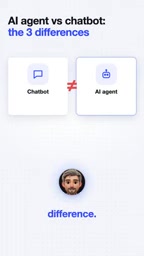
The essential difference between an AI Agent and ChatGPT is that an Agent can use tools, run on a schedule, and make autonomous decisions.
The article notes that chatbots respond passively, while AI Agents proactively use tools, run on a schedule, and make autonomous decisions. Using a YouTube creator's no-code, zero-cost job-monitoring Agent as an example: it periodically scrapes new job postings, scores them against a resume using an LLM, and pushes a phone notification only for high scores. Built with a no-code automation platform and a free LLM API, it lowers the barrier to entry. The article stresses that understanding this difference means shifting from "asking AI questions" to "letting AI work autonomously according to rules," while mitigating the risk of misjudgments through rule design such as threshold control.
Most people conflate AI Agents with ChatGPT, but the two are fundamentally different. A chatbot only answers when you ask it something, then waits for the next instruction. A true AI Agent, by contrast, proactively uses tools, runs on a schedule, and makes autonomous decisions. Based on a real demonstration by a YouTube creator, this article breaks down the three core capabilities of AI Agents and showcases a no-code, zero-cost job-search automation workflow.
The Core Difference: From Passive Response to Proactive Execution
A chatbot operates on a "question-answer-wait" model. You type a question, it generates a reply, and the conversation ends. It does nothing while you're not talking to it.
An AI Agent does three additional things on top of that:
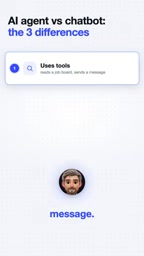
- Uses tools: It can read job boards, send messages, and call APIs—not just generate text.
- Works on a schedule: It can run on a timer while you sleep, for example checking for new job postings every hour.
- Makes autonomous decisions: It judges which information is worth paying attention to based on preset rules and decides what to do next.
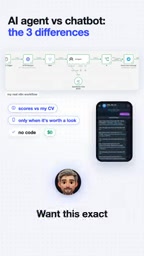
According to the YouTube creator's demo, his Agent scrapes new AI job postings every hour, scores them against his resume, and only pushes positions worth a look to his phone. The entire process requires no coding and costs nothing.
LLM API: A large language model application programming interface that lets developers programmatically invoke model capabilities (such as text generation, judgment, and summarization), billed by call count or token. Many platforms offer free tiers or open-source models that can be deployed locally—this is exactly what makes a "zero-cost" Agent possible.
Tool Use / Function Calling: Refers to an LLM's ability, while generating a response, to proactively request the invocation of external functions or APIs—for example, searching the web, reading a database, or sending a message. The model outputs a structured invocation intent, which an external system executes and returns results for, forming a "think-act" loop. This is the key mechanism that takes an Agent from "can talk" to "can do."
Scheduler: A component responsible for triggering an Agent to run based on time or events, such as a cron timer or Webhook. It enables an Agent to operate periodically in the background without human instructions, and is the infrastructure that makes "working on a schedule" possible.
Hands-On Case Study: A No-Code Job-Monitoring Agent
The core logic of this workflow isn't complicated, but it embodies the typical characteristics of an Agent:
- Trigger: A timer fires once per hour.
- Tool invocation: Access a job board or API to fetch the latest job listings.
- Decision: Match and score job descriptions against a personal resume (possibly using an LLM).
- Action: Send a phone notification only when the score exceeds a threshold.
The creator emphasizes "No code" and "costs nothing," meaning he used an off-the-shelf automation platform (such as Zapier, Make, or n8n) combined with a free LLM API. This lowers the barrier for ordinary users to build Agents.
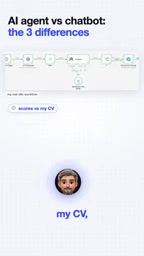
No-code automation platforms: Tools like Zapier, Make, and n8n connect different apps (such as job boards, LLMs, and notification services) through visual drag-and-drop, letting you build workflows without writing code. They typically offer scheduled triggers, conditional branches, and API-call nodes, making it easy for non-developers to quickly implement Agent logic. n8n is open-source and self-hostable, while Zapier and Make offer free plans—but free quotas are limited, so watch out for call-count restrictions.
Match scoring and thresholds: Feed a job description and resume into an LLM and have it output a match score (e.g., 0–100), then set a threshold (e.g., 80) to decide whether to notify. Threshold control is a common "guardrail" in an Agent's autonomous decision-making that reduces false positives and excessive interruptions, though the threshold needs tuning based on actual results.
Why This Distinction Matters
Understanding the difference between an Agent and ChatGPT directly affects what you can do with it. If you treat an LLM only as a chat window, you get information; if you embed it in a system with tools, scheduling, and decision logic, you get a digital assistant that can complete repetitive cognitive tasks for you.
AI applications are currently shifting from "conversation" to "execution," and Agents are the vehicle for this trend. Note, however, that autonomous decision-making also carries risks: poorly designed rules can lead to misjudgments or excessive notifications. The creator mitigates this through a threshold control that "only pushes high-scoring jobs."
How to Get Started
For readers who want to try it, start with a minimum viable Agent: pick a scheduled-trigger scenario (such as monitoring a website), connect a free LLM API to make simple judgments, and output results through a notification tool. The creator shared the full workflow and an AI Engineer roadmap in the community as a reference starting point.
The key isn't the tools themselves but a shift in mindset: from "asking AI questions" to "letting AI work autonomously according to rules."
One-line Summary
The essential difference between an AI Agent and ChatGPT is that an Agent can use tools, run on a schedule, and make autonomous decisions.
Paragraph Summary
The article points out that a chatbot responds passively, whereas an AI Agent proactively uses tools, runs on a schedule, and makes autonomous decisions. Using a YouTube creator's no-code, zero-cost job-monitoring Agent as an example: it periodically scrapes new job postings, scores them against a resume using an LLM, and pushes a phone notification only for high scores. This workflow is built with a no-code automation platform and a free LLM API, lowering the barrier to entry. The article stresses that understanding this difference means shifting from "asking AI questions" to "letting AI work autonomously according to rules," while also mitigating the risk of misjudgments from autonomous decisions through rule design such as threshold control.
Related articles

64GB Laptop Running LLMs: Only 46.7GB Actually Usable
ASUS ProArt 16 test: only 46.7GB of a nominal 64GB is usable for models; the 128GB model is officially capped at 120B parameters. We break down the 9,000 yuan gap.
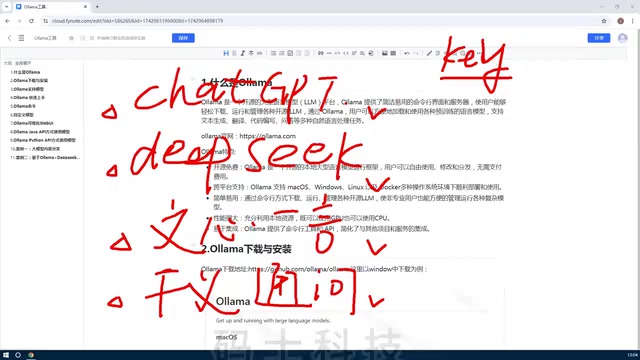
Ollama Beginner's Tutorial: A Getting Started Guide to Local LLM Deployment
Ollama beginner's tutorial: Learn what Ollama is, its core features, and the value of local LLM deployment. Covers open-source and free, cross-platform, CPU/GPU scheduling, API integration, and more to help you quickly get started with local LLM management.
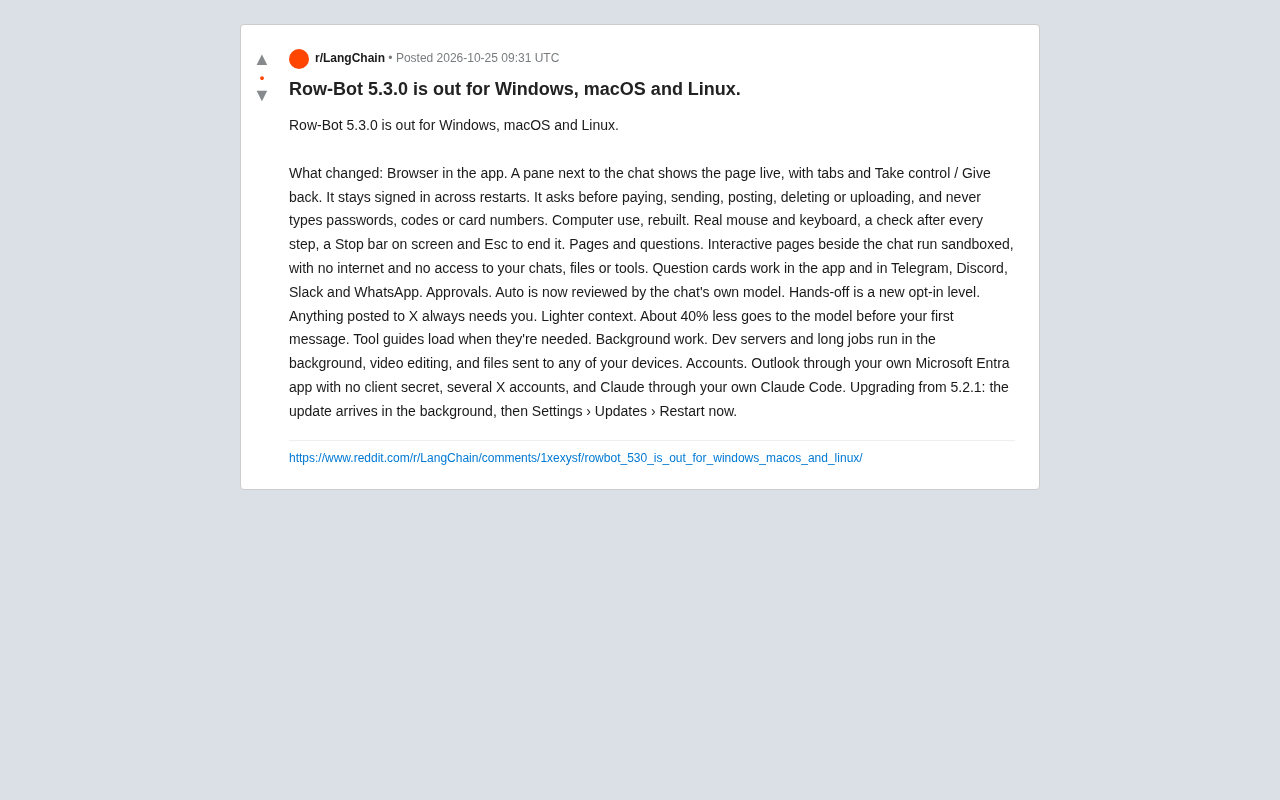
Row-Bot 5.3.0 Released: Built-in Browser and Security Approval Redefine AI Agents
Row-Bot 5.3.0 arrives on Windows, macOS, and Linux with an in-app browser, real-input computer control, tiered approvals, sandboxed pages, ~40% less context, and background tasks.