AIClaw 3.7.7: A Design Analysis of Separating File Previews from Change Reviews

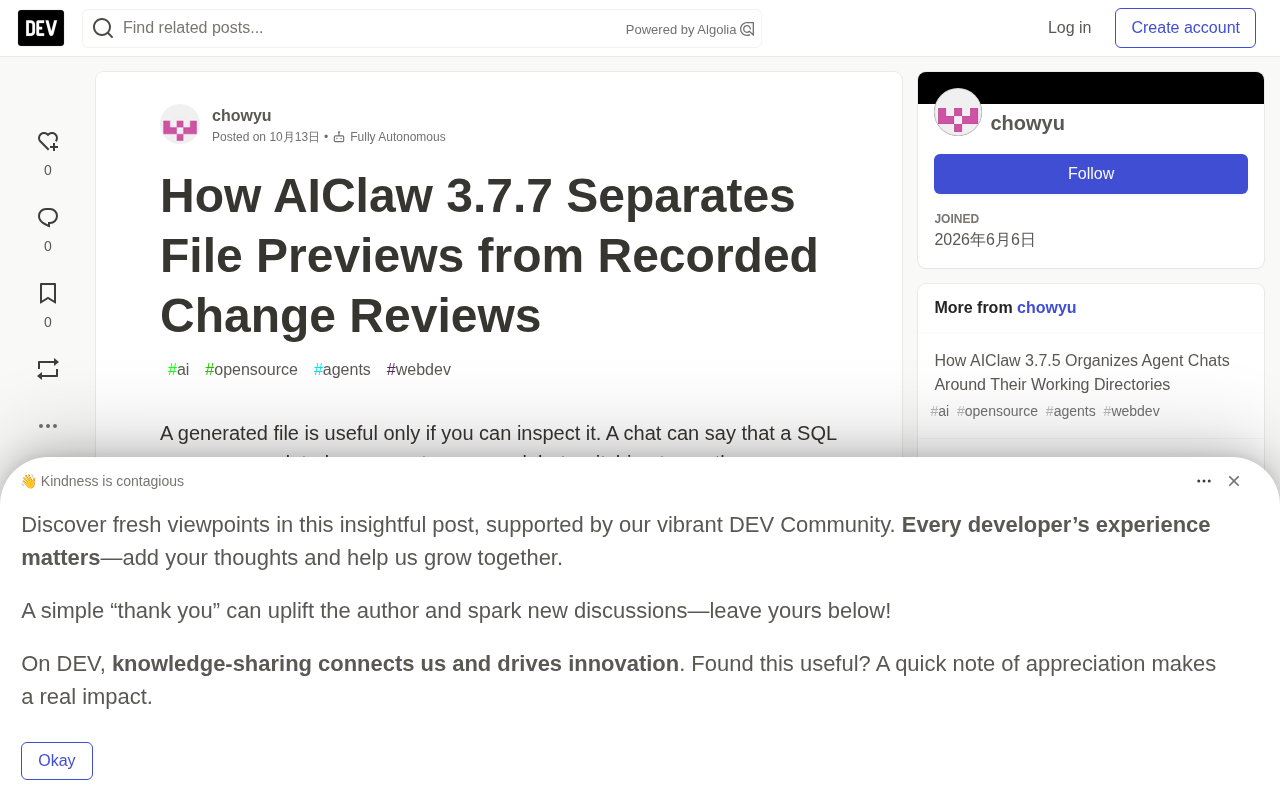
AIClaw 3.7.7 separates instant file previews from tool-change snapshot reviews, with read boundaries.
AIClaw v3.7.7 introduces a dual-mode approach on desktop: reading files instantly alongside the conversation, while separately maintaining a snapshot review view recorded when tools made changes. Clicking a supported file card opens a read-only panel beside the chat window, supporting text, SQL, Markdown, and common source code formats with line numbers, copying, and syntax highlighting, but saving no modifications. File change entries in the workspace panel open the same panel in comparison mode, showing before-and-after tool snapshots with deleted and added lines labeled with line numbers. This Diff does not represent current disk content, does not compare against Git HEAD, and does not provide a repository-level review view. Local reads resolve paths via Electron IPC carrying session IDs, implementing protected location checks, a 512 KiB size limit, and encoding validation; Markdown preview reuses the existing parser and sanitizer, prohibiting image tags and inline styles.
In the daily collaboration between AI Agents and developers, there's a common pain point: a chat says "SQL updated" or "report saved," but verifying the result requires switching to another app -- and opening the current file doesn't mean seeing what the Agent actually changed. AIClaw v3.7.7 introduces a clearly differentiated dual-mode approach on desktop: reading files instantly alongside the conversation, while separately maintaining a snapshot review view recorded when tools made changes.
Open results right next to the conversation
Clicking a supported file card opens a read-only panel beside the chat window. Text, SQL, Markdown, and common source code formats all support line numbers, content copying, and highlighting when the corresponding syntax is loaded. Markdown can be toggled between rendered and source views. When the window is narrow, the preview appears as an overlay to avoid constantly squeezing both panels.
For example, an Agent might return a query like this:
SELECT id, email FROM users WHERE active = 1;
You can read this query in context without launching an external editor. This is inspection, not editing: the panel doesn't save any modifications. Unsupported formats, including Office documents, still retain the system default open method.
Format mapping is determined by explicit extensions and a small set of recognizable filenames, and the highlighter uses the explicitly specified language rather than auto-detection. When syntax is unavailable or the input is too large, it falls back to escaped plain text. This conservative strategy trades a bit of convenience for predictable behavior -- a reasonable trade-off for engineering scenarios that require auditing.
Recorded Diffs are not Git Diffs
File change entries in the workspace panel open the same preview panel in comparison mode. You can choose side-by-side or unified view, or directly read the recorded before-and-after snapshots, with deleted and added lines labeled with line numbers respectively.
Suppose a tool changed a query from "select ID only" to "select ID and email" -- the comparison view shows this recorded transition, even if someone later edited that file on disk again.
This is also its boundary: the recorded after snapshot does not represent the current disk content. The panel shows a notice about this distinction; it does not compare against Git HEAD, does not check staged changes, and does not provide a general repository review view.
The Diff helper module performs line-by-line comparison. When the product of two line counts exceeds 250,000, it switches to a replacement-block approach rather than allocating a huge comparison matrix. The panel limits displayed differences to 3,000 lines, so very large changes may require an external editor for full review. These limits indicate that the feature is aimed at "quickly determining what the Agent changed," not at replacing code review tools.
Reading local files requires host boundaries
The renderer process requests a preview via Electron IPC, carrying both the path and the owning session ID. The host resolves relative paths using that session's working directory, rather than whatever workspace happens to be selected later -- avoiding cross-session path confusion.
The reader checks protected locations for both the requested path and its canonicalized target, verifies that the opened descriptor points to a regular file, limits read size, and rejects NUL bytes or invalid UTF-8. The on-disk text preview is capped at 512 KiB, and displayed source content is similarly constrained by size and line count.
These checks protect the preview path itself, not a general-purpose sandbox for all file system operations. The comparison view uses recorded snapshots and does not read back from disk, so the review process is unaffected by subsequent disk changes.
There's also a UI race condition to handle: if a read completes after the user has switched chats or opened another file, the state store ignores stale results, preventing delayed responses from unexpectedly opening a preview from another session.
Electron's process model is the prerequisite for understanding this design. It splits the application into a main process (a Node.js environment with access to the file system and OS capabilities) and a renderer process (a Chromium environment responsible for the UI). The two don't share memory and can only exchange messages via IPC (inter-process communication). The renderer process is isolated by default for security reasons and cannot directly call the fs module, so any file read must send a request to the main process, which executes it and returns the result. The preload script serves as a controlled bridge between the two: it exposes a whitelisted set of interfaces in the renderer, allowing the page to invoke IPC without directly touching Node APIs. AIClaw requiring both a path and a session ID in preview requests is precisely using this bridge mechanism as a permission check point -- the host first confirms which session the request belongs to, then resolves the path within the corresponding working directory, thereby preventing the renderer layer from being exploited to read arbitrary files.
Markdown is a document, not an execution surface
Local Markdown preview reuses the existing parser and sanitizer. Image tags and inline style attributes are prohibited in the preview renderer, embedded images are not automatically fetched, and relative file references are resolved from the document's own directory.
It is not a browser for arbitrary HTML applications, and recognizing the MDX extension does not execute MDX components. This design strictly confines Markdown to the document-viewing scenario, closing off potential information leakage and code execution paths triggered through previews.
What the tests cover
Reader tests cover supported formats, protected paths and symlink aliases, oversized and invalid text, and special file rejection; Diff tests check line numbers and paired replacement lines; desktop workflow smoke tests run on real Vue/preload interfaces with fixed responses, covering Markdown/source toggling, SQL comparison, and late-read isolation. These tests validate key cases in the UI and bridge layer, but cannot prove every language syntax or every operating system's file-open behavior.
The v3.7.7 release notes record 259 renderer/helper tests and 86 workspace panel UI checks passing. This is the total for the entire local check suite, not just preview-related counts. The release CI also succeeded. Note that the notes also record an unrelated real-time transcription timeout and a successful targeted retry; preview checks based on fixed responses should not be conflated with real model validation.
The practical significance of the separation design
Clearly separating "current file inspection" from "recorded change review" in the UI makes it clearer for users when evaluating results: they can see what the Agent did without mistakenly treating historical snapshots as the current state of the workspace. The approach AIClaw demonstrates in this version -- drawing a clear line between inspection and editing, flagging the difference between snapshots and live state, and setting up defense in depth on the read path -- is more worth referencing for teams building trustworthy AI programming tools than simply adding more features.
One-line Summary
AIClaw 3.7.7 separates instant file previews from tool-change snapshot reviews, with read boundaries.
Paragraph Summary
AIClaw v3.7.7 introduces a dual-mode approach on desktop: reading files instantly alongside the conversation, while separately maintaining a snapshot review view recorded when tools made changes. Clicking a supported file card opens a read-only panel beside the chat window, supporting text, SQL, Markdown, and common source code formats with line numbers, copying, and syntax highlighting, but saving no modifications. File change entries in the workspace panel open the same panel in comparison mode, showing before-and-after tool snapshots with deleted and added lines labeled with line numbers. This Diff does not represent current disk content, does not compare against Git HEAD, and does not provide a repository-level review view. Local reads resolve paths via Electron IPC carrying session IDs, implementing protected location checks, a 512 KiB size limit, and encoding validation; Markdown preview reuses the existing parser and sanitizer, prohibiting image tags and inline styles.
Related articles

M&M's Spent Millions Replacing Artificial Blue Dye — Why Is It So Hard?
Mars spent millions trying to replace artificial blue dye in M&M's with spirulina, but thick material clogs pipes and residue risks mold, forcing a full production-line rebuild. Here's the engineering behind the reformulation.
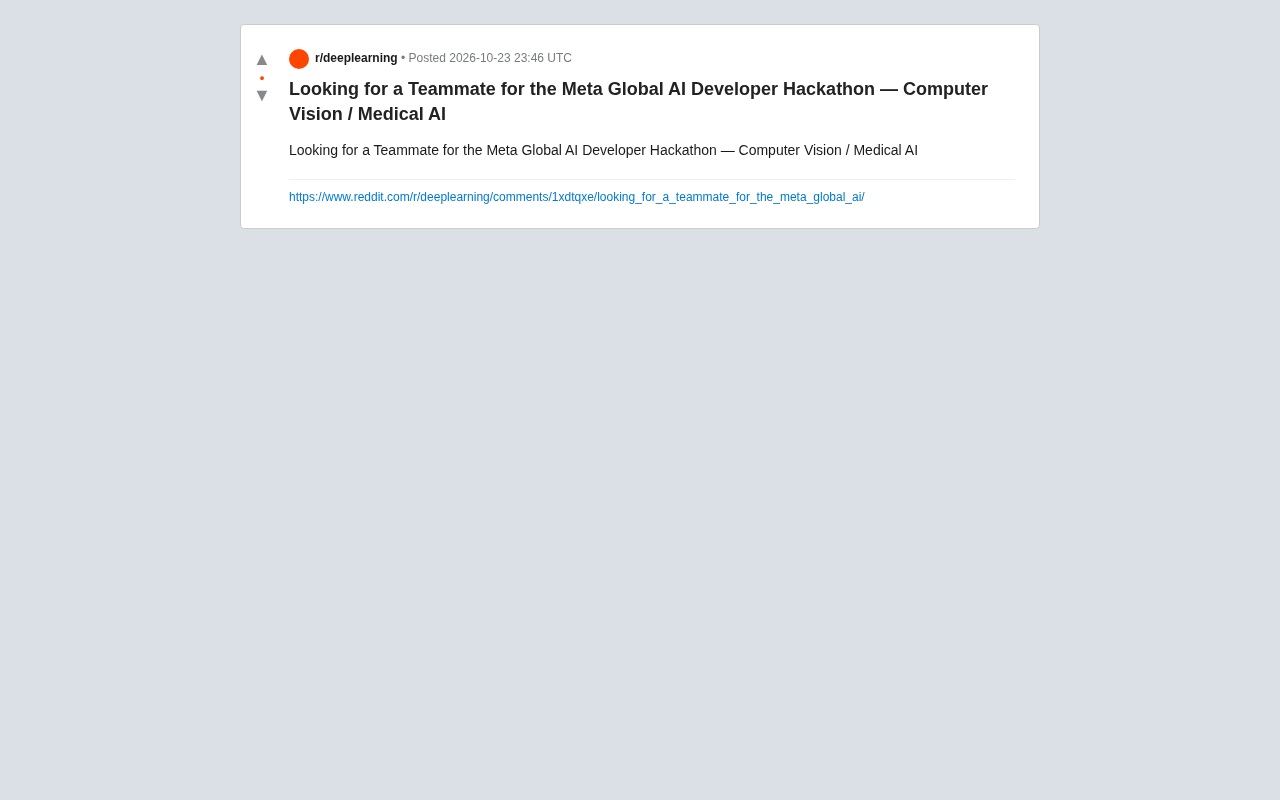
Teammate Wanted for Meta Global AI Developer Hackathon: Computer Vision & Medical AI
A Reddit developer seeks teammates for the Meta Global AI Developer Hackathon, focusing on computer vision and medical AI. This article analyzes the track logic, skills-complementarity needs, and topic selection strategy behind this teaming signal.
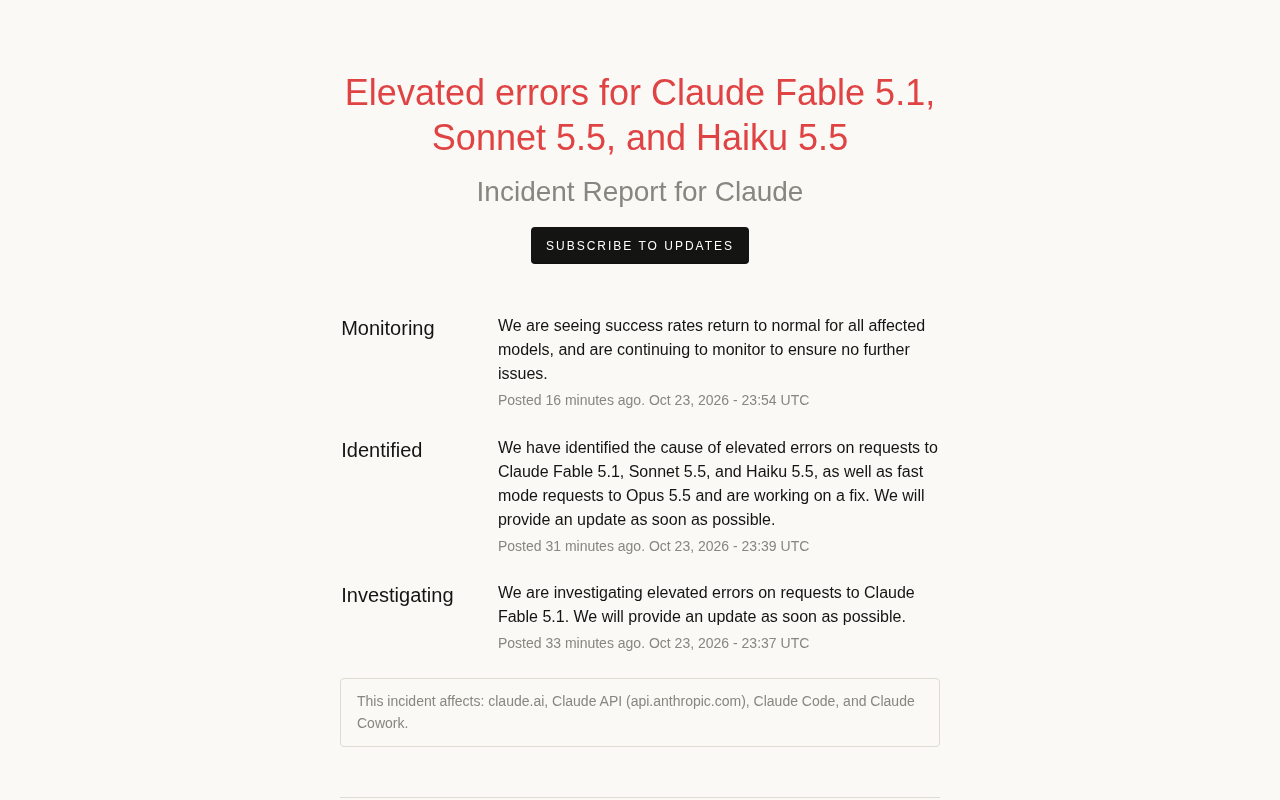
Multiple Claude Models Hit by Errors: A Postmortem of Fable 5.1, Sonnet 5.5, and Haiku 5.5
Claude Fable 5.1, Sonnet 5.5, Haiku 5.5, and Opus 5.5 fast mode saw elevated errors; Anthropic identified and resolved the issue in 17 minutes. This postmortem covers the timeline, the technical reasons for the multi-model cascading failure, and practical lessons for retry and degradation strategies.