Getting Started with Ollama: The Go-To Tool for Running Open-Source LLMs Locally
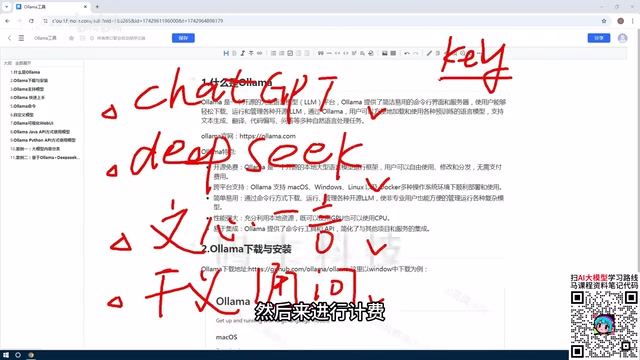
Ollama lets developers deploy and run open-source LLMs locally for free, no per-token billing required.
Ollama is an open-source tool that makes it easy to deploy large language models like DeepSeek and LLaVA on your local machine, eliminating reliance on per-token API billing. It supports macOS, Windows, Linux, and Docker, offers both CLI and Web UI management, and provides an OpenAI-compatible API for Python, Java, and more. Leveraging quantization via llama.cpp, it runs on both CPU and GPU. Key use cases include private knowledge bases and enterprise Q&A systems with strict data privacy requirements.
Online large language models are convenient to use, but personalized development often runs into the friction of API applications and per-token billing costs. As more and more open-source models (such as DeepSeek, LLaVA, etc.) have emerged, deploying models locally to break free from paid dependencies has become the choice of many developers — and Ollama is the key tool that makes this possible.
What Is Ollama
Ollama can be thought of as a management platform for large language models. Its core function is to help users download and deploy open-source models to their local machines, while providing a unified way to invoke and manage them.

Before tools like this existed, running an open-source model locally was no easy feat — you had to configure a complex GPU environment yourself, check whether your hardware was compatible, and even then you'd have to wrestle with a whole stack of dependencies. Ollama wraps all of that up into a clean package, so once it's installed, you can download and manage models right away.
The fundamental difference from online models is this: when you use ChatGPT or the online version of DeepSeek, you're connecting to a model deployed on someone else's server. Chatting may be free, but once you want to do personalized development via the API, you get billed based on the number of tokens returned. With a model deployed locally through Ollama, there are no charges when you call it — which is very appealing for teams that need ongoing development or want to build private applications.
Why Choose Local Deployment
Take DeepSeek as an example. Although it's become considerably cheaper compared to earlier online services (new registrations used to come with free credits, a perk that has since been removed), the per-token billing model still adds up as a continuous expense in high-frequency usage scenarios.
One of the most typical use cases after deploying an open-source model locally is building a private knowledge base. You can take an existing open-source model, feed in proprietary data from your company or personal projects, and extend its capabilities with private-domain Q&A and memory. This kind of need is extremely common inside enterprises, and Ollama dramatically lowers the barrier to making it happen.
It's worth noting that larger models demand more from your hardware. The latest DeepSeek models can reach hundreds of gigabytes in size, so local deployment means not only downloading massive model files but also having the machine resources to actually run them.
The technical foundation for a private knowledge base is typically a RAG (Retrieval-Augmented Generation) architecture: private documents are chunked and converted into vector embeddings stored in a database. When a user asks a question, relevant chunks are retrieved first, then passed along with the question to the local model to generate a response. This approach preserves the language understanding capabilities of the LLM while allowing it to "read" private data it never saw during training. Since the entire pipeline runs locally, sensitive data never gets uploaded to external servers — satisfying basic data compliance requirements for enterprises. Combined with a locally deployed model via Ollama, the per-inference cost for RAG applications is essentially zero, making the economic advantage especially pronounced in high-frequency query scenarios.
Core Features of Ollama
Free, Open-Source, and Cross-Platform
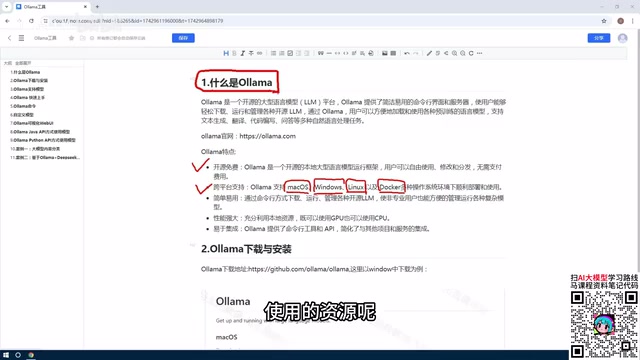
Ollama is completely free and open-source. It supports macOS, Windows, Linux, and Docker environments. For personal learning, you can install it on Windows or Mac; for enterprise deployment, Linux or Docker is the more suitable option.
Simple to Use: Two Ways to Interact
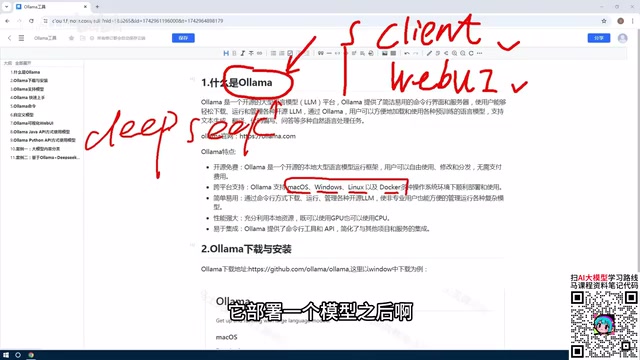
Ollama offers two modes of operation: one is the command-line (CLI) approach — an interactive terminal interface with no graphical UI — and the other is a Web UI. Both can be used to download, manage, delete, and create models, so users can choose whichever suits their workflow.
Powerful Performance: CPU and GPU Support
This is a key reason Ollama lowers the barrier to entry. Models managed through it can make full use of your machine's resources — both GPU and CPU are supported. This means even users with limited hardware can still run large models, without having to agonize over GPU environment configuration the way you used to.
Under the hood, Ollama relies on llama.cpp for cross-hardware inference. llama.cpp is an inference engine written in pure C/C++ that introduces the GGUF quantization format, which can compress model weights from the original 16-bit or 32-bit floating point down to 4-bit or even lower precision. This dramatically reduces both model file size and VRAM usage. Quantized models suffer a slight loss in precision, but the improvements in inference speed and resource consumption are significant — a 70B-parameter model that originally required 80 GB of VRAM might only need around 40 GB after 4-bit quantization, making it feasible to run on consumer-grade GPUs or even a CPU-only environment. This is the technical root of Ollama's ability to "lower the hardware barrier."
Extensibility and Ecosystem
Ollama provides a rich set of commands and API interfaces. Developers can access and invoke models using Python, Java, and many other languages, with API-based interaction being the most common approach. This open access model makes it easy to integrate into all kinds of application development workflows.
Ollama's API is designed to be highly compatible with the OpenAI interface, which means a large amount of existing code written with the OpenAI SDK can switch to a local model simply by pointing base_url to the local address (default: http://localhost:11434) — with almost no changes to business logic. Major AI application development frameworks like LangChain and LlamaIndex have also built native Ollama support, allowing it to be plugged in directly as an LLM backend or embedding source, which greatly reduces the engineering cost of migrating existing projects to local models.
Summary
The value of Ollama can be summed up in three points:
- It's a model management tool that makes deploying open-source models to your local machine straightforward, with no per-call charges;
- It's feature-rich — free, open-source, cross-platform, and supports both API and CLI management;
- It's highly extensible, flexibly leveraging CPU or GPU resources to lower the barrier to running large models locally.
For developers who want to break free from the cost constraints of online models, or need to build private AI applications, Ollama is a foundational tool worth learning first. A good next step is to start with installation and configuration, then move into command-line operations and hands-on local LLM development.
Related articles
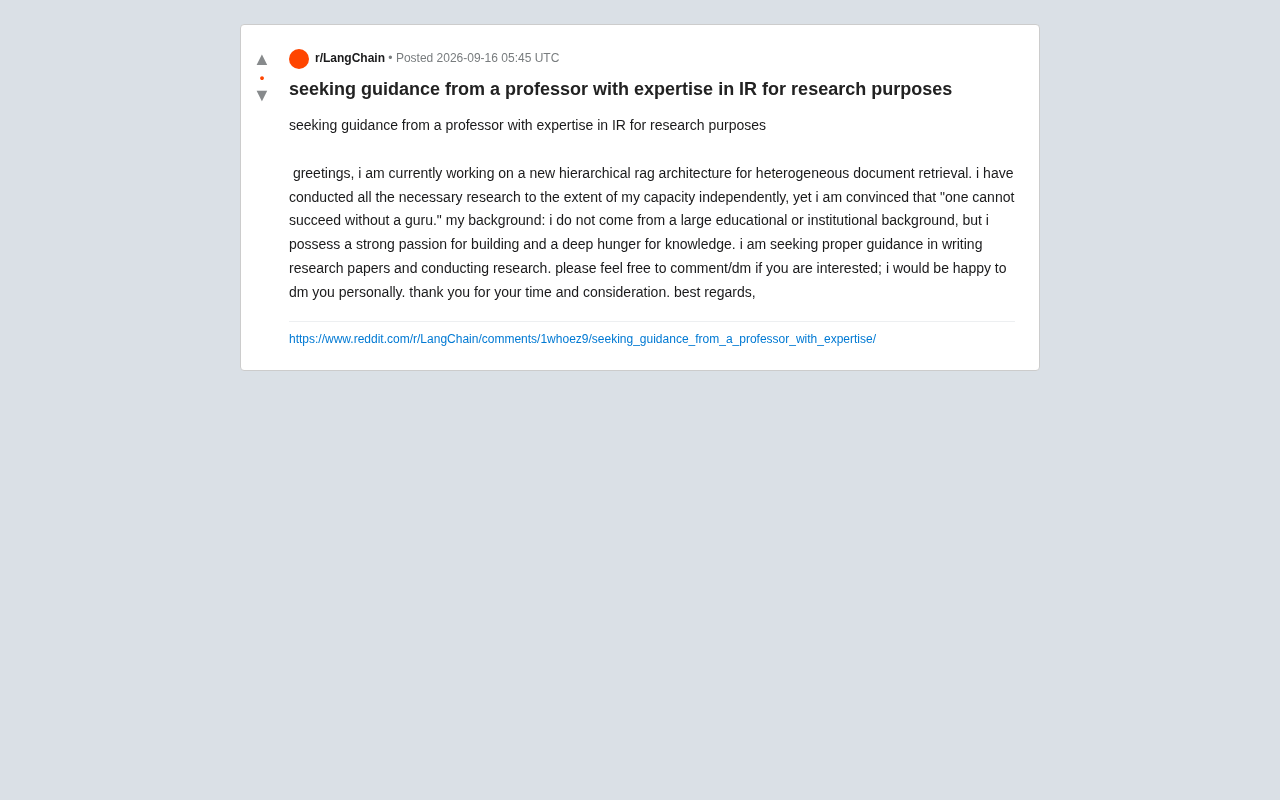
Hierarchical RAG Architecture Research: How Independent Developers Can Break Into Academic Research
An indie developer on Reddit seeks IR professor guidance for hierarchical RAG research. This article explores the technical background and practical advice for independent AI researchers facing academic barriers.
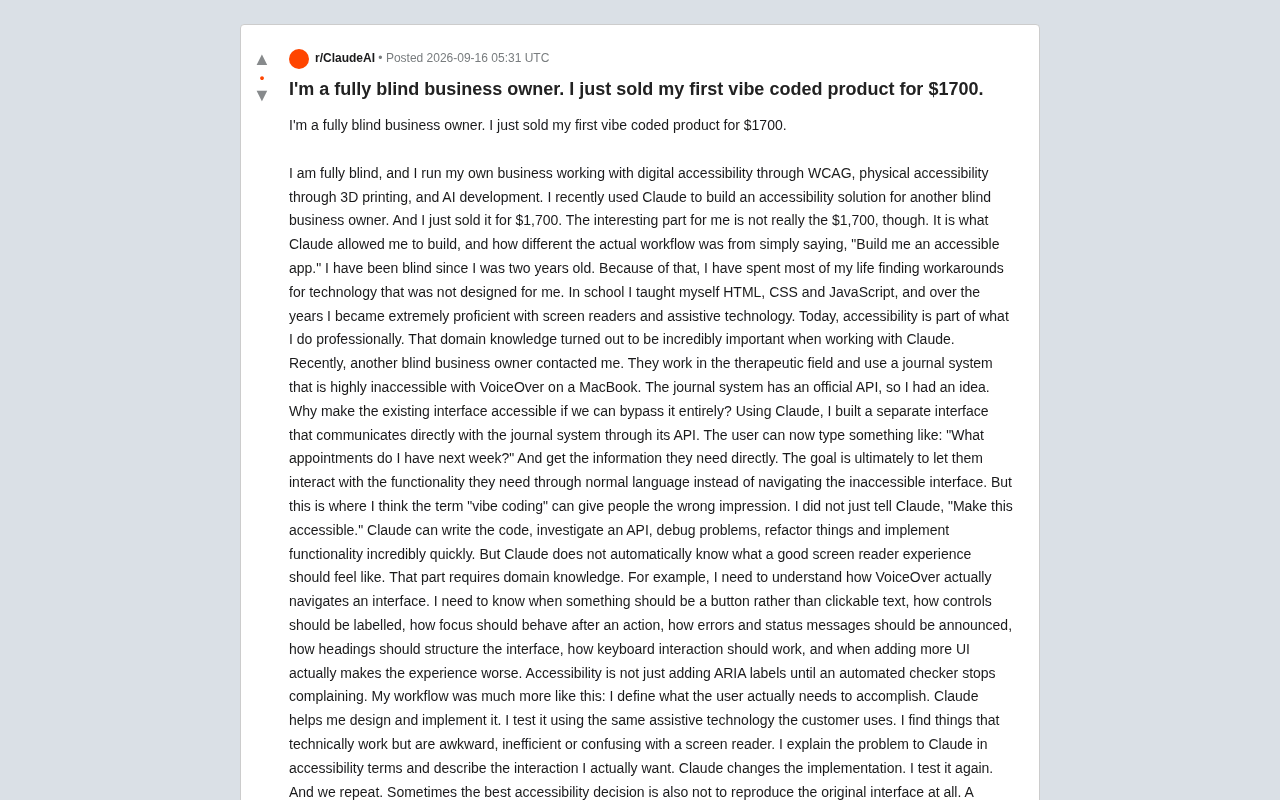
Blind Entrepreneur Uses Claude to Build Accessible Product, Sells It for $1,700
A blind entrepreneur used Claude to build an accessible tool for a blind client and sold it for $1,700 — revealing why domain knowledge, not just AI, makes products truly usable.
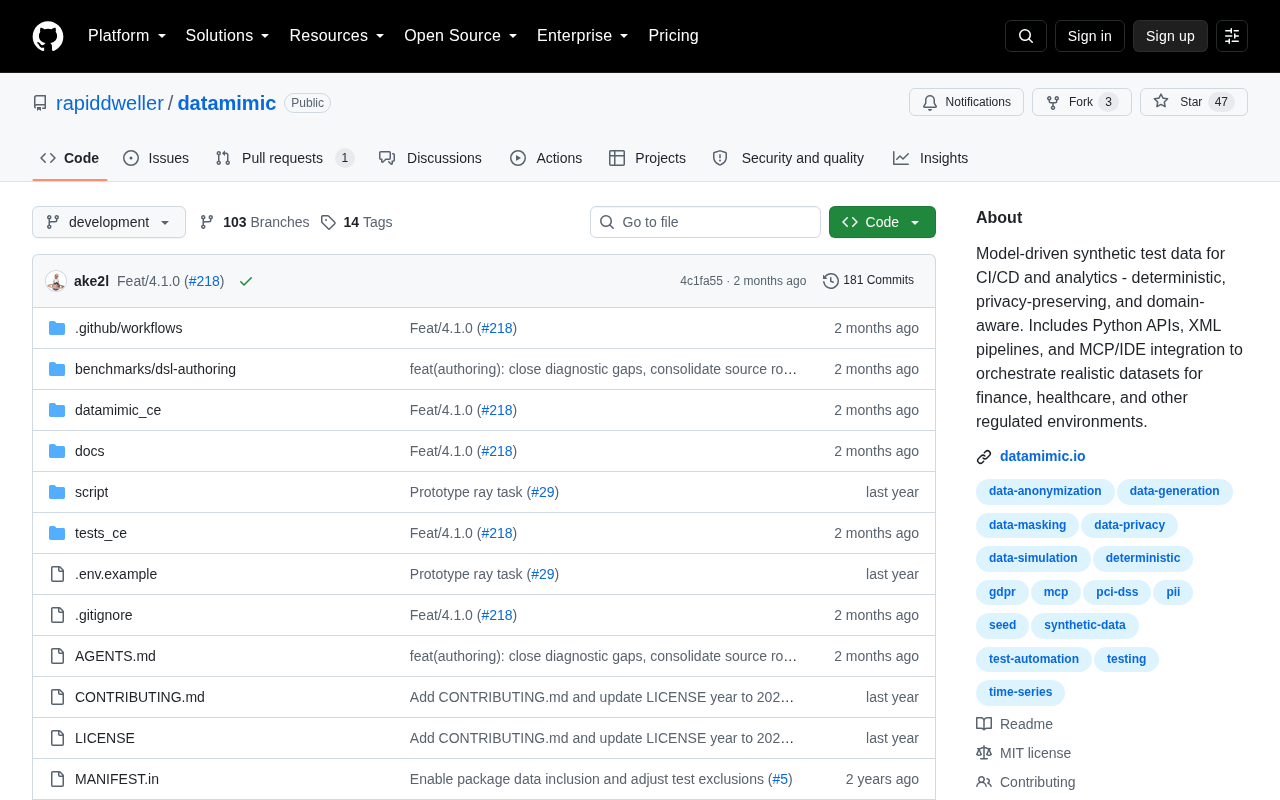
Datamimic: Giving AI Coding Assistants a Controlled Test Data World
Datamimic is an open-source tool arguing against letting AI coding agents fabricate test data. This article examines the reliability risks of AI-generated test data and the value of controlled test data for development quality.