LangChain Agent Event Streaming Explained: A Practical Guide
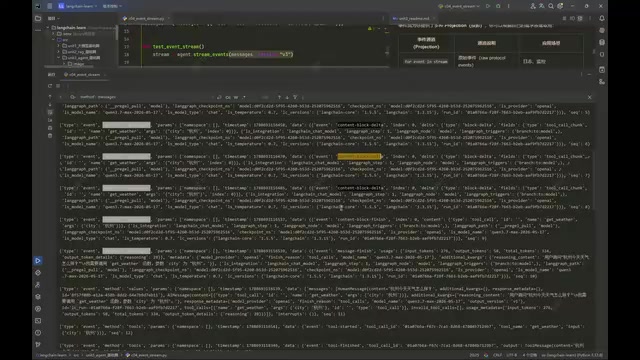
An overview of LangChain 1.3 Event Streaming's six event types and key development points.
This article systematically covers LangChain 1.3's Event Streaming feature, noting that unlike regular Streaming it focuses on events occurring during Agent execution rather than output content, and requires passing the v3 parameter. It explains the six event types: Raw contains all underlying data; Messages categorizes it into Reasoning, Text, Tool Calls, and Output; the standalone Tool Calls event carries tool execution results; Values and Output correspond to State change snapshots and the final snapshot respectively; Custom requires a message converter to retrieve StreamWriter content inside tools; and Interleave solves the single-iteration limitation of multiple event streams. The article emphasizes the development value of retrieving values by type and warns about the generator lazy-evaluation pitfall.
LangChain 1.3 introduces Event Streaming, bringing finer-grained event observability to Agent development. Unlike traditional streaming output, Event Streaming focuses not on what the Agent says, but on what happens while the Agent is running. Based on a Bilibili tutorial, this article systematically covers the six event types and their use cases.
The Essential Difference Between Event Streaming and Regular Streaming
Regular Streaming focuses on the content fragments produced by the Agent—for example, text returned token by token by the model. Event Streaming, by contrast, focuses on the events generated during the Agent's execution, allowing developers to precisely retrieve a specific category of data by event type without manually determining what the content belongs to.
According to the Bilibili creator's explanation, this feature was only introduced in LangChain 1.3, and you must pass the v3 parameter when calling it; passing any other version will raise an error. Events fall into six main categories: Raw, Messages, Tool Calls, Values/Output, Custom, and Interleave.
LangChain's Agent is built on LangGraph, where State is the shared data structure that runs through the entire execution flow—typically a dictionary containing a messages list, to which each round of model calls and tool execution appends messages. Understanding how State accumulates is a prerequisite for understanding Values events: each time the Agent completes a node (model inference or tool execution), State changes once, and a Values event is precisely an instant snapshot of that change. In addition, the v3 parameter mentioned above is part of LangChain's versioned design for the streaming interface—different versions correspond to different event protocols and data structures—so passing a non-v3 value raises an error rather than falling back to compatibility.
Raw Events: The Full Picture of Underlying Data
Raw events contain all underlying data in a relatively primitive format. They are usually not used directly, but understanding them helps you grasp where the other events come from. After running the sample code, you can see that the type field is uniformly Event, while the method field distinguishes the specific type.
Taking a complete tool-calling flow as an example, the event sequence is roughly:
Values: outputs the current State snapshot- A
Messagesseries: includes subtypes such asMessages Start,Content Block Start,Content Block Delta,Content Block Finish, andMessages Finish - During tool calls,
Tools Start(with tool name and input arguments) andTools Finish(with execution results) appear - After each round,
Valuesis emitted again, with the number of messages in State gradually accumulating
Among these, Content Block Delta is the streaming fragment, Content Block Finish is the complete message content, and Messages Finish carries additional information such as Usage and Listening.
Messages Events: Categorizing Model Call Content
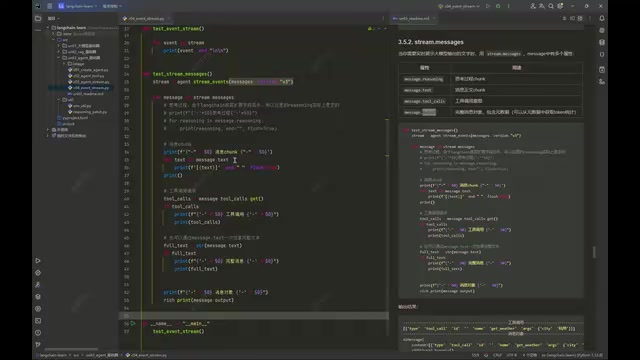
Messages events further categorize the model call data found in Raw events, subdivided into four types:
- Reasoning: retrieves the reasoning process. However, the Qwen model used in the tutorial cannot retrieve it due to compatibility issues—a model difference worth noting in real-world development.
- Text: the message body, supporting either fragment-by-fragment iteration or retrieving the complete content at once via
str. - Tool Calls: tool call requests, expressing only the intent to call, without execution results.
- Output: outputs the complete message object, from which the reasoning process can be traced back.
Tool Calls Events: Retrieving Tool Execution Results
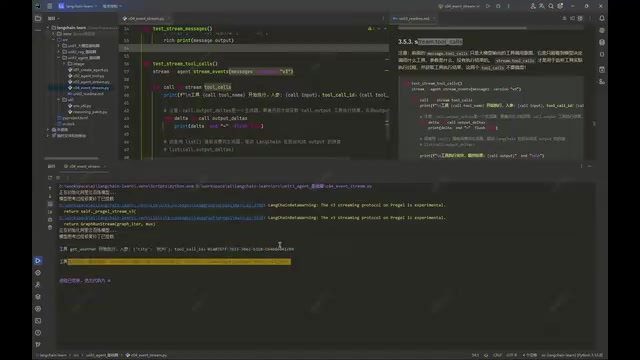
It is important to distinguish between Tool Calls in Messages and the standalone Tool Calls event—they are not the same concept. The former retrieves the tool-calling intent from the AIMessage, while the latter retrieves the ToolMessage result after the tool has actually executed.
The code first prints the tool name, input arguments, and ID, then iterates over the output_delta generator to obtain the execution result. If you skip the iteration, output will be None—a common pitfall caused by the generator's lazy evaluation.
A generator is a lazy object in Python that yields values one by one via yield, and it only actually performs computation when iterated. LangChain's streaming interfaces return generators extensively—for example, output_delta, whose internal result does not exist until it is iterated. If the code only reads the output property without consuming output_delta, the generator never starts, and output is naturally None. This pitfall is very common in streaming development; ways to avoid it include preferring for ... in iteration over generators, explicitly calling list() to force evaluation, or switching to the astream asynchronous iteration interface with async for to consume the full data stream.
Values and Output: Two Timing Points for State Snapshots
Both are used to retrieve State data; the difference lies in when they are triggered: Values outputs the current snapshot every time State changes, while Output outputs the final snapshot when the Agent finishes executing. In actual runs, the number of messages in the snapshot grows step by step, from a single HumanMessage to a complete state containing AI replies and ToolMessages.
Custom Events: Custom Message Converters
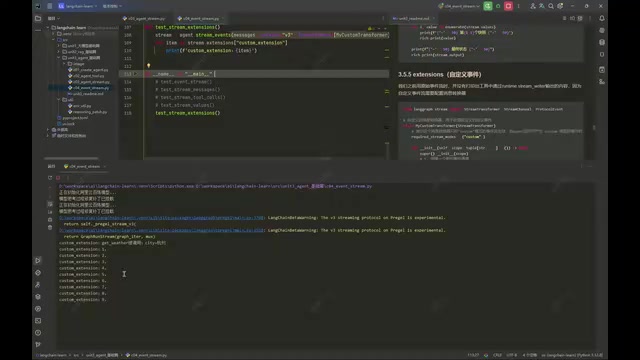
The Custom event stream is used to retrieve custom content output by tools via StreamWriter. By default, this content does not appear in the event stream; you must configure a message converter: inherit from the specified base class and override two methods, create a new event channel, register it on the extensions of the Streamify app, and then intercept the underlying Custom data stream in the process method and filter it into that channel. Remember to configure this custom converter at the call site so that custom messages in tools can be retrieved externally.
StreamWriter is a writer injected by LangGraph inside tool functions; tools can push arbitrary custom data to the event stream via writer("message content"), such as intermediate progress, debug logs, or business state. This data goes through the Custom channel by default and is isolated from the standard message channel, so external subscribers will not receive it unless they register the corresponding converter. The role of the message converter is precisely to bridge the raw Custom stream and business channels: it intercepts underlying events, filters them by condition, and forwards them to a newly created named channel, so that non-standard messages produced inside tools can also be subscribed to by type by the frontend or other consumers.
Interleave: Combining Multiple Event Channels in Chronological Order
Interleave addresses the need to listen to multiple event streams simultaneously. Because the underlying implementation is a generator that can only be iterated once, listening to multiple streams separately will yield no results on the second traversal. By passing channels such as messages and tool_calls to Interleave, you can receive different types of events in chronological order, then determine the type based on the name field.
The Development Value of Event Streams
The core advantage of event streams is retrieving values by type. Even in messages mode, regular streams mix AIMessages and ToolMessages, requiring manual type checking; event streams, however, let you directly retrieve model messages or tool messages by event type, resulting in cleaner code. In practice, you can choose based on the scenario—both approaches have their place.
The tutorial also briefly mentions that the only difference between structured output and earlier versions is that the Agent binds the type via the response_format attribute rather than the with_structured_output method. The content is relatively simple, and the next step will be a text-to-sql project exercise.
One-line Summary
An overview of the six event types and key development points of LangChain 1.3 Event Streaming.
Related articles
AgentScope 2.0 Step-by-Step Tutorial: Building Enterprise-Grade Multi-Agent Systems from Scratch
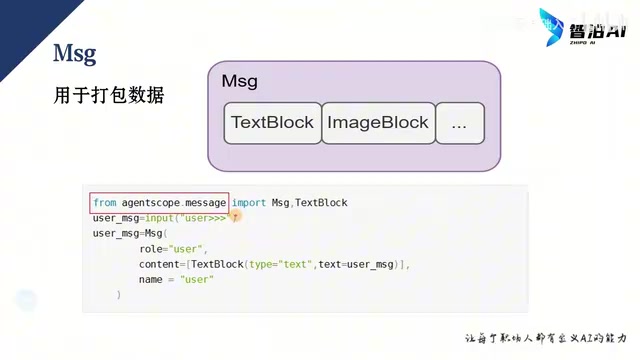
A detailed guide to Alibaba's AgentScope 2.0 multi-agent framework based on a Bilibili tutorial: Message core design, model and Agent configuration, Event streaming output, plus two runnable conversational Agent examples for beginners in enterprise agent development.
How Anthropic Decoupled the Brain and Hands of Claude Agents
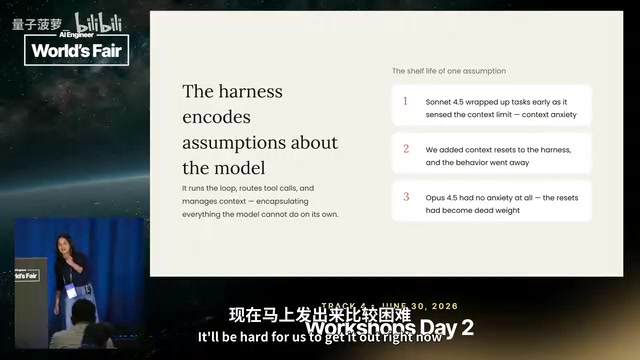
At AI Engineer, Anthropic reviewed Claude Managed Agents' evolution: from a single-container "pet" architecture to a session log, harness brain, and sandbox hands fully decoupled, cutting first-token latency ~90% and keeping credentials out of the sandbox to resist prompt injection.

748-Episode AI Agent Development Course on Bilibili: A Complete Guide from Beginner to Enterprise-Level Practice
Breaking down the 748-episode AI Agent development course on Bilibili: Fundamentals covers LLM principles and API calls; Advanced covers RAG, Tool Use, memory management, and multi-agent collaboration; Practical covers intelligent customer service, office automation, and more—plus learning paths and pitfalls to avoid.