Local AI Assistant vs Cloud AI: Lessons from Running LLMs on My Own Rig

Local and cloud AI each have limits — a hybrid split is the best answer for most developers.
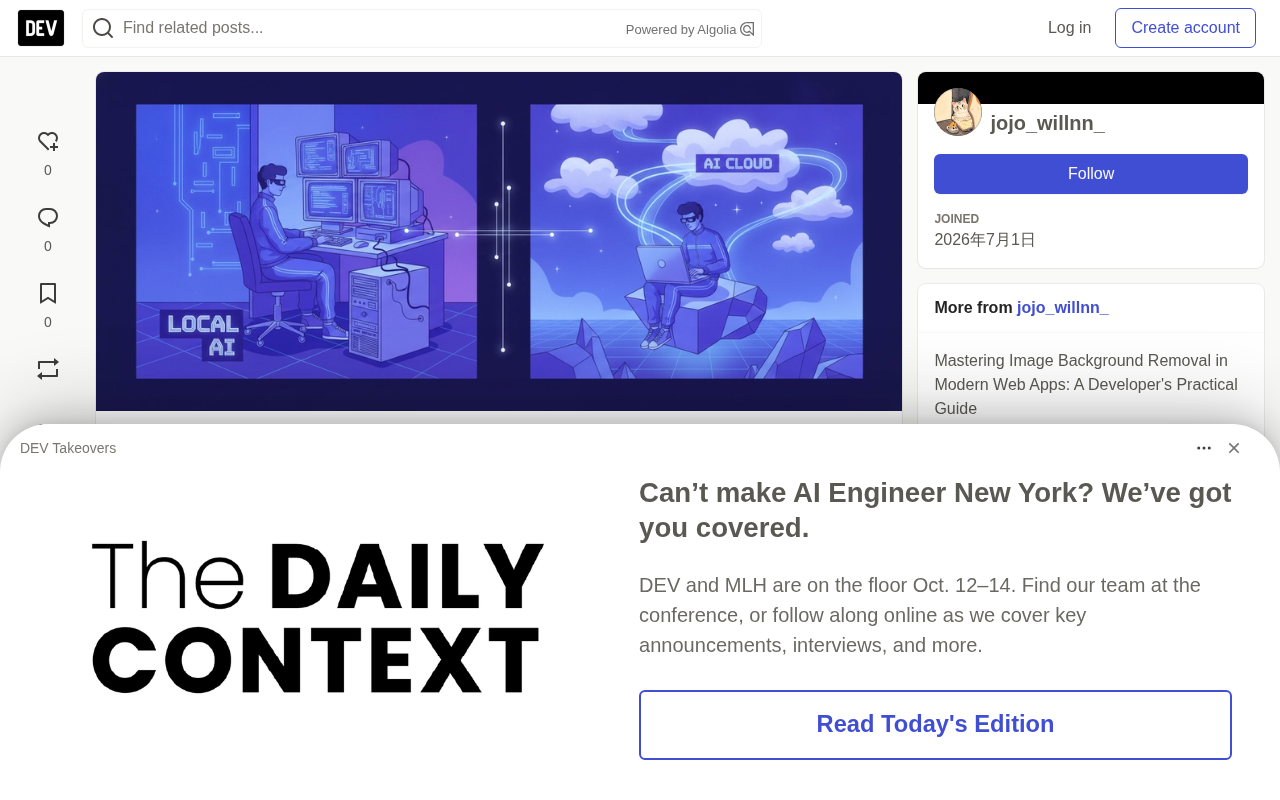
A developer spent weeks comparing local setups like Ollama and LM Studio against cloud APIs, concluding it's not either-or. Local deployment wins on privacy, controllability, and offline availability, but VRAM and compute limits hurt heavy inference; the cloud still leads on complex code generation, multimodal tasks, and deep reasoning. The author recommends a hybrid approach: local for drafting, confidential code, and inline completion; cloud for architecture, large refactors, and long-context work.
Why Bother with Local AI
Over the course of a few weeks, one developer ran both local AI and cloud API setups — built around Ollama, LM Studio, and open-weight models like Llama 3 — for coding and everyday automation. His conclusion wasn't "pick one," but rather to first understand where each approach hits its limits.
According to the author, the biggest draw of local deployment is privacy and controllability: no worrying about data retention policies, no being boxed in by API rate limits. When the network is unreliable, offline availability is a lifesaver. But hardware bottlenecks are just as real — running a quantized 8B model on an M-series Mac or an RTX GPU feels smooth, yet once you move into heavy inference tasks, compute demands climb fast.
Ollama is an open-source local LLM runtime that offers a Docker-like command-line experience: a single ollama run llama3 pulls the model weights, loads inference, and drops you into a terminal session. It ships with built-in model quantization management and a REST API, making it easy to plug into editor extensions or custom scripts. LM Studio is a desktop GUI tool with a built-in model marketplace, parameter panels, and a local chat interface — ideal for users who aren't comfortable with the command line and want to try models quickly. Llama 3 is Meta's open-weight model family, commonly available in 8B and 70B sizes; the former, after 4-bit quantization, needs only about 5GB of VRAM to run. Open weights mean you can download once, run inference fully offline, and fine-tune on your own — which is the fundamental reason local setups beat closed-source cloud APIs on privacy and controllability.
Quantization is the key technique behind local deployment: it compresses model weights from 16-bit floats down to 8-bit, 4-bit, or even lower integer representations. This can shrink an 8B model's VRAM footprint from roughly 16GB to about 5GB, letting consumer GPUs and unified-memory Macs run it — at the cost of a slight precision drop. Model parameter count scales roughly linearly with compute demand, and context length during inference further amplifies VRAM pressure. This is exactly the underlying reason behind the author's observation that "light tasks run smoothly, heavy inference is tight": compute and VRAM are the hard ceiling for local runs, while the cloud can sidestep that limit by stacking GPU clusters.
Cloud AI Still Leads on Raw Muscle
The author's hands-on conclusion is blunt: for complex code generation, multimodal tasks, and deep reasoning, cloud infrastructure still has no rival on speed or output quality. The reason isn't complicated — the cloud can call on models with parameter counts far beyond local hardware, and your local machine doesn't have to "melt its GPU" for it.
This forms an interesting contrast with the current state of the open-model ecosystem. According to Hugging Face docs, small open models are becoming remarkably efficient — but the author stresses that which toolset you pick ultimately depends on your system specs and security requirements, not on where a model ranks on a leaderboard.
A long context window refers to how many tokens a model can hold in a single inference pass; mainstream cloud models now support 128K to 200K and beyond. The longer the context, the more consistent the model stays when handling large-scale refactors, cross-file reading, and long conversations — but VRAM and compute costs grow roughly quadratically with length. Local small models are constrained by VRAM and typically run reliably only in the 8K–32K range; once they exceed that, you need truncation or chunking, which easily loses global information. Multimodal capability means the model understands text, images, and even audio simultaneously — such models have larger parameter counts and higher pretraining costs, making the local runtime bar significantly higher than for pure-text models.
The Hybrid Approach Is the Best Answer for Most People
Based on weeks of comparative testing, the author's recommendation is to use a hybrid setup and split work by task type:
- Local AI: drafting, handling confidential code, quick inline autocomplete.
- Cloud AI: architecture planning, large-scale refactoring, tasks that need a long context window.
The logic behind this split: keep privacy-sensitive, high-frequency but low-compute tasks local, and hand the compute-hungry, context-hungry heavy lifting to the cloud. EasyGuides' comparison of local AI assistants vs cloud AI also offers a side-by-side look at performance and privacy trade-offs, which can serve as a configuration reference.
How Developers Should Decide
If you're building your own AI workflow, start by asking three questions: Can the data leave this machine? How many of your daily tasks need long context or complex reasoning? Can your current hardware sustainably support the inference speed of the models you use most?
The answers will naturally point you toward a local, cloud, or hybrid path. The author's experience shows that insisting on "100% local" often costs you in experience on heavy tasks, while relying entirely on the cloud can sacrifice privacy and offline capability.
Which setup are you running right now? Feel free to share your choice in the discussion.
A common practice is to let the local model act as the "first line of defense": code completion, comment generation, rewriting confidential snippets, log summarization, and other high-frequency, low-load tasks go to it first; architecture design, cross-repo refactoring, or tasks needing ultra-long context get handed off to the cloud. Extensions like Continue, Cline, and Aider that support multiple backends let you switch models by task type inside the same editor — no need to rewrite your workflow, and confidential data always stays on your machine. On the hardware side, measure the tokens/s and time-to-first-token of your commonly used models on your machine first, then use those numbers to draw the line between local and cloud responsibilities.
Related articles

The Chaotic Aesthetics of Apple's HomeView Ad: A Marketing Code Only Parents Can Read
Apple's HomeView smart display ad ditches minimalist style for chaotic family mornings to win over parents. We analyze why it confuses most viewers but resonates instantly with families — and the trade-offs and risks of Apple's targeted marketing.

Cerebras CEO Pushes Back on AI Doomerism: Stop Spreading Panic
Cerebras CEO Andrew Feldman publicly pushes back on AI doomerism at TechCrunch Disrupt, arguing excessive risk focus drowns out AI's real opportunities.

Retooling in Minutes: Industrial Next Redefines Factory Robot Flexibility
Industrial Next aims to let factory robots retool in minutes instead of weeks, automating complex delicate tasks and advancing flexible manufacturing and small-batch production.