The Ultimate Codex Guide: From Installation to Mastery
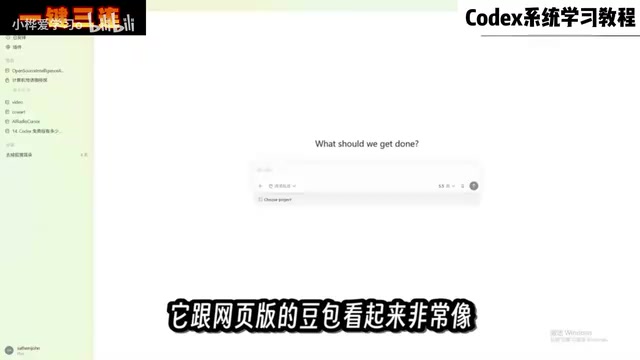
Codex is an AI Agent that directly operates local files. A Bilibili tutorial shows the full hands-on flow from installation to dashboard generation.
Based on a Bilibili creator's hands-on tutorial, this article covers the AI tool Codex — its positioning and usage. Unlike conversational AI like Doubao, Codex directly operates local files and software. It covers project folder setup, file reading, Plan Mode, and generating visual dashboards from messy data. Codex saves significant time on repetitive tasks, but output quality still depends on the user's business understanding.
In an era where AI tools keep multiplying, most products still stop at the "conversation" level — you ask, it answers, and that's it. But Codex has taken a different path: it's not content to just chat with you, it rolls up its sleeves and gets work done directly on your computer. Organizing files, building reports, writing weekly summaries, even operating a browser to construct complete software. A hands-on tutorial from Bilibili creator "Computer Monogatari" demonstrated Codex's full workflow from installation to advanced use through a complete project. Here's a breakdown of the core content with deeper analysis.
What Exactly Is Codex? How Is It Fundamentally Different from Doubao
According to the creator, Codex's user experience is similar to Doubao or DeepSeekAd — you type to communicate with it, there's an input box in the middle, and the barrier to entry is extremely low with no technical knowledge required. But the core difference is: Doubao can only chat with you, while Codex can directly operate your computer and complete tasks locally on your behalf.
The scope of these tasks is quite broad: organizing files, creating reports, reading work content, writing weekly summaries, making PPTs, operating browsers, building complex software, and even setting scheduled tasks to run automatically while you sleep — by the time you wake up, it's already done. In terms of capability boundaries, Codex is more like an AI Agent that can read and write local files, rather than a simple conversational bot.
What Is an AI Agent
AI Agent (Artificial Intelligence Agent) is an advanced form relative to traditional conversational AI. Traditional chatbots (like Doubao or DeepSeek in default mode) are essentially "input-output" single-turn or multi-turn mappings: you give text, it returns text, and it cannot directly change your digital environment. An AI Agent, however, possesses three key capabilities: first, perceiving the environment — it can read local files, browser states, system information, etc.; second, planning and decision-making — it can decompose a vague instruction into multiple subtasks and execute them in sequence; third, tool invocation — including reading/writing files, running code, controlling browsers, calling external APIs, etc. Codex is precisely a localized Agent that possesses all three capabilities simultaneously, which is why it can "do work" rather than just "chat." Understanding this point is the prerequisite for understanding all the feature demonstrations throughout this article.
Installation and Basic Configuration: Get Started in Five Minutes
Codex is already available in both Microsoft and Apple app stores — simply search for "Codex" to install it. The interface after opening looks very similar to the web version of Doubao, but the left sidebar contains functional modules that Doubao doesn't have — plugins, automation, workflows, etc.
The creator suggests changing one configuration setting right after opening: switch the work mode to "Daily Work." In this mode, Codex's capabilities are unaffected, but it won't show you a large amount of technical details, making the experience much smoother. For users without a technical background, this is a setting worth prioritizing.
Core Concept: Project Folders and File Reading
Codex needs a working folder to get things done on your computer. These folders are called "projects" in Codex and are displayed in the sidebar. The creator recommends categorizing different tasks into different project folders for easy management and retrieval. After selecting the project corresponding to the current conversation below the input box, Codex can directly read all files in that folder to complete tasks.
This design logic is actually crucial. It means Codex doesn't obtain information through manually uploaded files, but directly accesses your local folder structure. File formats are also unrestricted — spreadsheets, PDFs, and images can all be recognized and processed.
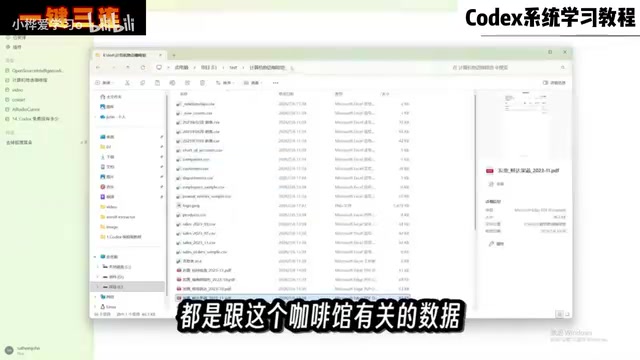
Hands-On Practice: From Organizing Café Data to Generating a Dashboard
The creator prepared a real folder named "Computer Monogatari Café," stuffed with various formats of files including sales records, invoices, inventory lists, and more, then asked Codex to complete its first task: organize the files and extract the data into an Excel spreadsheet.
This task seems simple, but actually involves multiple steps: analyzing files, moving files, modifying content, creating new files, and more. The creator also deliberately planted some traps in the files — missing transaction records and anomalous invoices. A few minutes later, Codex completed the task: the folder was reorganized by purpose, sales data and product rankings were categorized in the Excel, PDF invoice details were extracted, and it proactively flagged the missing transaction records and two anomalous invoices.
This test validated an important capability: Codex can not only execute instructions, but also discover problems in data that you might not have noticed.
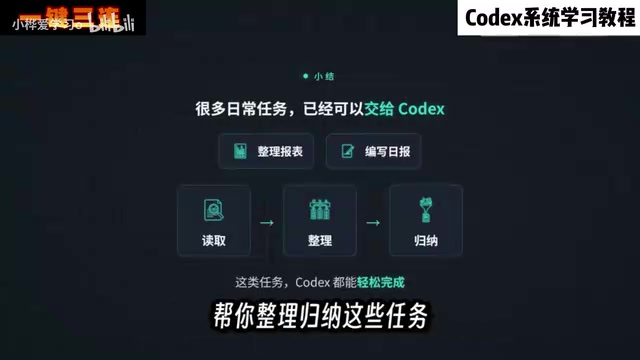
Why AI Can Find Anomalies in Messy Files
Codex can proactively flag "missing transaction records" and "anomalous invoices" because it doesn't simply extract data by keywords — instead, it builds an internal consistency view after reading all files. For example, it tracks the invoice number, amount, and date corresponding to each transaction. When a transaction has no corresponding invoice, or an invoice amount doesn't match the transaction record, it's flagged as anomalous. This capability comes from large language models' understanding of mixed structured and unstructured data, rather than pre-written rules. However, note that AI's judgment depends on the context it can "see" — if key data for the same business is scattered across multiple folders or external systems, anomaly detection accuracy will drop noticeably. Therefore, in practice, putting all materials related to the same task into the same project folder is an important prerequisite for ensuring AI reasoning quality.
Advanced Usage: Plan Mode, a Little Pet, and Visual Dashboards
For the second task, the difficulty escalated: the creator added the previously generated summary table to Codex via command line and asked it to create a visual dashboard displaying sales, expenses, costs, inventory, and other operational data, along with analysis of items requiring attention.
Since the task was complex, the creator switched to "Plan Mode." In this mode, Codex doesn't execute directly — instead, it first plans out a detailed execution checklist, asks you questions when encountering uncertainties, and then provides a complete plan. You can adjust the approach before submitting for execution.
The creator also demonstrated an interesting feature: typing a slash in the input box reveals "Pets" — clicking it makes a little pet appear on the desktop that not only looks cute but also displays all tasks currently being executed. Its appearance can be modified in settings.
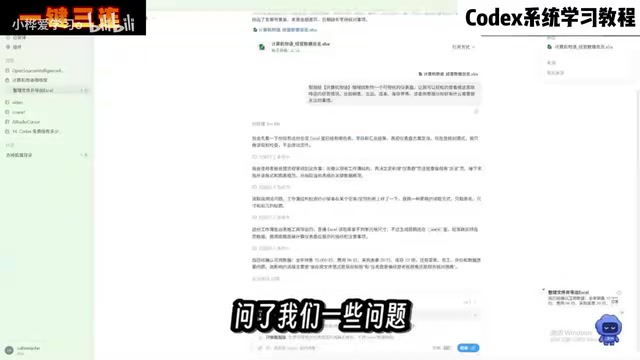
The final dashboard generated was quite professional, containing all the required data, with operational recommendations and key items listed below. The creator continued with modification requests — switching the theme to a modern design similar to Apple's style — and Codex completed it smoothly. From the feature demonstrations, Codex showed solid comprehension and execution capabilities when handling multi-step, cross-file complex tasks.
What Is Plan Mode
Plan Mode is a common task execution strategy in Agent-type tools, with the core idea being "think it through before acting." In normal mode, AI starts executing tasks directly, and if it discovers misunderstandings or missing conditions midway, it may produce incorrect results or even accidentally delete or modify files. In Plan Mode, Codex first outputs a structured execution checklist — including what steps are needed, which files are involved, potential risk points, and details requiring user confirmation. Users review and adjust before clicking execute. This approach is especially suitable for multi-step, cross-file, irreversible-result complex tasks, such as batch renaming, batch format conversion, or generating reports involving large amounts of source data. For non-technical users, Plan Mode also serves as "human-AI alignment," letting you reach consensus with AI before taking action.
Usage Recommendations and Applicable Scenarios
From this tutorial's demonstrations, several practical recommendations can be distilled: categorize different tasks into different project folders to avoid confusion; prioritize Plan Mode for complex tasks, letting Codex plan before executing; for repetitive daily tasks involving file organization, data extraction, report generation, etc., Codex can significantly save time.
It should be objectively noted that the creator himself mentioned he is not a sales industry professional and cannot judge whether the dashboard's business analysis is truly effective. This means Codex's output quality still depends on the user's understanding and judgment of the business. The tool itself lowers the technical barrier, but cannot replace professional domain thinking.
Three Types of Tasks Suitable and Unsuitable for Codex
Combining the demonstrations, a clear division of labor can be summarized: tasks suitable for Codex typically have three characteristics — "clear input, standardized steps, verifiable results" — such as organizing and archiving, table merging, format conversion, weekly report draft generation, and simple data visualization. Conversely, unsuitable tasks often have characteristics of "business judgment depending on professional experience, results not objectively verifiable, involving high-risk operations" — such as investment decisions, medical diagnosis, direct modifications to production systems, etc. The creator repeatedly emphasized in the demonstration that the dashboard's "business analysis effectiveness" cannot be self-proven — this is precisely the embodiment of this boundary. Users should view Codex as an assistant with strong execution ability but lacking industry experience — it can help you get things done, but "what should be done and whether it's done correctly" still requires your own oversight.
One-line Summary
Codex is an AI Agent that can directly operate local files. A Bilibili tutorial demonstrated the complete hands-on workflow from installation to dashboard generation.
Paragraph Summary
Based on a hands-on tutorial from Bilibili creator "Computer Monogatari," this article systematically introduces the positioning and usage of the AI tool Codex. The essential difference between Codex and conversational AI like Doubao is that it can directly operate files and software on your local computer, covering tasks such as organizing files, creating reports, programming, and operating browsers. When using it, you need to first create "project folders," and Codex can directly read files in various formats within them. The article demonstrates the complete workflow from organizing messy café data, automatically discovering anomalies, to generating visual dashboards, and introduces advanced features like "Plan Mode" and the "Pet task panel." Finally, it notes that Codex can significantly save time on repetitive work, but output quality still depends on the user's understanding of the business.
Related articles

AI Digital Twin in Action: Using DOT to Automatically Track Bugs and User Feedback
DOTS engineers demonstrate how AI digital twin DOT collects cross-platform user feedback, categorizes issue themes, opens threads to investigate bug root causes, and submits PRs—showcasing a complete AI agent workflow for defect triage with auditable design.

Why Transistors Are No Longer Flat: The Evolution from Planar to Gate-All-Around
Transistor evolution from planar to FinFET to gate-all-around: why gates went from three-sided to four-sided wrapping to suppress short-channel effects and leakage current, extending Moore's Law.

Swarm Intelligence = a Single RL Agent? A Proof of Multi-Armed Bandit Equivalence
A paper proves that collective decision-making through local imitation in swarms is mathematically equivalent to single-agent reinforcement learning: N blind imitators act as N parallel environment samples, with an effective learning rate of 1/N. This article explains the derivation and implications of the Maynard-Cross Learning algorithm.