Vercel Introduces PR-Only Preview Build Preset, Skipping Builds for Branches Without PRs

Vercel's new preset builds previews only for branches with open PRs, saving build resources.
Vercel introduced a new Ignored Build Step preset for preview deployments, "Only build previews for pull requests," letting teams skip preview builds for branches without an open PR to save build resources. The preset auto-fills the ignore command so projects skip previews when a branch has no open PR, while production deployments and previews for branches with open PRs are unaffected. For GitHub and GitLab projects, skipped preview deployments are canceled before consuming any Build CPU Minutes. Enabling is simple: go to Deployments > Configuration, select the preset under Ignored Build Step, and save. This improvement aligns preview builds with code review workflows, reducing unnecessary build consumption and deployment list noise—especially suited to projects with frequent temporary branches or external contributions.
Vercel has introduced a new Ignored Build Step preset for preview deployments: "Only build previews for pull requests." This feature lets teams skip preview builds for branches without an open pull request (PR), thereby saving build resources.
Feature Overview: What Is the "PR-Only Preview Build" Preset?
According to Vercel's official announcement, this preset automatically fills in the ignore command, causing projects to skip preview builds in the following scenarios:
- When a branch has no associated open pull request, no preview build is triggered.
- Production deployments are unaffected and will always build.
- For branches with an open pull request, preview builds proceed as usual.
For projects using GitHub and GitLab, skipped preview deployments are canceled before consuming any Build CPU Minutes. This means teams won't pay for or consume quota on those "invalid" preview builds.
Preview Deployment is one of Vercel's core capabilities: every time code is pushed to a Git repository (non-production branch), Vercel automatically builds and deploys an independent environment with a unique URL for the team to review before merging. It is typically associated with a Pull Request, but traditionally any branch push would trigger one. Ignored Build Step is a configurable command hook provided by Vercel: the command runs before the build starts, and if its exit code is 0, the build is skipped; if non-zero, the build continues. This mechanism lets teams use scripts to customize "when not to build," for example only when specific files change. The new preset is essentially an official pre-built ignore command that decides whether to skip based on whether the branch has an associated open PR, saving the trouble of writing scripts manually.
How to Enable: Three-Step Configuration
The path to enable this preset is very straightforward:
- Go to the project's Deployments > Configuration page.
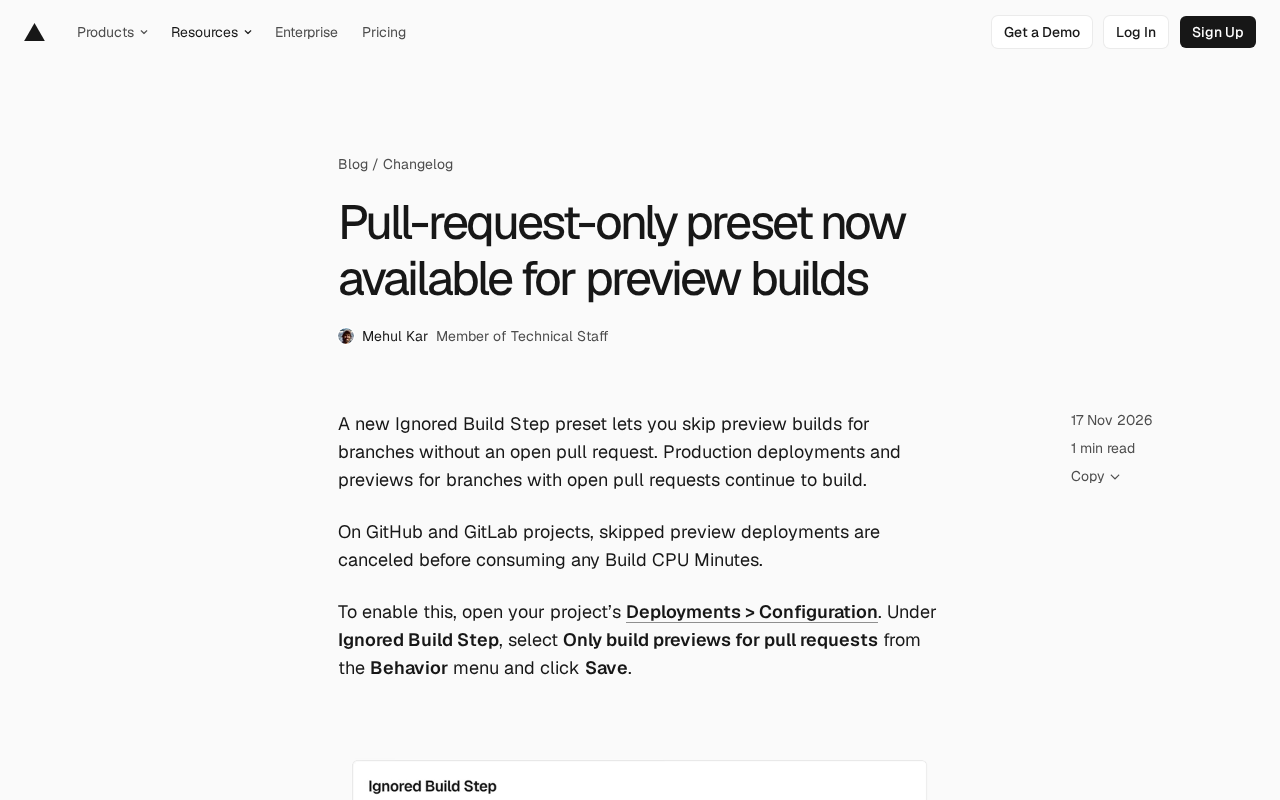
- In the Ignored Build Step section, select Only build previews for pull requests from the Behavior menu.
- Click Save to save the settings.
After saving, the system automatically fills in the ignore command—no manual scripting required. The official documentation provides more detailed information on Ignored Build Step for teams that need to customize behavior.
Why Is This Feature Worth Noting?
In a typical development workflow, developers often push branches to remote repositories to trigger CI/CD pipelines, but not every push requires a preview deployment. For example, frequently pushed temporary branches, experimental branches, or branches used only for backup will waste build resources and time if they trigger a preview build every time.
Vercel's preset ties "preview builds" to "pull requests," aligning more closely with modern code review workflows: only when you're ready to merge code and need team review is a preview environment generated. This not only reduces build costs but also reduces noise in the deployment list, letting teams focus on changes that truly need review.
Interestingly, this preset only affects preview deployments; production deployments will always build. For teams that rely on preview environments for design review or QA, as long as the PR stays open, preview builds won't be skipped.
Build CPU Minutes is Vercel's unit of measurement for build resource consumption, referring to the CPU time (in minutes) occupied during a build. Different plans include a certain free quota, with usage-based billing beyond that. Preview builds also consume Build CPU Minutes, so frequently pushing temporary branches can incur considerable costs. The key point of this preset is: for GitHub and GitLab, Vercel can query via API whether a branch has an associated open PR before the build starts, and if not, cancel the deployment directly—before any Build CPU Minutes are consumed. This differs from a mid-build failure or cancellation, which may have already incurred partial consumption. Therefore, this preset achieves a "zero-cost skip" rather than "build then discard."
Suggestions for Integrating with Existing Workflows
If your team already uses Vercel's preview deployments for collaboration, you can combine the following practices:
- Remind in PR templates: Ensure developers open a PR promptly when a preview is needed, rather than just pushing a branch.
- Combine with branch protection rules: Set up branch protection in GitHub or GitLab requiring a PR before merging, complementing Vercel's preset.
- Monitor build usage: Watch changes in Build CPU Minutes in the Vercel dashboard to evaluate the savings from the preset.
For open-source projects or repositories that frequently receive external contributions, this preset is especially useful: it avoids generating previews for every fork push, building only when a PR is actually opened, reducing the resource burden on maintainers.
Branch Protection Rules are repository management features provided by GitHub/GitLab that can enforce requirements such as requiring a PR before merging, a specified number of approvals, and passing status checks. Combining Vercel's "PR-only preview build" preset with branch protection creates consistent process constraints: branch protection ensures code changes must go through a PR, while the Vercel preset ensures only PRs generate previews. The two complement each other, preventing situations where developers bypass PRs by pushing branches directly yet still produce preview deployments. For open-source projects, also note the fork workflow: external contributors typically push branches from forks and open PRs. This preset effectively prevents building previews for every fork push, building only after a PR is opened, reducing the resource burden on maintainers.
Conclusion
Vercel's "PR-only preview build" preset is a small but practical improvement that aligns the trigger conditions for preview builds with the code review workflow, helping teams reduce unnecessary build consumption. Configuration is simple, requires no custom commands, and suits most Vercel projects using GitHub or GitLab. If your project frequently produces preview deployments for numerous temporary branches, consider enabling this preset in Deployments > Configuration.
Related articles

Gemini 4 Neon Review: Benchmark Scores Rival Carbon, API Pricing and Quota Breakdown
Google Gemini 4 Neon is now live, benchmark scores closely tracking Carbon, API pricing 3/15 at twice Hydrogen's rate. This article compiles Bilibili creator testing: Neon can replace 90% of Carbon scenarios, AntiGravity quota consumption is only one-third of Carbon, plus subscription channel restrictions and 2API ban risks.

Gemini 4 Helium Coming Soon? Signals of Google Loosening Subscription Restrictions
Google team member hints releases will continue; community speculates Gemini 4 Helium (Flash Lite) may be next. Subscription ban controversy gets a response as product lead says "Soon," suggesting restrictions may be lifted. This article covers Gemini developments, OpenAI Coding Agent and risk management, Doubao real-time audio-video API, and compute business dynamics.

AI-Assisted React Development in Practice: Optimizing a Video App and Handling Errors
A 14-year veteran developer demonstrates AI-assisted React video app optimization: compressing video from 80MB to 5MB (~94%) via ImageKit, plus reliable error handling and retry mechanisms. Includes planning, code understanding, and verification methods for working with AI.