Workflow SDK Adds On-Demand Run Data Deletion
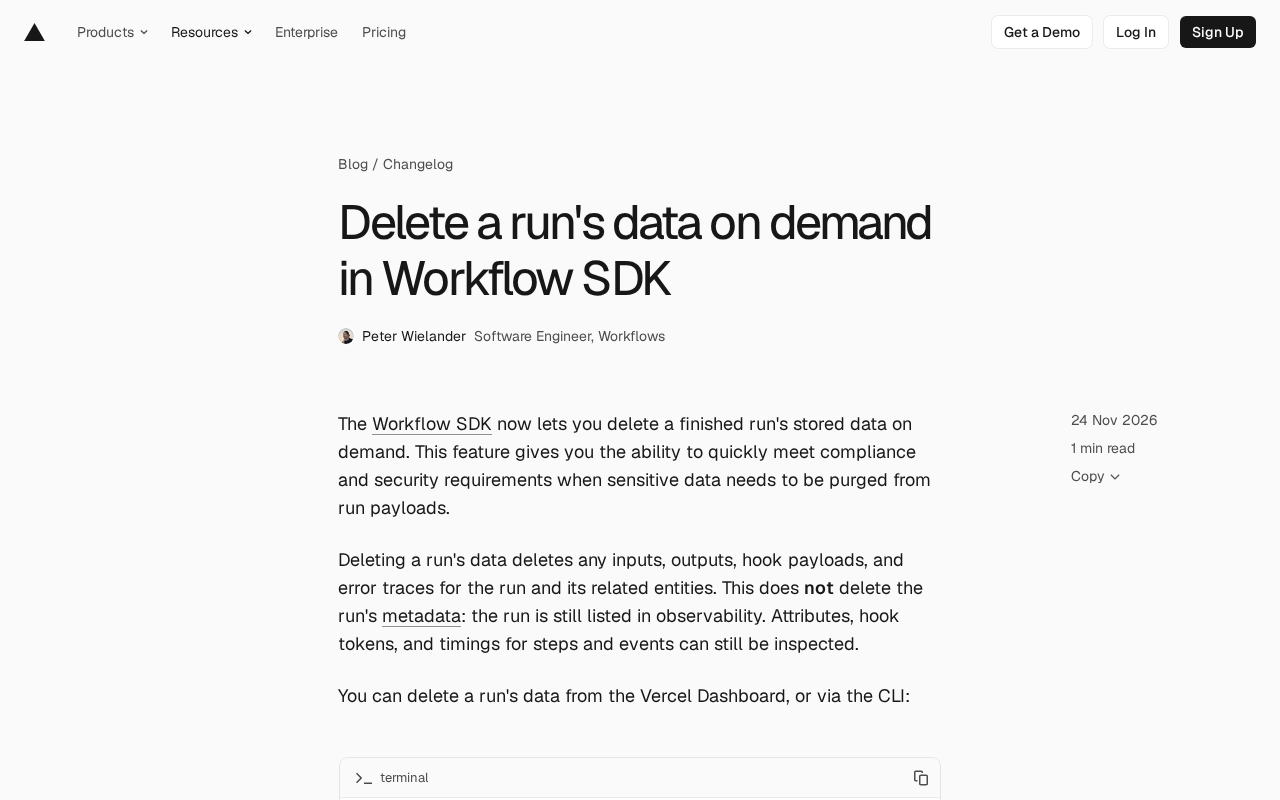
Vercel Workflow SDK adds on-demand deletion of payload data for completed runs, preserving metadata.
Vercel's Workflow SDK now supports on-demand deletion of run data, clearing inputs, outputs, hook payloads, and error traces of completed runs while preserving run metadata to maintain observability. Deletion can be triggered via the Dashboard, CLI, and the workflow/api code interface, with a batch limit of 100 runs. It only applies to completed runs; in-progress runs are skipped to avoid state inconsistency. For automatic cleanup upon completion, use retention settings instead of manual deletion. The feature requires workflow@5.7.0 or later and fills in a piece of run data lifecycle management, suited to compliance and sensitive data cleanup needs.
Vercel's Workflow SDK has recently gained a new capability: on-demand deletion of stored data for completed runs. For teams that need to respond quickly to compliance and security requirements and purge sensitive data from run payloads, this feature offers a direct exit.
Data Is Deleted, Not the Run Record
The scope of this feature is clear: it deletes the inputs, outputs, hook payloads, and error traces of runs and their related entities. In other words, every payload portion that might carry sensitive content gets cleaned up.
But it preserves run metadata. Runs still appear in observability views, and step and event attributes, hook tokens, and timing information remain visible. This design draws a line: the skeleton information needed for auditing and troubleshooting stays, while content that could leak business data is removed.
Hook payloads refer to data passed in or out during a run through the hook mechanism in the Workflow SDK. Hooks allow external systems to inject events into a workflow during execution or wait for external callbacks, and the content they carry often includes business-sensitive information, such as user-submitted forms or third-party service response bodies. Like run inputs and outputs, these payloads are part of what could leak data, so they are included in the deletion scope. Hook tokens, as metadata used for identification and authentication, are retained, so after deletion you can still trace whether a hook was triggered and when, without exposing its specific content.
Three Ways to Trigger
Deletion can be performed from the Vercel Dashboard, via the CLI, or in code.
The CLI approach distinguishes between local and Vercel-hosted runs:
**workflow/api** is the programmatic interface module the Workflow SDK provides for application code. Developers import functions like `getRun` and `deleteRuns` from it to operate on run objects directly in server-side logic. Unlike manual operations through the Dashboard or CLI, deletion via code can be embedded in business logic—for example, automatically triggered by the backend after a user submits a data deletion request. Note that such calls typically require credentials with the appropriate permissions, and when running in the Vercel environment you must explicitly specify `--backend vercel` and the target environment (such as preview or production); otherwise, it operates on local run storage by default.
# Local
pnpx workflow delete <runId>

# Runs on Vercel
pnpx workflow delete <runId> --backend vercel --env preview
The code approach uses the interfaces exposed by workflow/api, deleting one run at a time or up to 100 runs in a batch:
import { deleteRuns, getRun } from 'workflow/api';

await getRun(runId).delete(); // single run
await deleteRuns([runIdA, runIdB]); // up to 100 runs
The batch interface caps at 100, which relates to the storage volume run data may involve and also signals that batching is the appropriate approach.
Only Applies to Completed Runs
A key constraint: deletion only applies to completed runs. Runs still in progress are skipped and continue executing. This avoids state inconsistency from pulling data out mid-workflow.
If the requirement is to "clear payloads as soon as a run finishes," the official path is not manual deletion but retention settings. The two serve different purposes: on-demand deletion suits responding to specific data cleanup requests after the fact, while retention policies suit setting up automatic cleanup rules in advance.
Retention settings are the mechanism in the Workflow SDK for configuring how long run data is kept, complementing on-demand deletion. Retention policies determine cleanup rules at run creation or completion, and the system automatically clears payloads when they expire, with no manual intervention—suitable for routine compliance requirements like "keep data for only N days." On-demand deletion, by contrast, is a one-off action after the fact, responding to individual cleanup requests for specific runs. The two should not be mixed: if you want inputs and outputs wiped as soon as a run finishes, rely on retention settings rather than polling the delete API, which is cumbersome and may leave data behind due to omissions.
Version and Scope
This feature requires workflow@5.7.0 or later. For teams already using the Workflow SDK, upgrading is all it takes to access it through the Dashboard, CLI, or API.
From a product evolution standpoint, this feature fills in a piece of run data lifecycle management. Previously the SDK focused on run observability and orchestration; now it hands data disposal control back to developers, a practical addition for scenarios with data retention compliance pressure.
Contributors: Peter Wielander, Pranay Prakash.
One-line Summary
Vercel Workflow SDK adds on-demand deletion of payload data for completed runs while preserving metadata.
Related articles

Pure-Code Video Generation Tested: Which AI Model Actually Follows Instructions?
A Bilibili creator tested three AI models' pure-code video generation with unified prompts and three revisions each: Xiaonaomao has a high ceiling but lacks stability, GPT 6.2 Extra models well but only follows half the instructions, and OPAS 5.5 remains the benchmark.
GPT-6 Six-Tier Hands-On Test: Astra Ultra Dominates but Bills Double
GPT-6 six-tier test: Astra Ultra sweeps 3:0 in 3D tasks thanks to sub-agents and runs 14% faster, but hidden backend bills make its real cost 2.6x single-threaded.

GPT-6.2 Astra vs Fable 5.2: Huge Cost-Efficiency Gap Across 12 Real-World Tests
Bilibili creator tests GPT-6.2 Astra vs Fable 5.2 across 12 real tasks: Fable wins 7-5 but costs 7.2x more and takes nearly 5x longer. Token efficiency emerges as the key selection metric.