#terminal AI coding
1462 related articles

·4 min
Complete Guide to Pi Coding Agent: Core Usage and Extension Techniques for a Minimalist Terminal AI Coding Tool
Complete guide to Pi coding agent: design philosophy, installation, shortcuts, session management, and 7-layer customization architecture. How this 45K-star minimalist terminal tool redefines AI coding workflows.
Read more →

·3 min
Herder: The Open-Source Terminal Tool for Unified Management of Multiple AI Coding Agents
Herder is an open-source terminal multiplexer for macOS and Windows that unifies management of Claude Code, Codex, OpenCode, and other AI coding agents—with persistence and remote reconnection.
Read more →

·2 min
Waveloom: An Open-Source Terminal AI Coding Agent Deeply Optimized for DeepSeek
Waveloom is an open-source terminal coding Agent deeply optimized for DeepSeek, with cache hit rates near 99% to drastically cut token costs. Supports Linux, Windows, macOS, and Claude Code Skills.
Read more →

·3 min
OpenAI Codex CLI Hands-On Tutorial: A Guide to Using the Local Terminal AI Coding Agent
An in-depth guide to installing, logging in, and using OpenAI Codex CLI: call AI directly in your local terminal to modify code, refactor components, and add file and image context, with Git branch management for an efficient local AI coding workflow.
Read more →

·7 min
The Complete Guide to OpenCode: Installing, Configuring, and Using the Terminal AI Coding Assistant
An in-depth guide to installing, configuring, and extending OpenCode, the terminal AI coding assistant. Covers desktop and WSL installation, model config, MCP integration, and custom Agents.
Read more →

·3 min
Getting Started with Claude Code: A Guide to Terminal AI Coding Tools
A deep dive into Claude Code: the difference between Terminal and Device Agents, enterprise selection advice, and how to use Claude Code with DeepSeek in China.
Read more →

·2 min
Claude Code Hands-On: A Full Workflow Demo of the Terminal AI Coding Assistant from Requirements to Deployment
In-depth hands-on review of Anthropic's Claude Code terminal coding tool, demonstrating its complete workflow of code understanding, natural language development, auto test fixing, and Git commits through a Next.js project.
Read more →

·2 min
AI Coding Terminal Tools Compared: cmux vs Ghostty+tmux vs iTerm2
In-depth comparison of cmux, Ghostty+tmux, iTerm2, and Mac Terminal for AI coding. Discover why cmux's zero-config setup, sidebar management, and smart alerts make it the best terminal for heavy AI programming users.
Read more →

·4 min
Codewell Hands-On Review: Is This Terminal AI Coding Assistant with Nearly 40K GitHub Stars Actually Worth It?
Hands-on review of Codewell (formerly DeepSeek2E), the open-source terminal AI coding assistant with nearly 40K GitHub stars. Supports 25 LLM providers, local models at zero cost, and MIT license.
Read more →

·3 min
The Complete Guide to DeepSeek TUI: Installation, Configuration, and Hands-On Use of a Terminal AI Coding Agent
A deep dive into DeepSeek TUI: the terminal AI coding agent with chain-of-thought visualization, million-token context, and multi-task parallelism. Covers installation, configuration, and real-world use cases.
Read more →

·3 min
DeepSeek-TUI: Five Core Capabilities of a Terminal AI Coding Agent Explained
Deep dive into DeepSeek-TUI's five core capabilities: TUI interface, reasoning display, auto model selection, million-token context, and session rollback. Compare with Claude Code and Codex.
Read more →
 Tutorials
·3 min
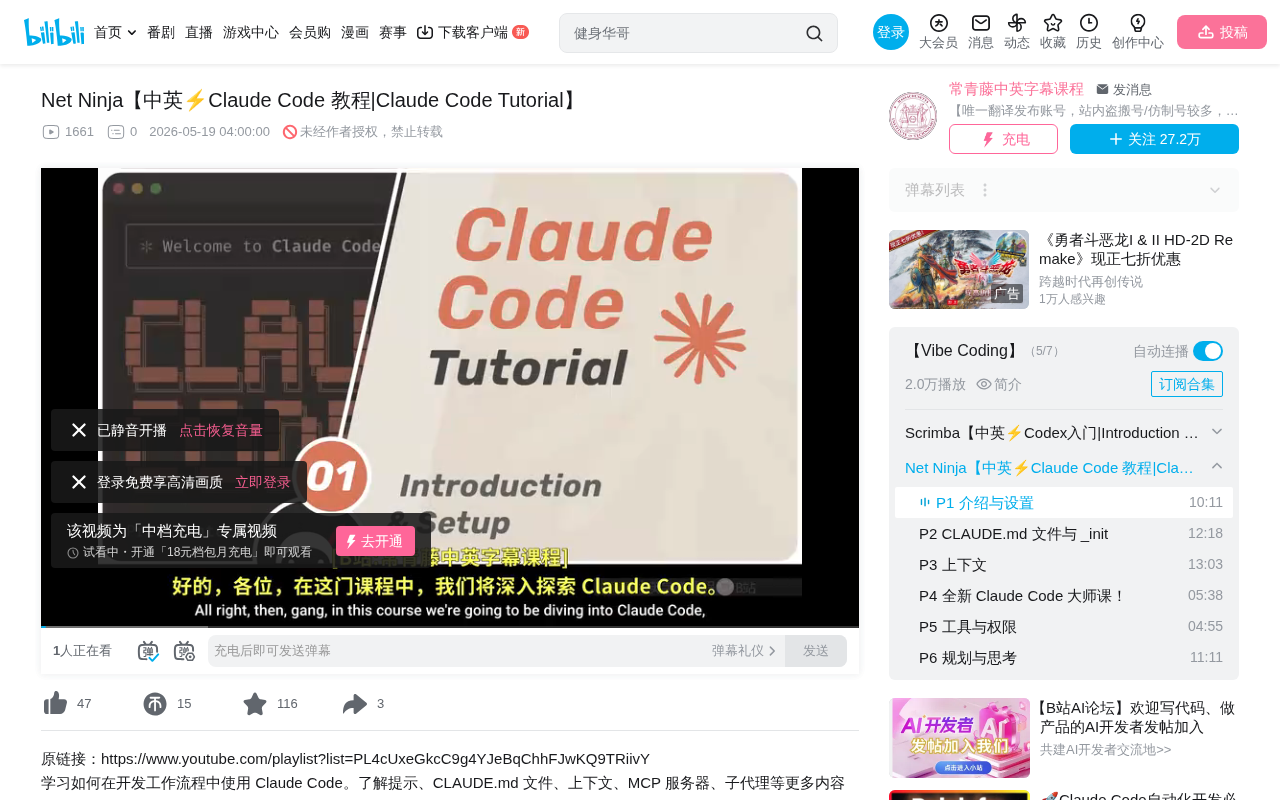
Getting Started with Claude Code: Installation, Configuration, and Practical Tips for a Terminal AI Coding Assistant
A detailed guide to Claude Code's installation, core advantages, and practical workflows. This terminal-based AI coding assistant offers deep codebase understanding, Git integration, and GitHub automation.
Read more →
 Tutorials
·3 min
Getting Started with Claude Code: Installation, Configuration, and Practical Tips for a Terminal AI Coding Assistant
A detailed guide to Claude Code's installation, core advantages, and practical workflows. This terminal-native AI coding assistant offers deep codebase understanding, Git integration, and GitHub automation.
Read more →
 Tech Frontiers
·3 min
DeepSeek TUI: A Terminal AI Coding Assistant Built in Rust with 2.3K GitHub Stars
DeepSeek TUI is an open-source terminal AI coding tool written in Rust, optimized for DeepSeek API, dubbed Claude Code for DeepSeek. Plus: AI joint ventures, Sierra's $950M raise, and AWS Agent infrastructure updates.
Read more →
 Product Reviews
·3 min
OpenCode: A Deep Dive into the Terminal AI Coding Tool Built with Go
Deep dive into OpenCode, a terminal AI coding tool built with Go. Blazing-fast startup, multi-model support (Gemini, Claude), built-in Vim editor, and LSP integration. Compared with Claude Code and Aider.
Read more →
 Product Reviews
·2 min
Mistral Vibe: Free Open-Source Terminal AI Coding Assistant — A Claude Code Alternative
Mistral Vibe is an open-source, free terminal AI coding agent by Mistral with sub-agents, async processing, and Slash commands — a powerful Claude Code alternative for developers.
Read more →
 Tutorials
·2 min
Pi Agent in Practice: A Complete Guide to the Minimalist Terminal AI Coding Assistant
Hands-on experience with Pi Agent, an open-source terminal AI coding assistant, covering agents.md config, Terraform automation, and session management for DevOps engineers.
Read more →
 Product Reviews
·1 min
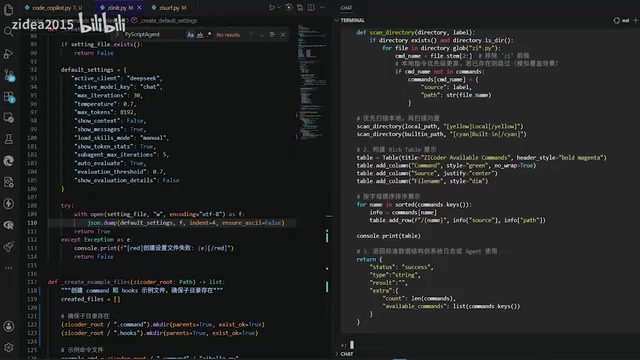
Zicoder Copilot: A Complete Guide to the Terminal AI Coding Assistant
A detailed guide to Zicoder Copilot terminal AI coding assistant, covering file operations, AI-assisted coding, context management, and intelligent retrieval for a Cursor-like agentic coding experience in the terminal.
Read more →
 Product Reviews
·2 min
GitHub Copilot CLI Hands-On Review: A Terminal AI Coding Tool Put to the Test
Hands-on review of GitHub Copilot CLI public preview: installation, MCP server extensions, deep GitHub integration, and a comparison with Claude Code to help you decide if it's worth switching.
Read more →
 Product Reviews
·3 min
DeepSeek TUI: A Terminal AI Coding Agent with Million-Token Context, Ready to Use with One Command
DeepSeek TUI brings DeepSeek V4 Pro into your terminal with a million-token context window, one-command setup. Learn installation, usage, and ideal scenarios for AI-assisted coding in the command line.
Read more →